Creating a Teaching Material with the Document Camera
■ Creating a teaching material with pictures
➊
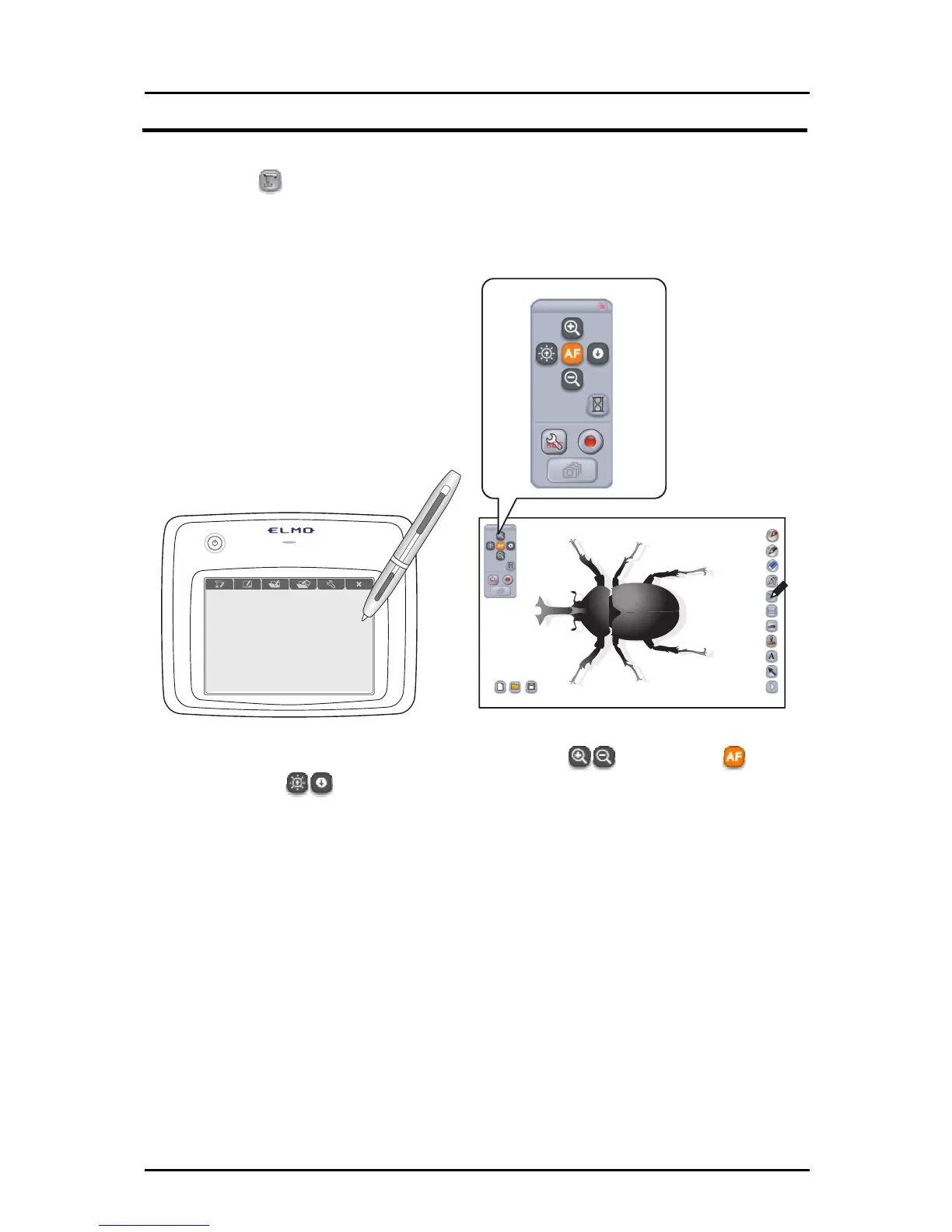
Touch
on the right of the screen to display the Document Camera
remote control.
(The remote control is not displayed if the Document Camera is not
connected.)
➋
Operate the Document Camera by touching (zoom +/-), (auto
focus), or
(brightness +/-) on the Document Camera remote
control.
➌
You can insert a picture, text or a stamp image on the Document Camera
image.
* See the corresponding items on the subsequent pages for details on inserting pictures, text
and stamp images.
54



 To Next Page