Using the Scroll
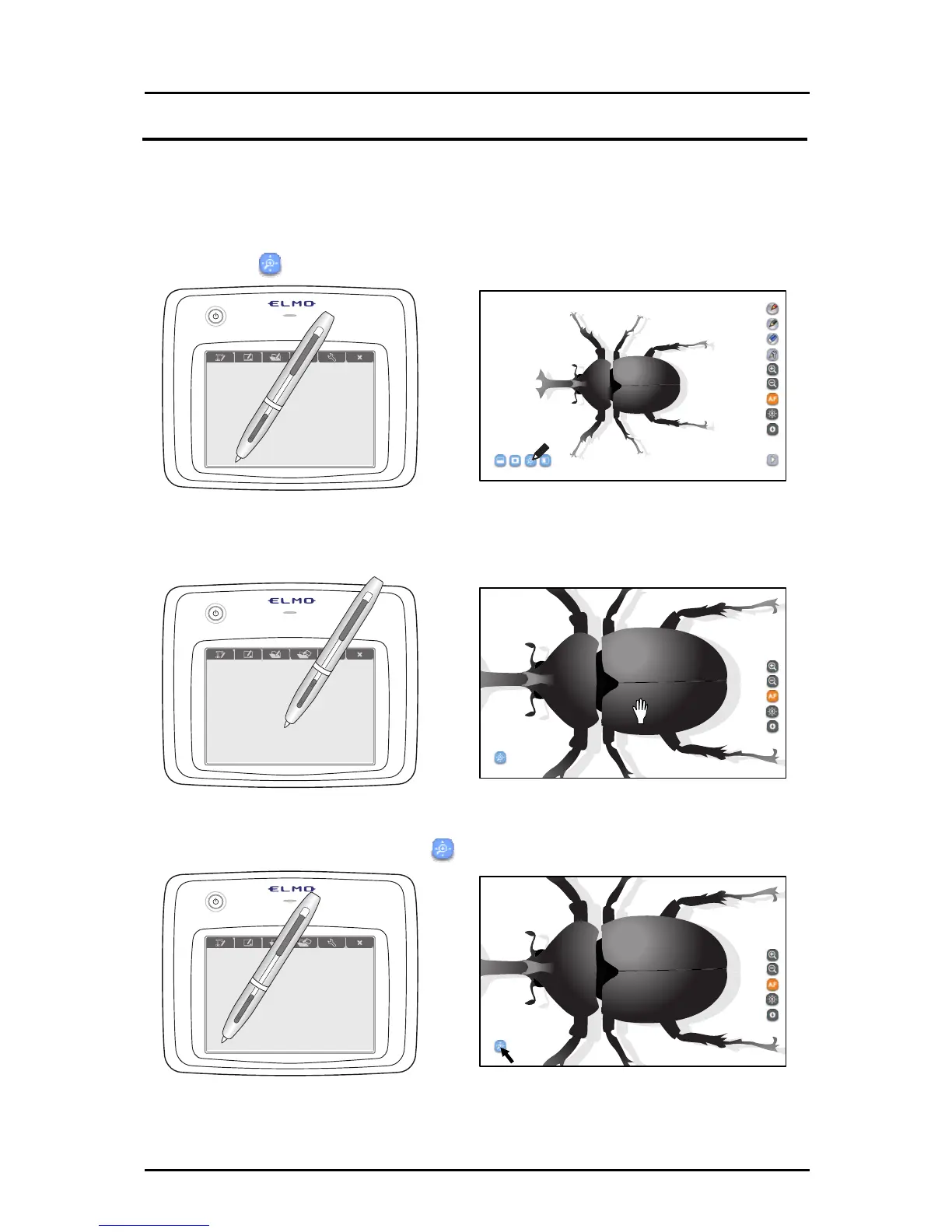
The scroll function enlarges the Document Camera image.
By temporarily enlarging a small part and moving the image with the pen, your lessons will
become more effective.
➊
Touch
on the bottom left.
➋
An electronically magnified image is displayed on the screen. Drag the
image to move it.
➌
To quit the scrolling, touch
on the bottom left again.
32



 To Next Page