Creating a Teaching Material with a Method Other Than the
Document Camera
■ Changing the background
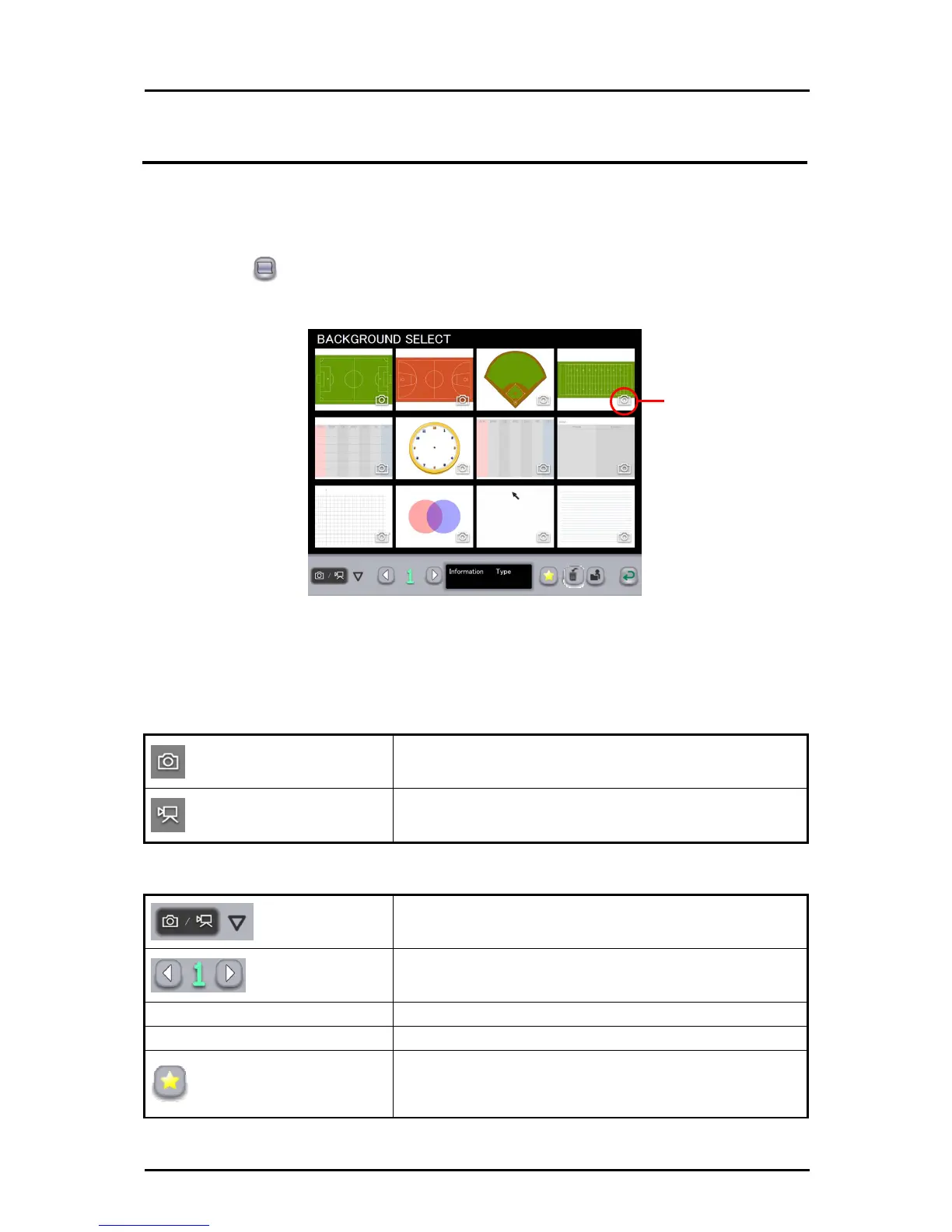
In teaching material creation mode, you can select a background from the pictures and
videos created with the Tablet software (Image Mate Accent).
➊
Touch on the right of the screen, and select the picture or video to
use as the background in the BACKGROUND SELECT screen.
Image type symbol
In the select
ion screen, select a picture or video.
The pictures and videos are displayed in order of last updated date, but teaching
materials set as “favorite” are displayed first regardless of their updated date.
A symbol displayed on the bottom of the image indicates the type of the image.
Picture symbol
Indicate pictures.
Video symbol
Indicate videos.
Filter
To filter the backgrounds to be displayed.
Page
If all backgrounds cannot be displayed on a single
screen, they will be displayed in the next page(s).
Information
Display the updated date for the selected background.
Type
Display the type of the selected background.
Favorite
To set the selected background as “favorite”..
Backgrounds set as “favorite” are displayed first on the
BACKGROUND SELECT screen.
57



 To Next Page