Caution
Deletion screen
To go to the deletion screen.
The teaching material previously selected is selected for
deletion.
File selection
To select a picture or video that is saved on the
computer.
Depending on the picture type,it may not
be possible to use some of the pictures
that are saved on your computer.
Cancel
To cancel the background selection and return to the
previous mode.
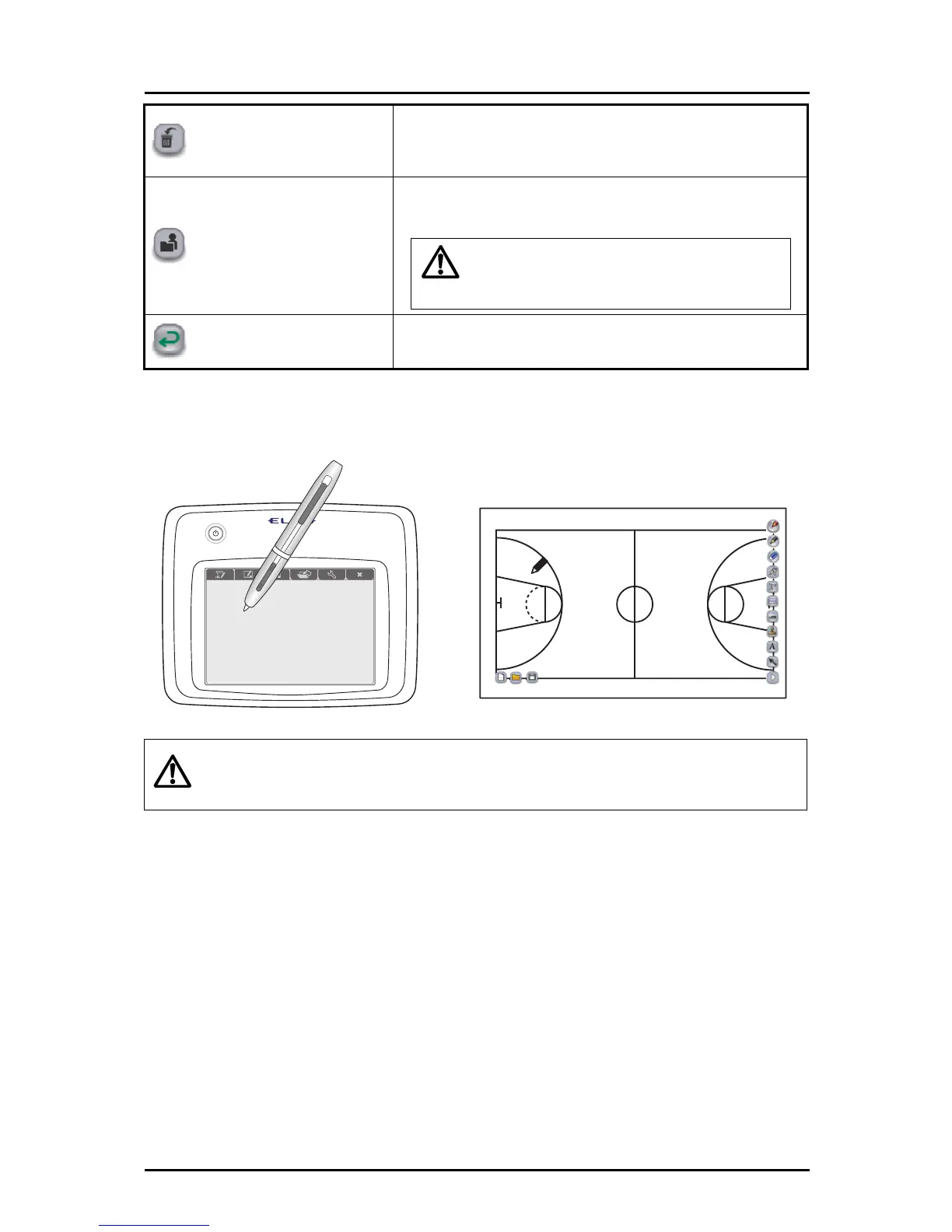
➋
The selected picture or video is displayed as the background.
Caution
Depending on the environment or condition
of your computer, the video may
playback slowly or the reaction time for operations may be slow.
Closing other applications may improve the performance.
58



 To Next Page