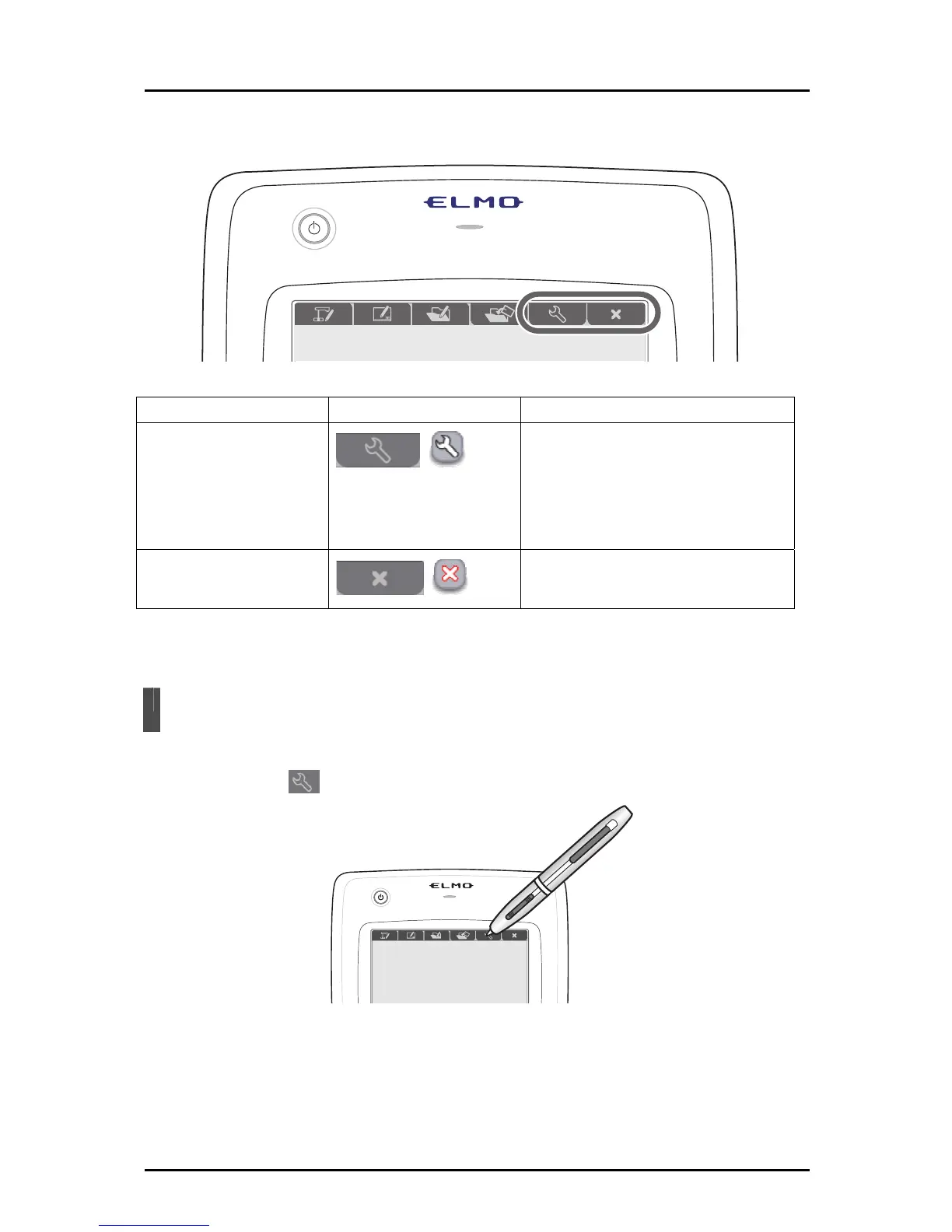
This section describes the setting mode.
Mode Function key Description
Setting mode
To configure the settings for Tablet
operations.
You can also display the version or
status of connected devices.
Quit
Quit the Tablet software (Image
Mate Accent).
Setting Mode
In setting mode, you can configure the settings for Tablet operations.
Touch the function key on the tablet.
71



 To Next Page