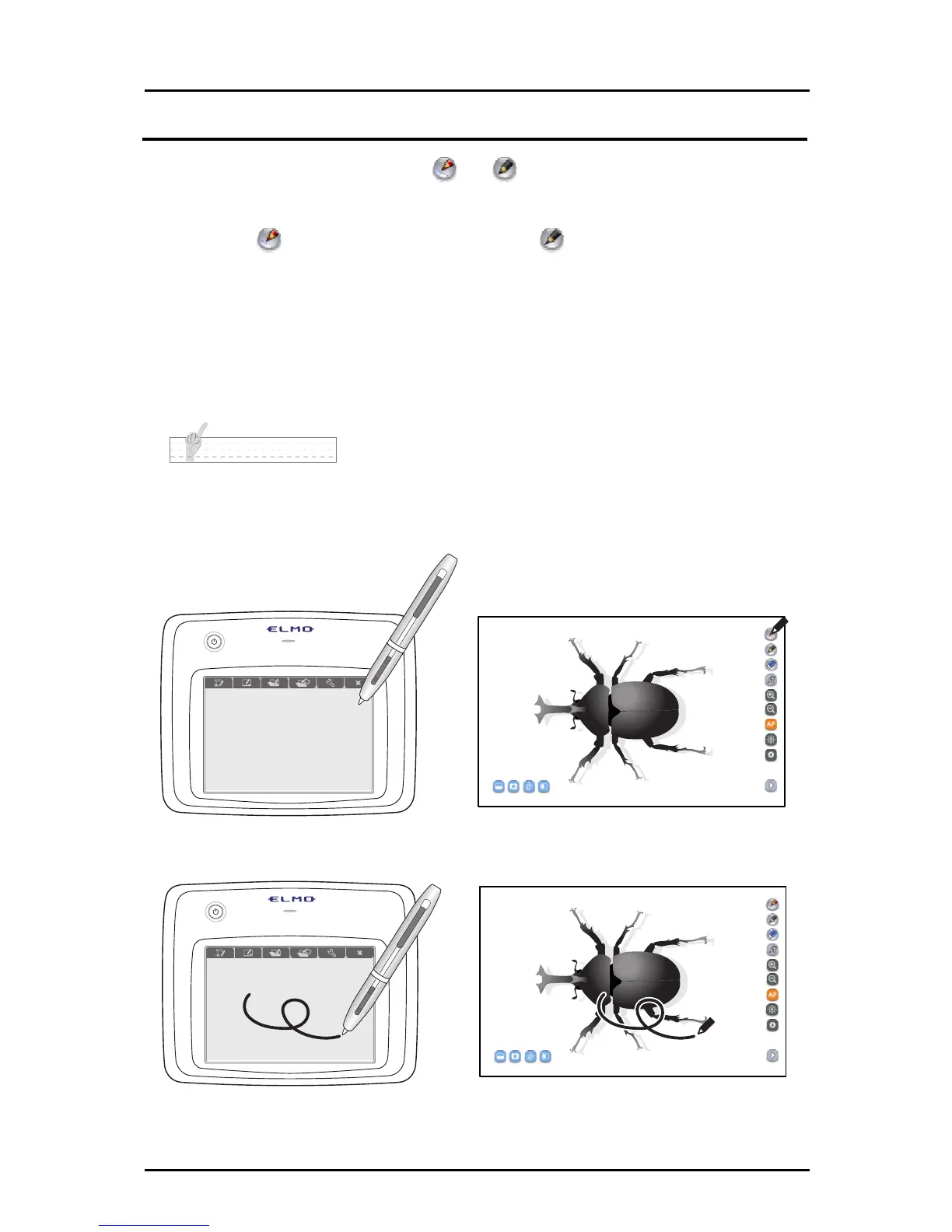
Drawing
➊ Touch the desired pen icon or in the menu on the top right of the
screen.
Select to draw a red line, and select to draw a black line.
The initial setting is straight line pen (red) and pencil (black).
The pen with the ruler symbol is a straight line pen that has a straight line
correction function.
This is useful for underlining, and drawing tables or graphs.
N o t e
• The pen types can be changed in the pen settings. <See “Setting the Pen”>
• You can make more efficient use of the straight line pen’s straight line correction function by
selecting graph paper in whiteboard board. <See “■Using graph paper”>
➋
Draw lines by moving the pen while touching the tablet.
See "Basic Pen Operations" for more details.
25



 To Next Page