Setting the Computer Images as the Background
In whiteboard mode, in addition to the backgrounds prepared in advance, you can set the
computer images as the background.
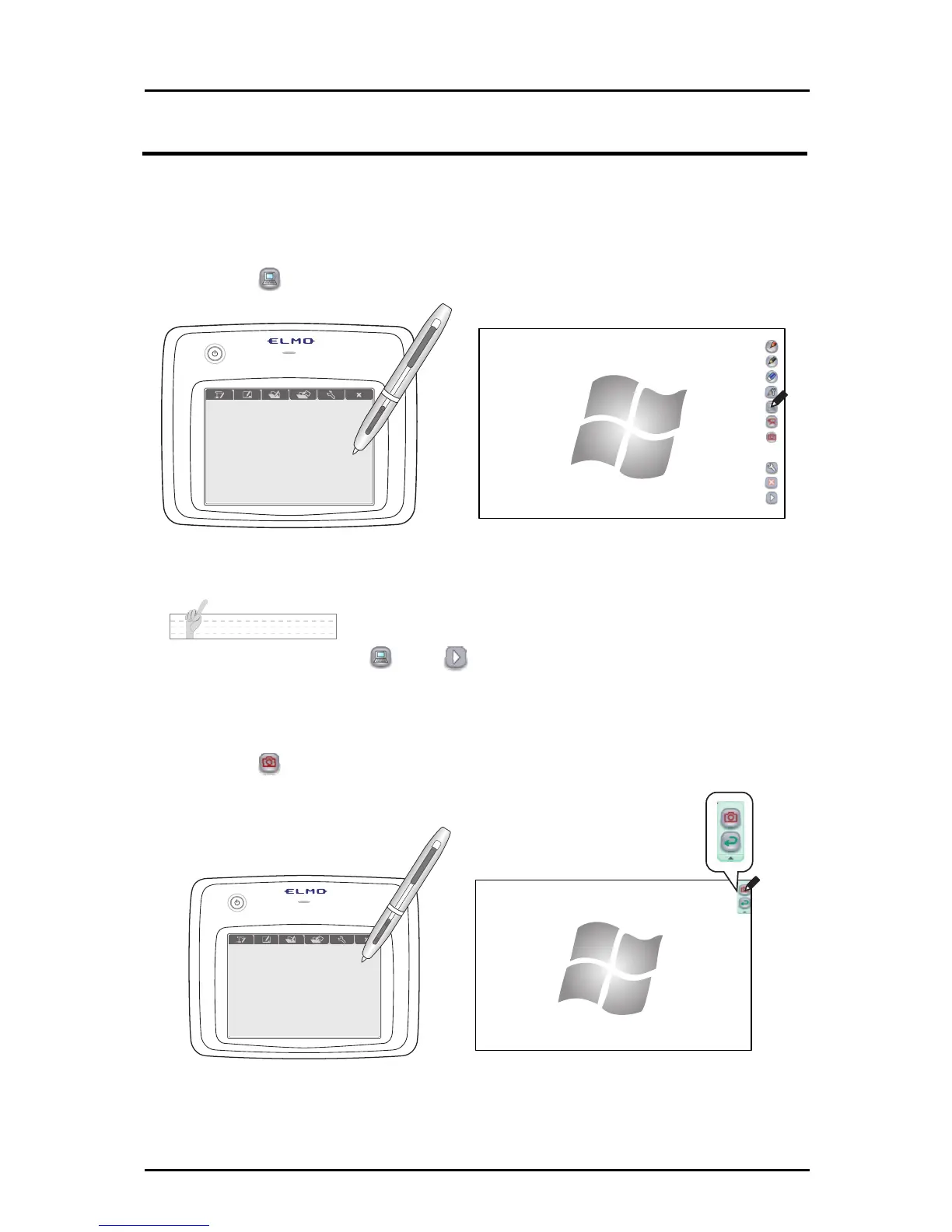
■ Operating the computer
➊
Touch to display the computer screen.
➋
Start another application. The Pen can be used instead of a mouse.
N o t e
To display the computer button , touch
at the bottom of the menu buttons and go to the
next menu.
■ Drawing on the computer screen
➊
Touch to capture the current computer screen.
37



 To Next Page