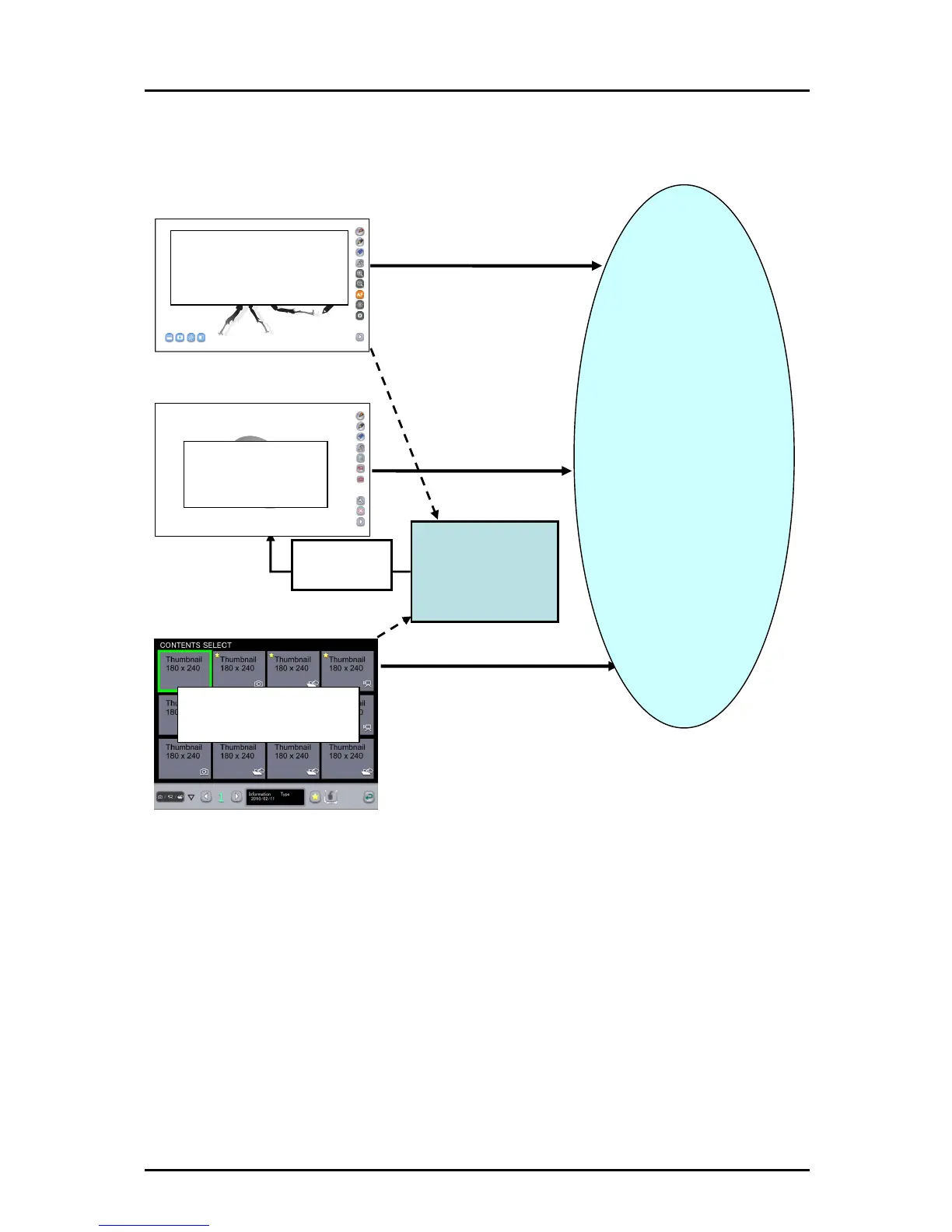
■ Diagram of the Tablet modes
As shown above, the Tablet basic operations (drawing, deleting and recording) are performed
for the Document Camera image in "Document Camera mode", for the background image in
"Whiteboard mode", and for an already-created teaching material in "Teaching material
import mode".
You can go back to normal computer screen from any of these modes to operate the
computer with the Tablet instead of a mouse. When the computer screen is captured, the
computer screen is set as the background automatically and you can perform the Tablet
basic operations for it.
Background
Image of created teaching material
Screen
capture
(Thumb
nail display)
Teaching material selection
Teaching material import mode
Document Camera image
Computer operations
Use instead of a mouse
to operate the computer.
Whiteboard mode
Document Came
ra operations
image display
Document Camera
image sele
ction
Background
Re
cording
Deleting
Drawing
Tablet basic
operations
Document Camera mode
21



 To Next Page