Caution
Depending on the environment or condition of your computer, the video may
playback slowly or the reaction time for operations may be slow.
Closing other applications may improve the performance.
Deleting a Teaching Material
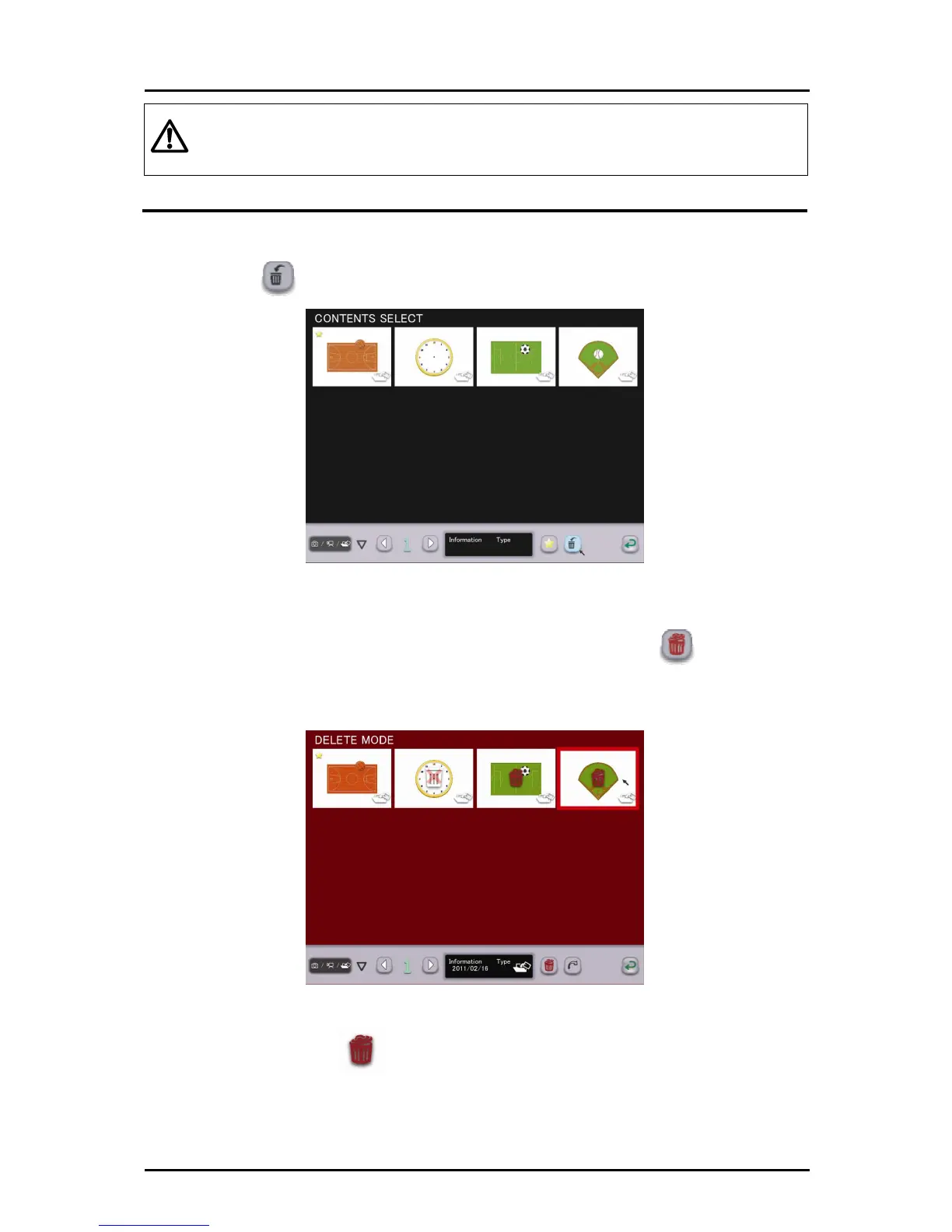
You can delete teaching materials that you no longer need.
➊
Touch to display the deletion screen.
➋
Touch the teaching material that you want to delete. The selected
teaching material is highlighted and the trash can icon
is displayed.
➌
To delete multiple teaching materials, continue the selection process.
To cancel the deletion selection, touch the teaching material again.
The trash can icon disappears.
41



 To Next Page