Caution
- If you cann
ot find icon
, display All Programs in the Windows Start menu, select
ELMO → Image Mate Accent, and start Image Mate Accent.exe.
- Do not change the resolution settings for the computer screen while the Tablet
software (Image Mate Accent) is starting.
➏
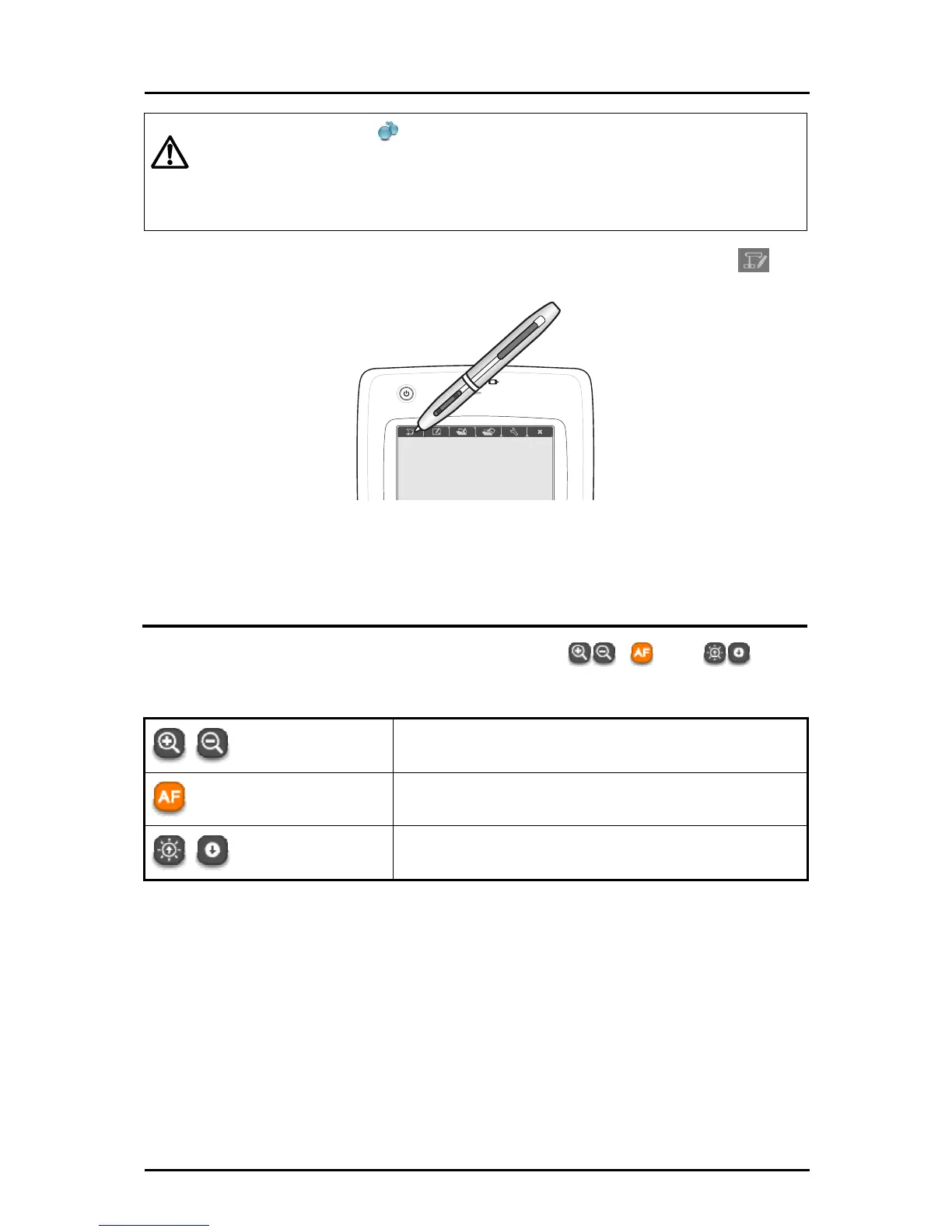
After the Tablet software (Image Mate Accent) started, touch the
function key on the tablet.
Operating the Document Camera
➊
Operate the Document Camera by touching , and on
the right of the screen.
Zoom +/-
To control the zoom level of the Document Camera.
Auto focus
To focus the Document Camera automatically.
Brightness +/-
To adjust the brightness of the Document Camera.
24



 To Next Page