➋
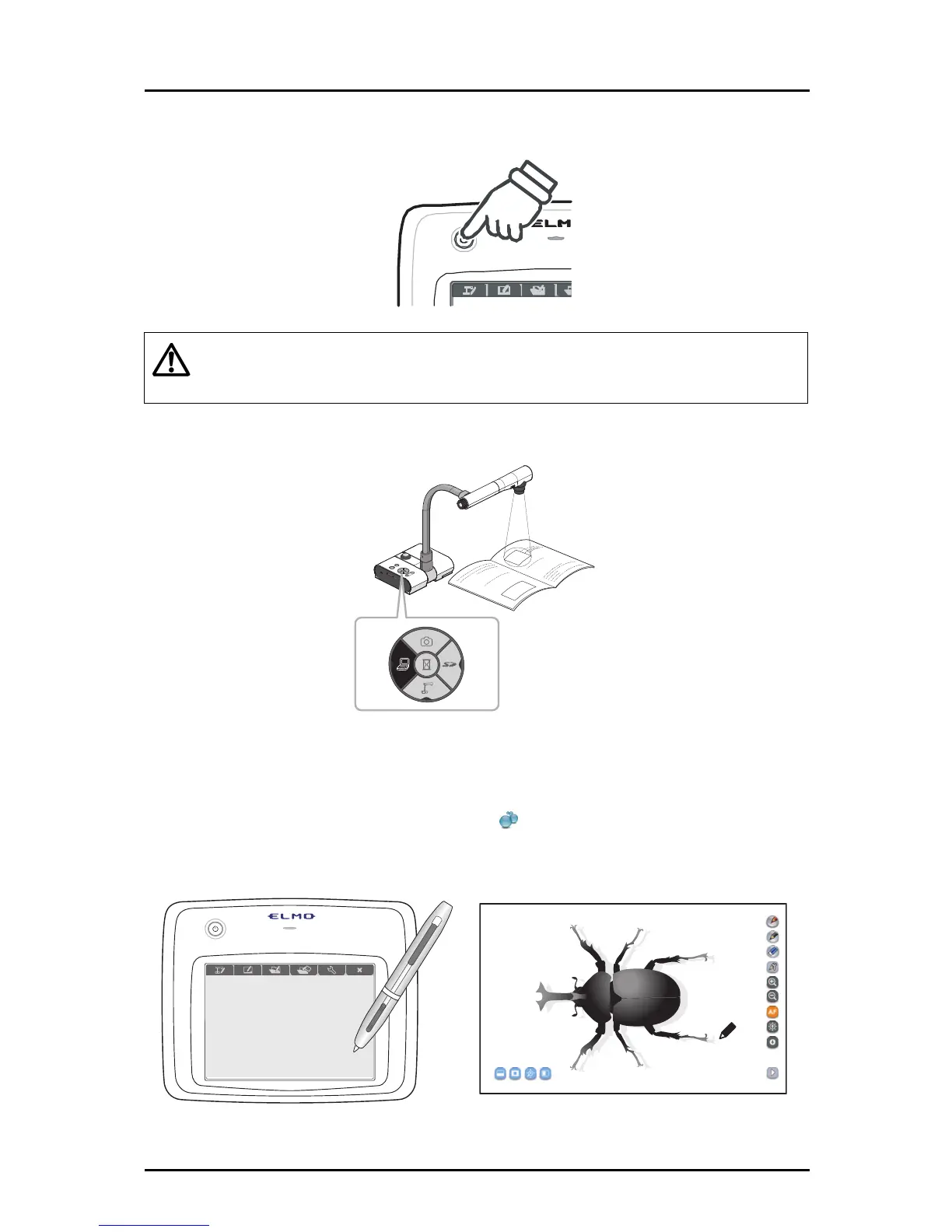
Turn on the Tablet.
Caution
When you press the po
wer button, the power LED is lit.
* If the power LED flashes or stays off, the level of the battery pack is too low.
Charge the battery pack.
➌
Set the Document Camera to the computer mode.
➍
When using a notebook computer, select the external output mode.
For details on the selection method, refer to the User's Guide of your notebook computer.
➎
Click the "Image Mate Accent" icon on the computer desktop.
The Tablet software (Image Mate Accent) starts and the image from the Document Camera is
displayed.
23



 To Next Page