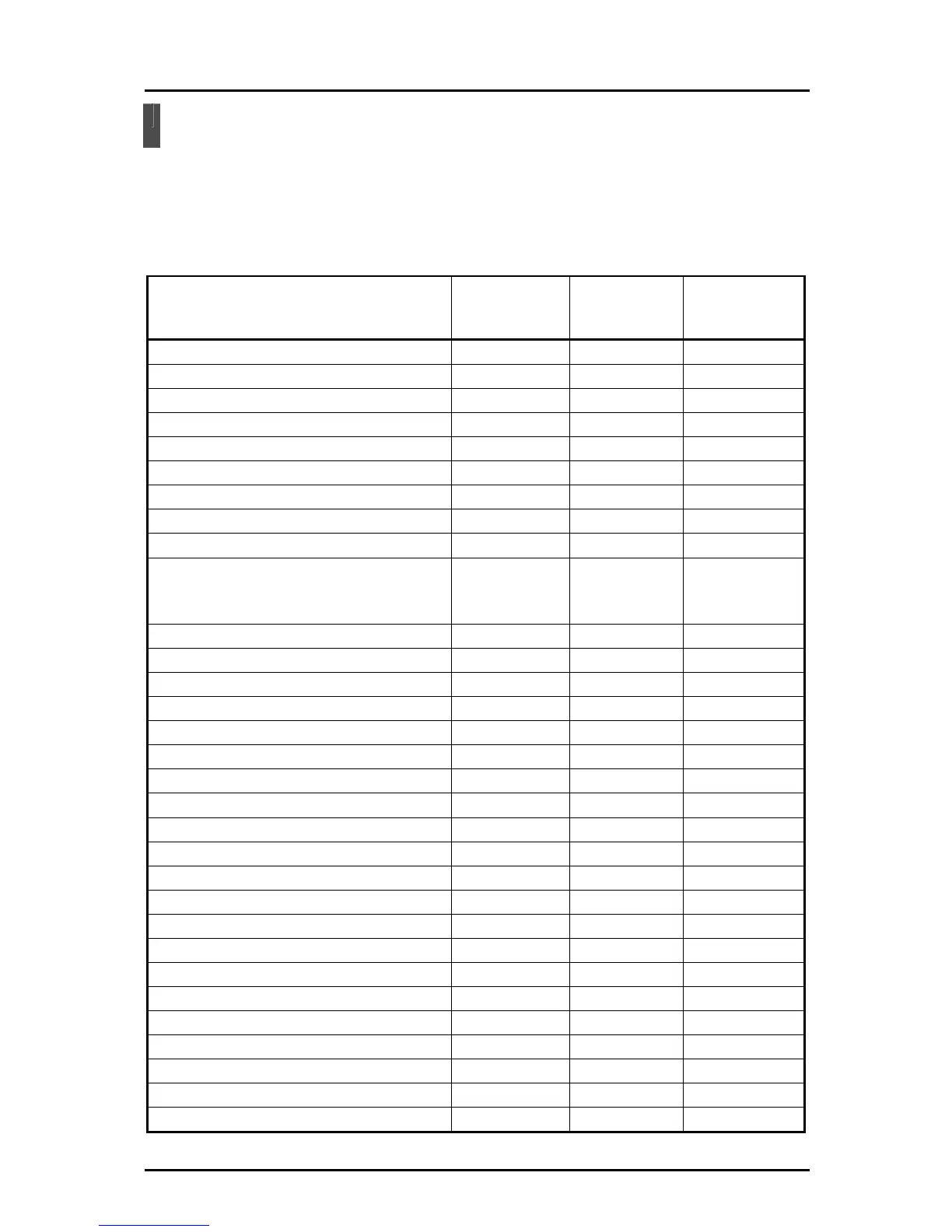
Function List
The functions available in each mode are shown below.
○・・・Can always be used.
-・・・Cannot be used.
△・・・May not be possible to use depending on the expert setting, the connection status
of the Document Camera, and the operation status of the Document Camera.
Button name
Document
Camera mode
Whiteboard
mode
Teaching
material import
mode
Pen 1
○ ○ ○
Pen 2
○ ○ ○
Delete all
○ ○ ○
Pen settings
○ ○ ○
Zoom +/-
○ - -
Auto focus
○ - -
Brightness +/-
○ - -
Start/stop lesson recording
○ ○ ○
Capture
○ ○ ○
Vertical lines, horizontal lines, graph paper,
musical score, alphabet practice sheet,
whiteboard background
- ○ -
Settings
○ ○ ○
Quit
○ ○ ○
Next menu
○ ○ △
Computer operations
○ ○ ○
Stamp
△ △ △
Undo
△ △ △
Select
△ △ △
Stop/restart screen
△ - -
Enter text
- - -
Edit drawing
- - -
Document Camera mode
△ △ △
Whiteboard mode
△ △ △
Teaching material import mode
△ △ △
Teaching material creation mode
△ △ △
Mask
○ - ○
Highlight
○ - ○
Scroll
○ - ○
Compare pictures
○ - ○
Playback speed
- - △
Play/pause
- - △
Change volume
- - △
51



 To Next Page