Using the Highlight
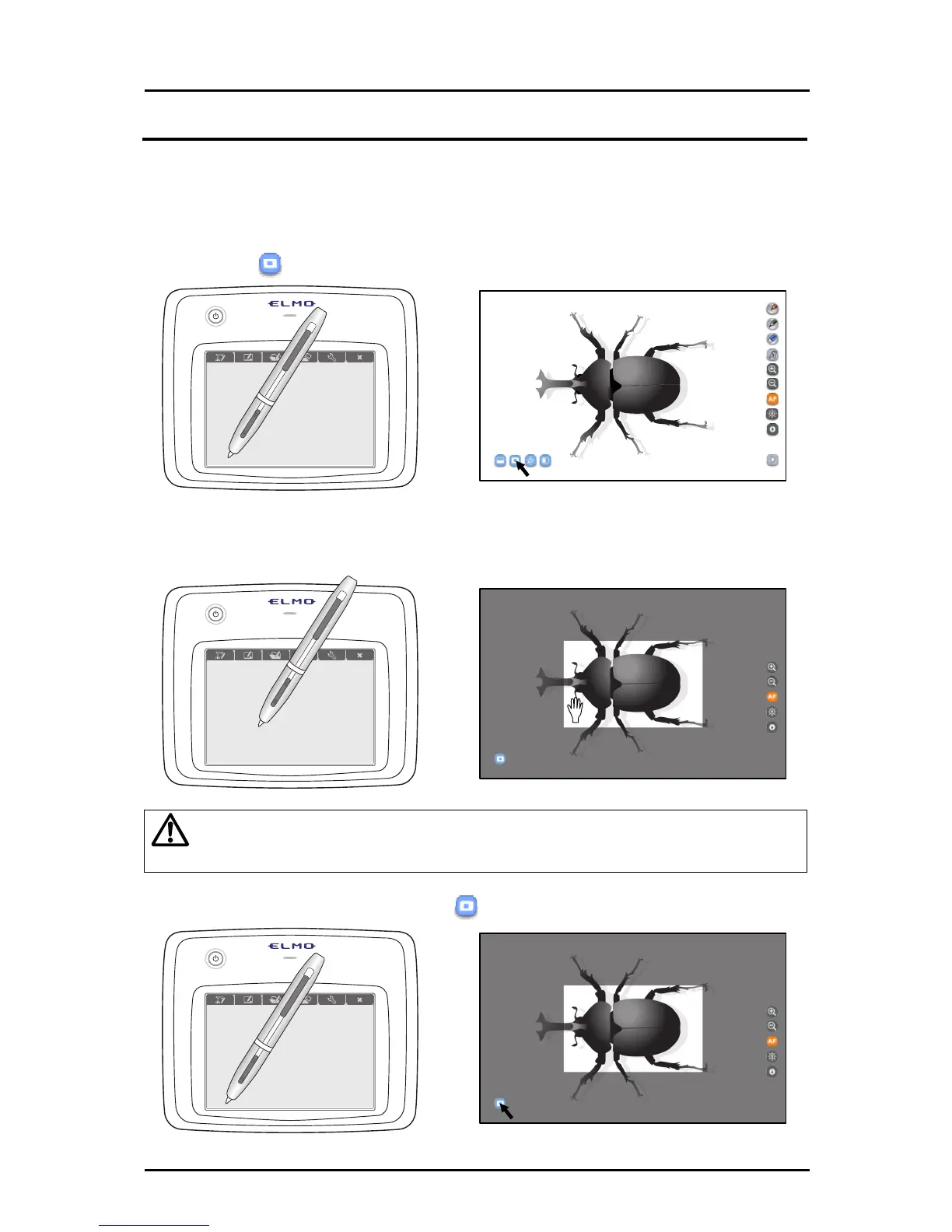
The highlight function brings attention to a part of the Document Camera image.
By highlighting only the area you want to bring to attention, your lessons will become more
effective.
➊
Touch
on the bottom left.
➋
The highlighted area is displayed on the screen. Drag the highlighted
area to move it.
Caution
In expert
mode, you can change the size of the highlighted area by dragging the
area that is not highlighted.
➌
To cancel the highlight, touch
on the bottom left again.
31



 To Next Page