EasyManua.ls Logo

Elmo CRA-1 - User Manual

Elmo CRA-1
89 pages
Print Icon
To Next Page IconTo Next Page
Loading...
User's Guide (Operation)
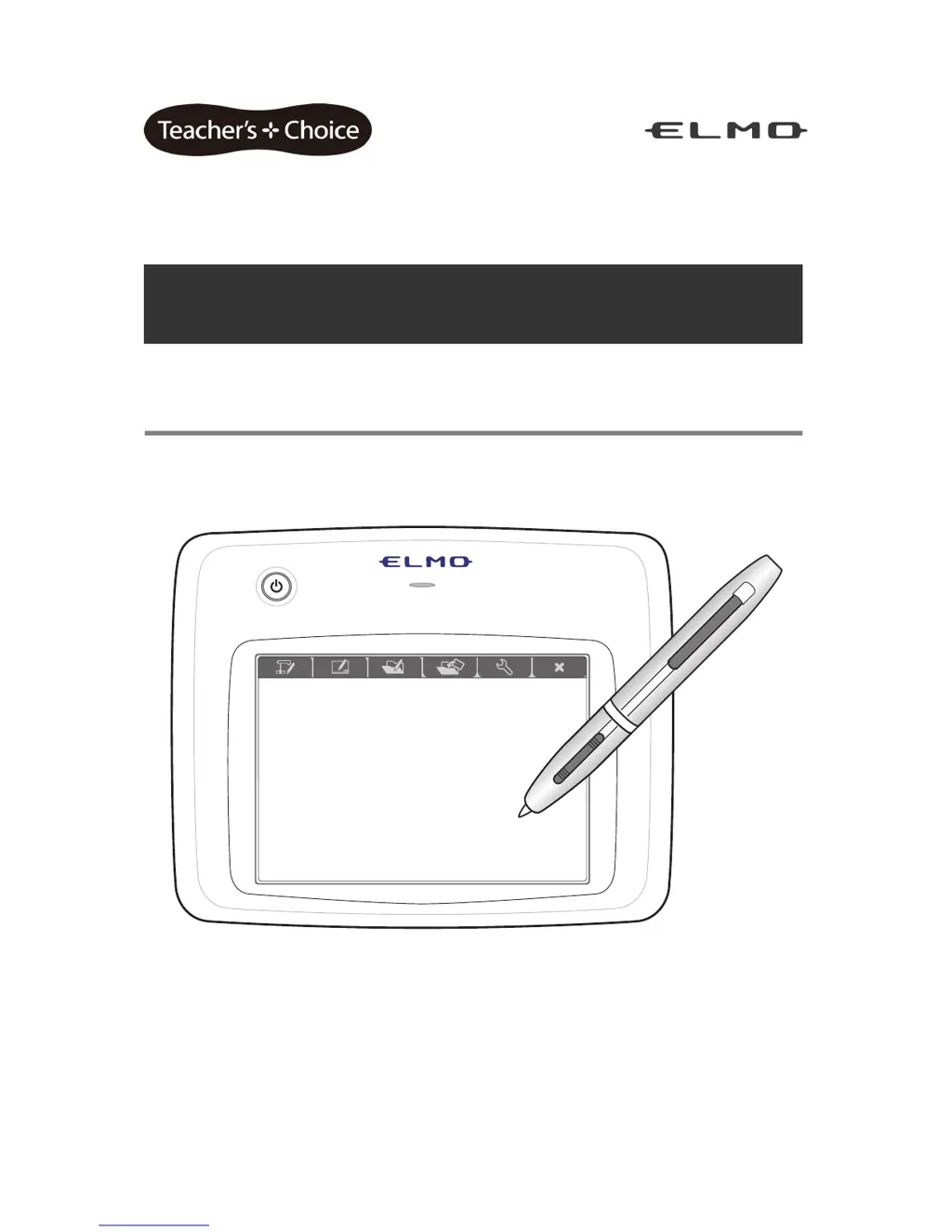
ELMO Wireless Slate / Tablet (CRA-1)
Read this User's Guide carefully before using the CRA-1.
Store this User's Guide in a safe place in case you need it again.

Table of Contents

Questions and Answers

  • J
    Joshua LeeAug 19, 2025
    Why is my Elmo Tablet cursor not moving?
    • B
      Brandi SilvaSep 12, 2025
      If your Elmo Tablet cursor isn't moving, there could be several reasons. Ensure the wireless adapter is directly connected to your computer's USB port, avoiding USB hubs. Wireless interference from other devices might be the cause, so try removing any nearby electronic equipment. Also, the software installation may be incomplete, so reinstall the software. Finally, adjust the pressure or touch sensitivity settings, and replace the dry cell battery.
  • D
    Dana DavisAug 21, 2025
    What to do if the Elmo Tablet and wireless adapter communication is unstable?
    • M
      Michaela WilliamsAug 21, 2025
      If the communication between your Elmo Tablet and its wireless adapter is unstable, it might be due to third-party tablet software interfering; avoid running such software simultaneously. Obstructions or the installation location can also cause issues, so remove any obstructions or adjust the placement. Interference from other wireless devices might be the problem, so try stopping their use or moving to a location free from interference.
  • M
    Mitchell JacksonAug 23, 2025
    How to turn on Elmo Tablet if it's not powering on?
    • B
      Brenda MolinaAug 25, 2025
      If your Elmo Tablet isn't turning on, make sure the lithium-ion battery is correctly inserted. If it is, you should charge the lithium-ion battery.
  • T
    Theodore RobinsonAug 26, 2025
    Why can't I hear audio on my Elmo Tablet teaching material with Image Mate Accent?
    • W
      Walter CrossAug 26, 2025
      If you cannot hear audio on your Elmo Tablet teaching material, remember that only lesson recordings include audio; other video types do not. Also, check the volume levels during video recording and playback and set them to a suitable level. Note that audio recording and playback are not possible in a computer environment in which a sound device is not installed.
  • R
    Ronald DouglasAug 27, 2025
    How to display Document Camera correctly with Elmo Tablet Image Mate Accent?
    • K
      Keith LewisAug 27, 2025
      To display the Document Camera correctly with Image Mate Accent, perform the video selection for the Document Camera with [PC] (RGB IN). Also, match the fineness ratio of your personal computer screen resolution to the fineness ratio of the resolution of the Document camera image.
  • O
    olsonsusanAug 30, 2025
    What to do if the cursor does not move on my Elmo Tablet?
    • M
      Monica AndrewsAug 30, 2025
      If your Elmo Tablet cursor isn't moving, it might be due to a few reasons. First, the tablet driver installation may not have been completed correctly, so you should install the tablet driver. The tablet also may not respond if the pressure sensitivity is too low or the touch sensitivity is too high, so perform the appropriate settings. Check that the wireless adapter is connected to the computer being used directly to the USB port on the PC, not via a USB hub. You may also need to replace the dry cell battery with a new one. Finally, see "If tablet communication cannot be performed".
  • R
    Robert DuarteSep 1, 2025
    Why is communication unstable between my Elmo Tablet and the wireless adapter?
    • J
      Joseph RodriguezSep 1, 2025
      If communication between your Elmo Tablet and the wireless adapter is unstable, it could be due to obstructions or the tablet being placed on top of a computer. Remove any obstructions or change the installation location. Wireless devices or electronic equipment may also interfere, so stop using them or move to a location with no interference.
  • C
    Cameron DominguezSep 3, 2025
    How to turn on my Elmo Tablet if it's not powering on?
    • L
      Lawrence HerringSep 3, 2025
      If your Elmo Tablet power does not turn on, ensure the lithium-ion battery is inserted correctly. If it still doesn't turn on, charge the lithium-ion battery.
  • K
    Krystal SanchezSep 5, 2025
    Why is communication between my Elmo CRA-1 Tablet and the wireless adapter unstable?
    • J
      Justin BryantSep 5, 2025
      Unstable communication between your Elmo Tablet and the wireless adapter could be due to running third-party tablet software, which may conflict with the Elmo Tablet's operation. Obstructions or installation angles can also affect wireless communication. Try removing any obstructions or changing the installation location. Interference from other wireless devices or electronic equipment may also be the cause. If the problem continues, stop using the interfering devices or move to an area free of interference.
  • C
    Christopher ShermanSep 7, 2025
    How to turn on Elmo CRA-1 if it does not power ON?
    • A
      alvarezadrienneSep 7, 2025
      If your Elmo Tablet power isn't turning on, start by checking that the battery pack is correctly inserted. If it is, refer to the section on 'Inserting and Charging the Battery Pack' to charge the battery.

Summary

Important Safety Instructions

General Safety Precautions

Essential guidelines for safe operation and maintenance of the apparatus to prevent hazards.

Getting Started: Preparations and Installation

Battery Insertion, Charging, and Software Installation

Guides on battery insertion, charging, and installing the tablet software.

Basic Tablet Operations

Pen Interaction and Screen Layout

Explains fundamental pen operations and details the tablet's screen interface configuration.

Tablet Modes and Their Functions

Mode Selection and Diagram

Introduces tablet operating modes and provides a visual overview of their functions.

Document Camera Mode Operations

Initial Setup and Controls

Guides on camera setup, tablet operation, and controlling camera functions like zoom and focus.

Drawing and Recording Features

Basic Drawing, Editing, and Recording

Covers drawing, editing, saving images/videos, and quitting the software.

Whiteboard Mode

Whiteboard Operation and Backgrounds

Introduces whiteboard mode, background selection, and graph paper features.

Creating Teaching Materials

System Configuration and Settings

Advanced Tablet Functions

Troubleshooting and Support

Common Issues and Solutions

Addresses problems with power, cursor, communication, display, and audio.

Warranty and After-Sales Service

Elmo CRA-1 Specifications

General IconGeneral
BrandElmo
ModelCRA-1
CategoryTablet
LanguageEnglish