EasyManua.ls Logo

Elmo CRA-1 - User Manual

Elmo CRA-1
89 pages
Print Icon
To Next Page IconTo Next Page
Loading...
User's Guide (Operation)
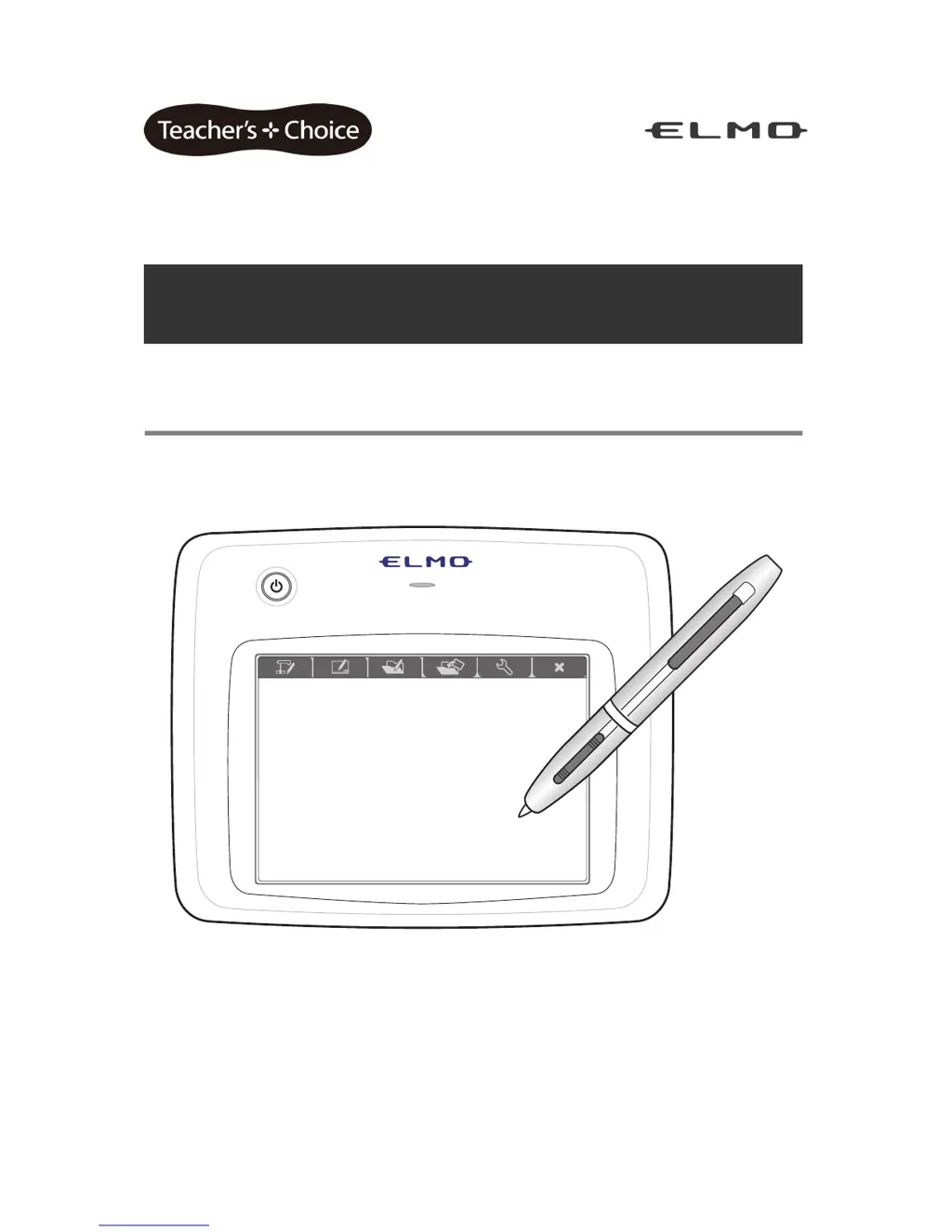
ELMO Wireless Slate / Tablet (CRA-1)
Read this User's Guide carefully before using the CRA-1.
Store this User's Guide in a safe place in case you need it again.

Table of Contents

Questions and Answers

  • J
    Jennifer LeeSep 9, 2025
    Why is the Document Camera not displayed correctly with the Elmo CRA-1 software (Image Mate Accent)?
    • J
      Jennifer HarrisSep 10, 2025
      If your Document Camera isn't displaying correctly with the Elmo Tablet software (Image Mate Accent), make sure the video setting of the Document Camera is set to [PC] (RGB IN). The software stores the resolution ratio of the Document Camera image. Matching the resolution ratio of your computer screen with the resolution ratio of the Document Camera image may help. See the User's Guide of your Document Camera for more details about the Document Camera settings.
  • D
    Daniel HickmanSep 12, 2025
    Why can't I play the audio of a teaching material with the Elmo CRA-1 software (Image Mate Accent)?
    • M
      Michelle HoSep 12, 2025
      If you can't play the audio of a teaching material with the Elmo Tablet software (Image Mate Accent), remember that audio is only recorded with lesson recording, not with normal, intermittent, or frame recording. Also, check the volume levels, as low input or playback volume can make the audio difficult to hear. Audio recording and playback require a sound device to be installed on your computer.
  • J
    John KellySep 13, 2025
    Why are teaching materials not displayed correctly with the Elmo Tablet software (Image Mate Accent)?
    • N
      Nicole GutierrezSep 14, 2025
      If teaching materials are not displayed correctly with the Elmo Tablet software (Image Mate Accent), it might be because a video or picture used in the material has been deleted, preventing the background from displaying. Ensure that videos and pictures are not deleted after being used in teaching materials.
  • J
    Jonathan MccallSep 16, 2025
    Where can I find the storage location of teaching materials created with the Elmo Tablet software (Image Mate Accent)?
    • T
      Thomas JacksonSep 16, 2025
      The default storage location for teaching materials created with the Elmo Tablet software (Image Mate Accent) or captured images is: My Documents ? My Pictures ? Image Mate Accent ? rec

Summary

Important Safety Instructions

General Safety Precautions

Essential guidelines for safe operation and maintenance of the apparatus to prevent hazards.

Getting Started: Preparations and Installation

Battery Insertion, Charging, and Software Installation

Guides on battery insertion, charging, and installing the tablet software.

Basic Tablet Operations

Pen Interaction and Screen Layout

Explains fundamental pen operations and details the tablet's screen interface configuration.

Tablet Modes and Their Functions

Mode Selection and Diagram

Introduces tablet operating modes and provides a visual overview of their functions.

Document Camera Mode Operations

Initial Setup and Controls

Guides on camera setup, tablet operation, and controlling camera functions like zoom and focus.

Drawing and Recording Features

Basic Drawing, Editing, and Recording

Covers drawing, editing, saving images/videos, and quitting the software.

Whiteboard Mode

Whiteboard Operation and Backgrounds

Introduces whiteboard mode, background selection, and graph paper features.

Creating Teaching Materials

System Configuration and Settings

Advanced Tablet Functions

Troubleshooting and Support

Common Issues and Solutions

Addresses problems with power, cursor, communication, display, and audio.

Warranty and After-Sales Service

Elmo CRA-1 Specifications

General IconGeneral
BrandElmo
ModelCRA-1
CategoryTablet
LanguageEnglish