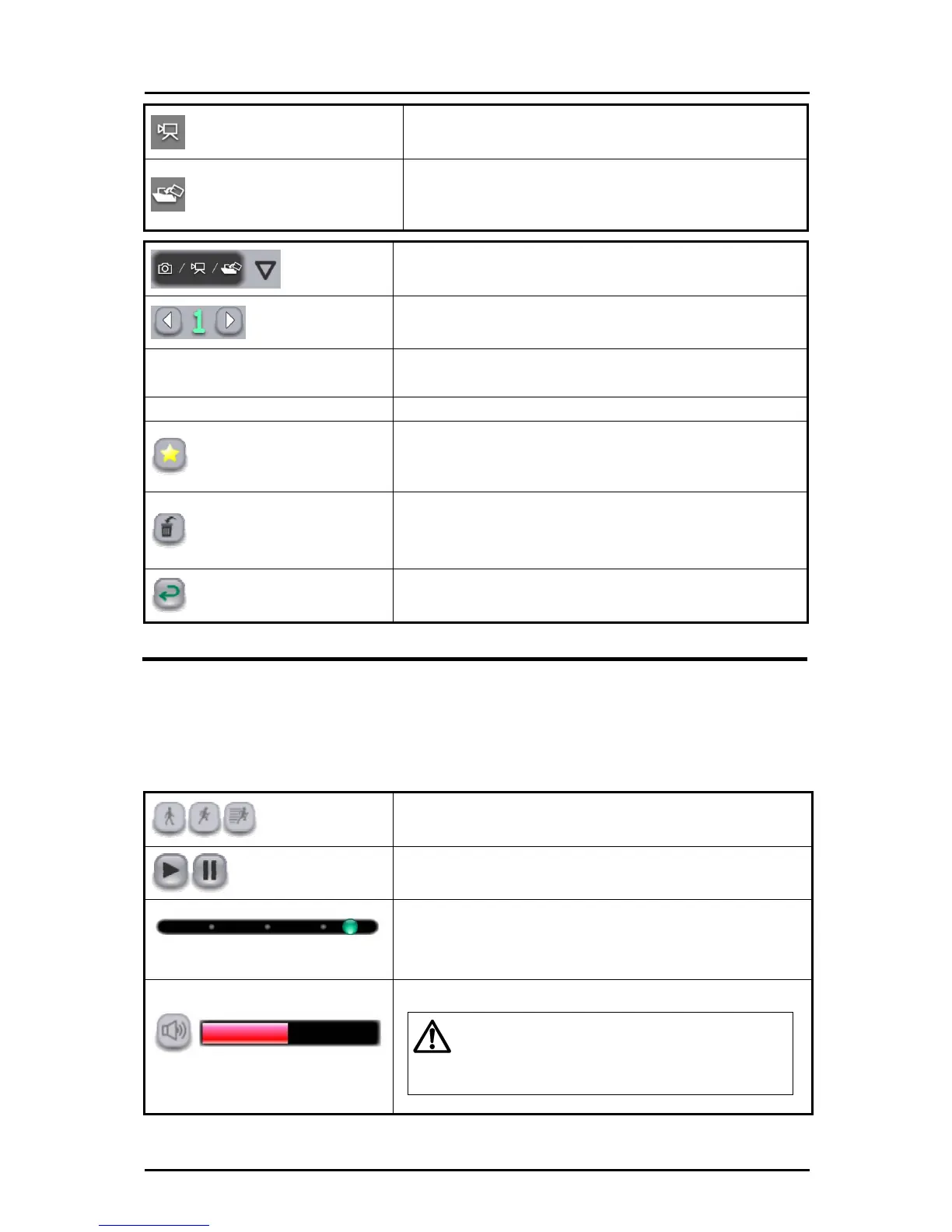
Video symbol
Indicates videos.
Teaching material creation symbol
Indicates images that were created in teaching
material creation mode.
(Editable)
Filter
To filter the teaching materials to be displayed.
Page
If all teaching materials cannot be displayed on a single
screen, they will be displayed in the next page(s).
Information
Display the updated date for the selected teaching
material.
Type Display the type of the selected teaching material.
Favorite
To set the selected teaching material as “favorite”.
Teaching materials set as “favorite” are displayed first
on the teaching material selection screen.
Deletion screen
To go to the deletion screen.
The teaching material previously selected is selected for
deletion.
Cancel
To cancel the teaching material selection and returns to
the previous mode.
Selecting a Video
➊
In the teaching material selection screen, select a video or a teaching
material that contains a video.
➋
Operate the video with the buttons displayed below.
Caution
Playback speed
To change the playback speed of the video. The
playback speed changes each time you touch the button.
Play/pause
To pause or start the video playback.
Sequence bar
To change the playback position of the video.
Volume
To adjust the volume of the video that has audio.
-
Only displayed if your computer has a sound
device.
- This operation is available only at the normal
playback speed.
40



 To Next Page