Using Compare Pictures
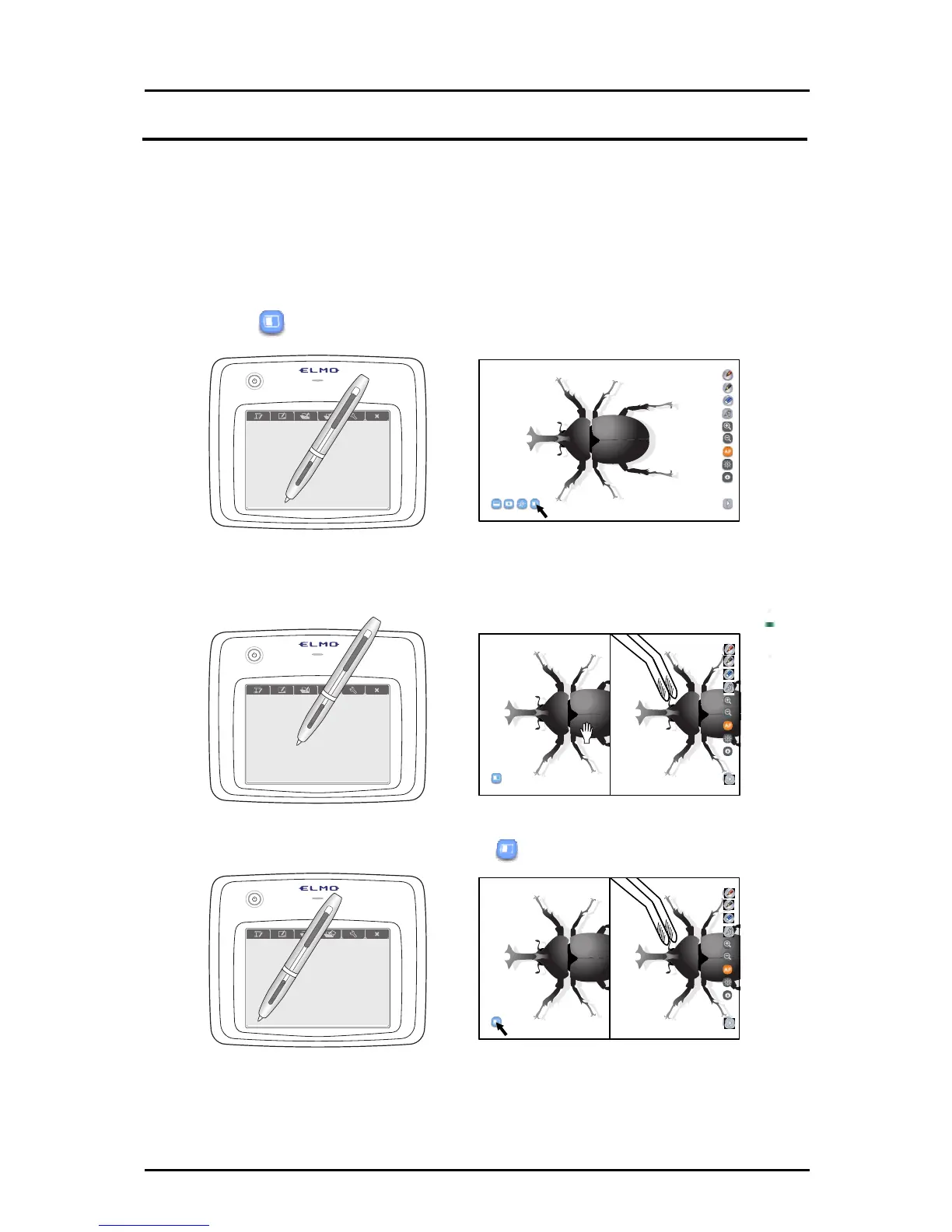
Compare pictures is a function that displays the current Document Camera image together
with the still image that is shot when the button is touched.
By using this function to compare the live image and the still image, your lessons will become
more effective.
Also, you can explain the differences between two images while indicating them with the Tablet.
➊
Touch
on the bottom left.
➋
The still image shot by touching the button is displayed on the left, and
the current Document Camera image displayed on the right.
➌
To cancel compare pictures, touch
on the bottom left again.
33



 To Next Page