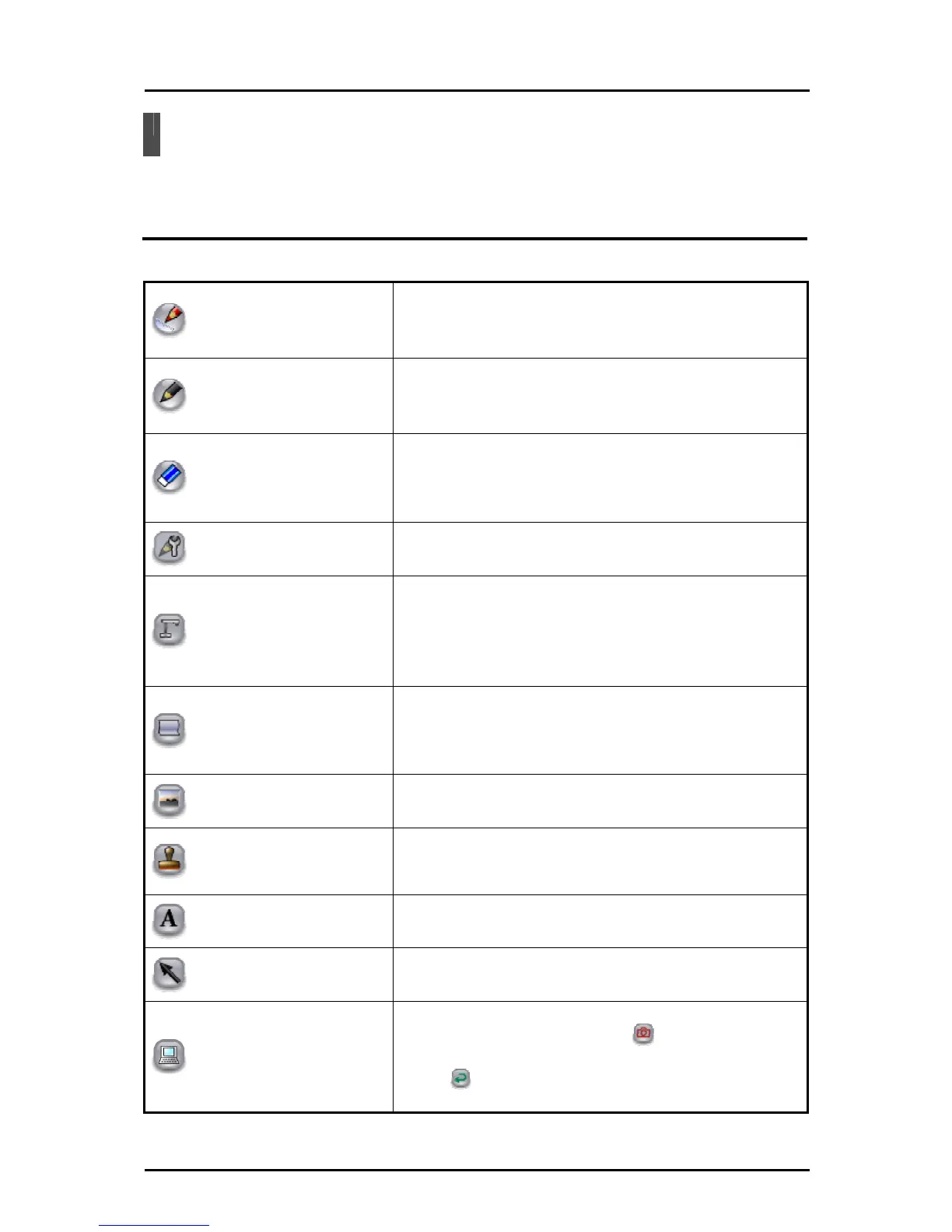
Menu List
The menu button functions are described below.
Teaching Material Creation Mode
■
Menu buttons
Pen 1
To select pen 1.
The initial setting is a red straight line pen. You can change
the settings for this pen in "Pen Settings".
Pen 2
To select pen 2.
The initial setting is a black pencil. You can change the
settings for this pen in "Pen Settings".
Delete all
To delete all the lines that are drawn on the screen.
If you only want to delete part of a drawing, align the cursor
with the area that you want to delete, and touch the tablet
while pressing the pen's eraser button. See "Partial deletion".
Pen settings
To display the settings for pen 1 and pen 2.
See "Setting the Pen" for more details.
Document Camera background
To set the Document Camera image as the background in
teaching material creation mode.
In teaching material creation mode, perform Document
Camera operations with the Document Camera remote
control.
Change background
To select a background from vertical lines, horizontal lines,
graph paper, copy paper, musical score, alphabet practice
sheet, whiteboard, previously recorded videos, previously
shot pictures, and pictures that are saved on the computer.
Insert picture
To insert a picture that is saved on the computer.
Stamp
To insert stamps.
You can also add stamps.
See "Adding a Stamp" for more details.
Enter text
To enter text with a keyboard.
Select
To select a drawn line, stamp or inserted picture to move it or
change its size.
Computer operations
To operate the computer.
On the computer screen, touch
to set the captured
computer image as the background.
Touch
to return to the Tablet software (Image Mate
Accent) screen.
67



 To Next Page