Deletion screen
To go to the deletion screen.
The teaching material previously selected is selected for
deletion.
Cancel
To cancel the teaching material selection and return to
the previous mode.
Caution
Depending on the environment or condition
of your computer, the video may
playback slowly or the reaction time for operations may be slow.
Closing other applications may improve the performance.
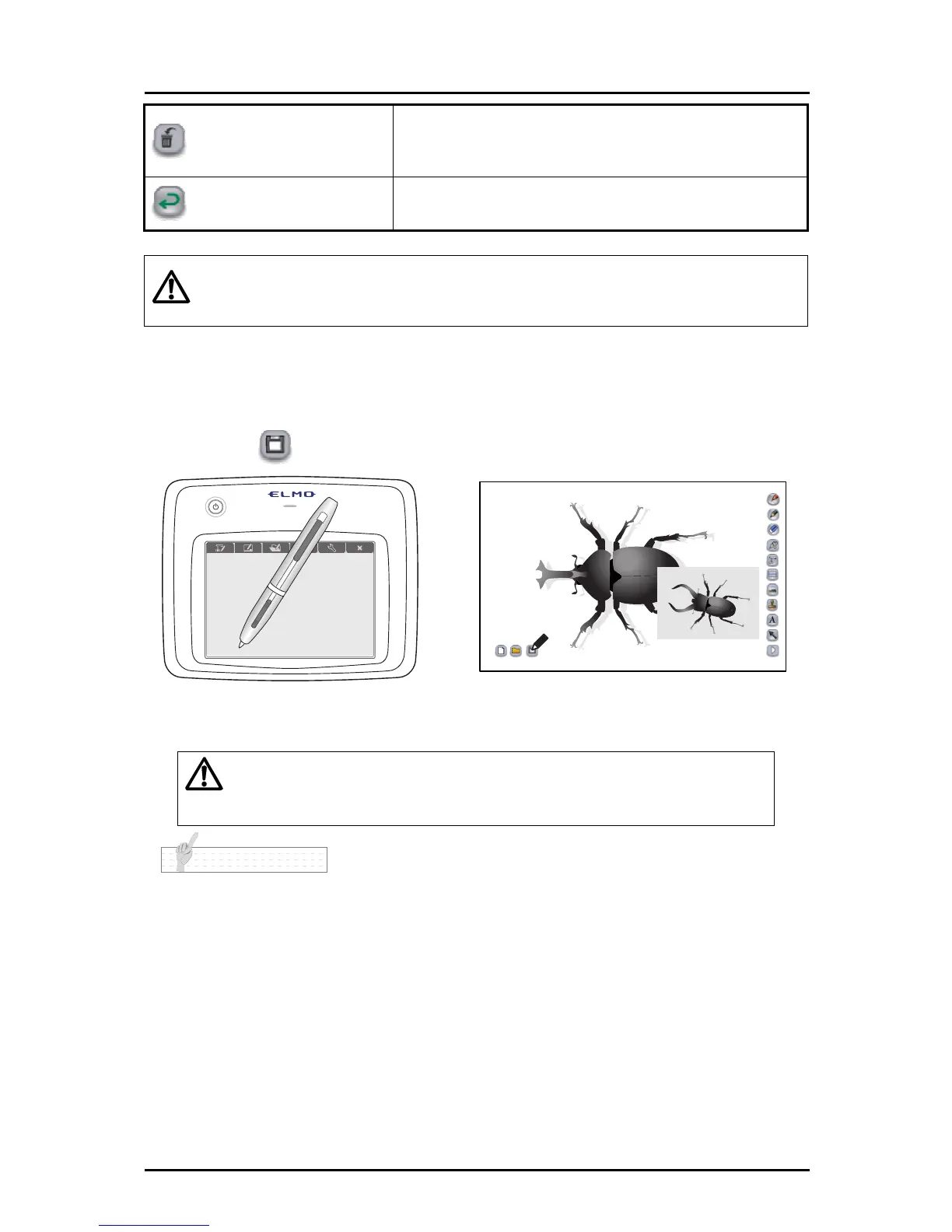
■ Saving a teaching material
➊
Touch
on the bottom left.
➋
Save the teaching material that is currently being edited.
Caution
If a teach
ing material has been opened and edited, a save operation
overwrites the previously saved data. This means that the previous data is
lost.
N o t e
• Saved content can be edited.
66



 To Next Page