■ Opening a teaching material
➊
Touch on the bottom left.
➋
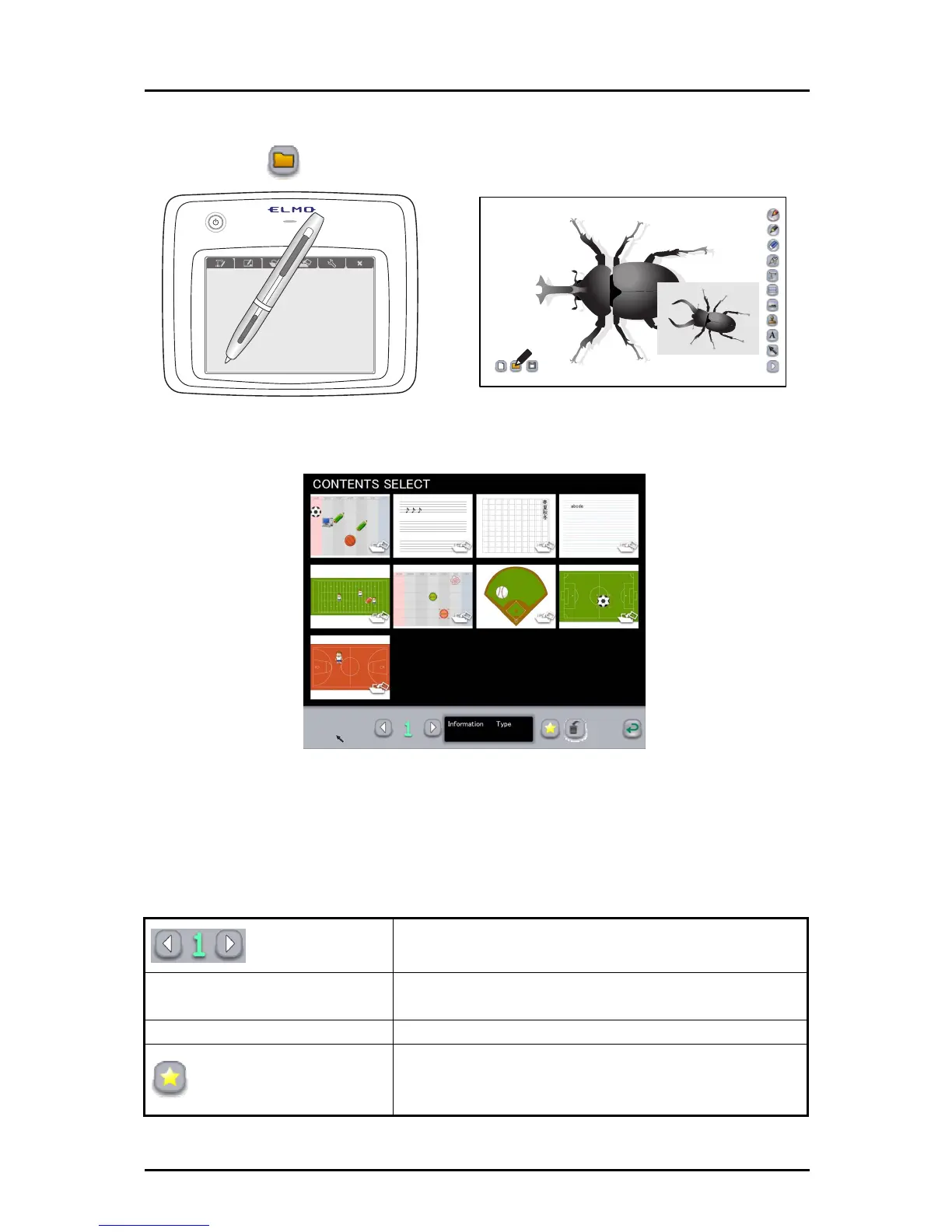
Select the teaching material to edit.
Teaching materials crea
ted in teaching material creation mode can be selected in the
teaching material selection screen.
The teaching materials are displayed in order of last updated date, but teaching
materials set as “favorite” are displayed first regardless of their updated date.
Page
If all teaching materials cannot be displayed on a single
screen, they will be displayed in the next page(s).
Information
Display the updated date for the selected teaching
material.
Type Display the type of the selected teaching material.
Favorite
To set the selected teaching material as “favorite”.
Teaching materials set as “favorite” are displayed first
on the teaching material selection screen.
65



 To Next Page