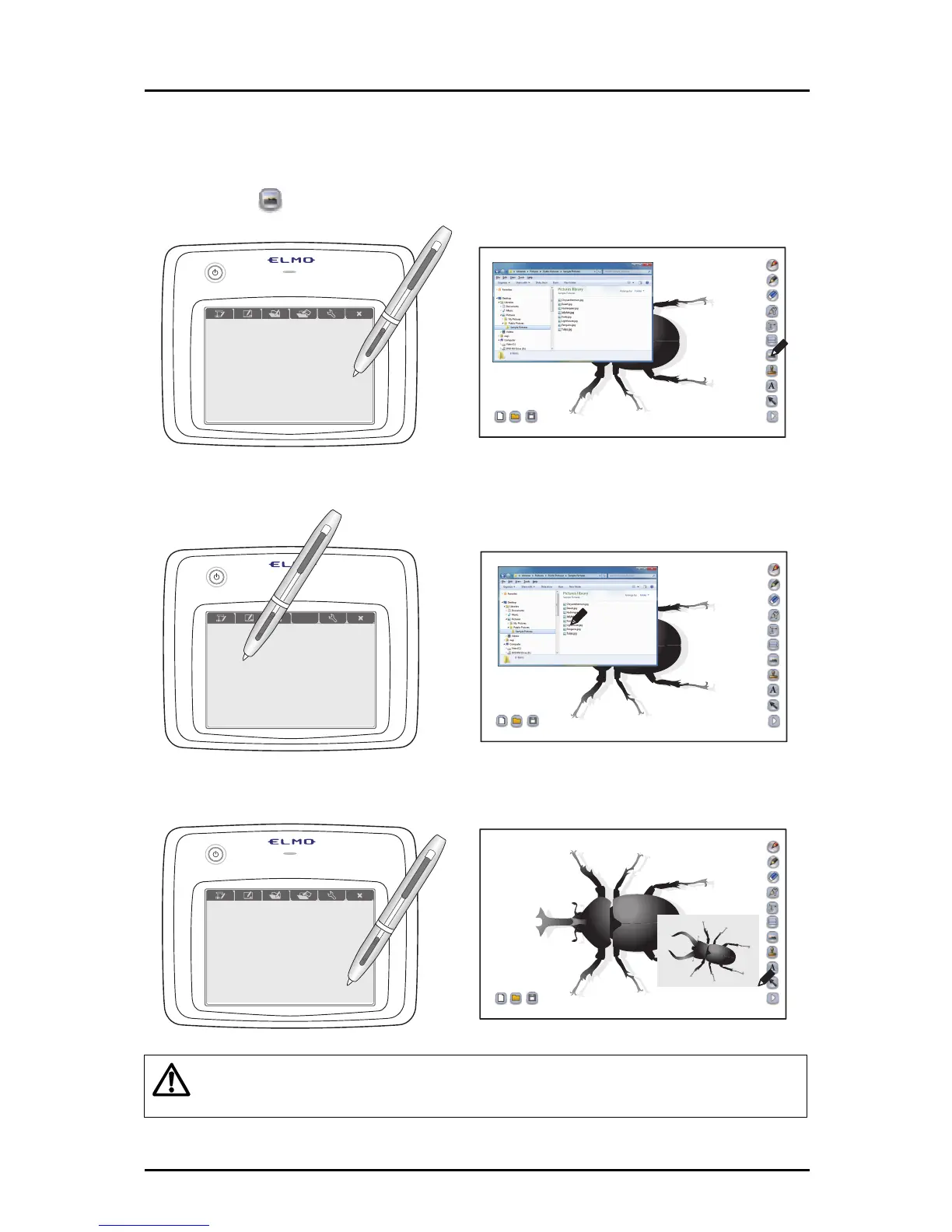
■ Inserting pictures
In teaching material creation mode, you can insert pictures that are saved on your computer.
➊
Touch
on the right of the screen.
➋
Select a picture that is saved on the computer.
➌
Drag and drop the selected picture on the screen to insert it.
Caution
Depending on the pictu
re type, it may not be possible to use some of the pictures
that are saved on your computer.
59



 To Next Page