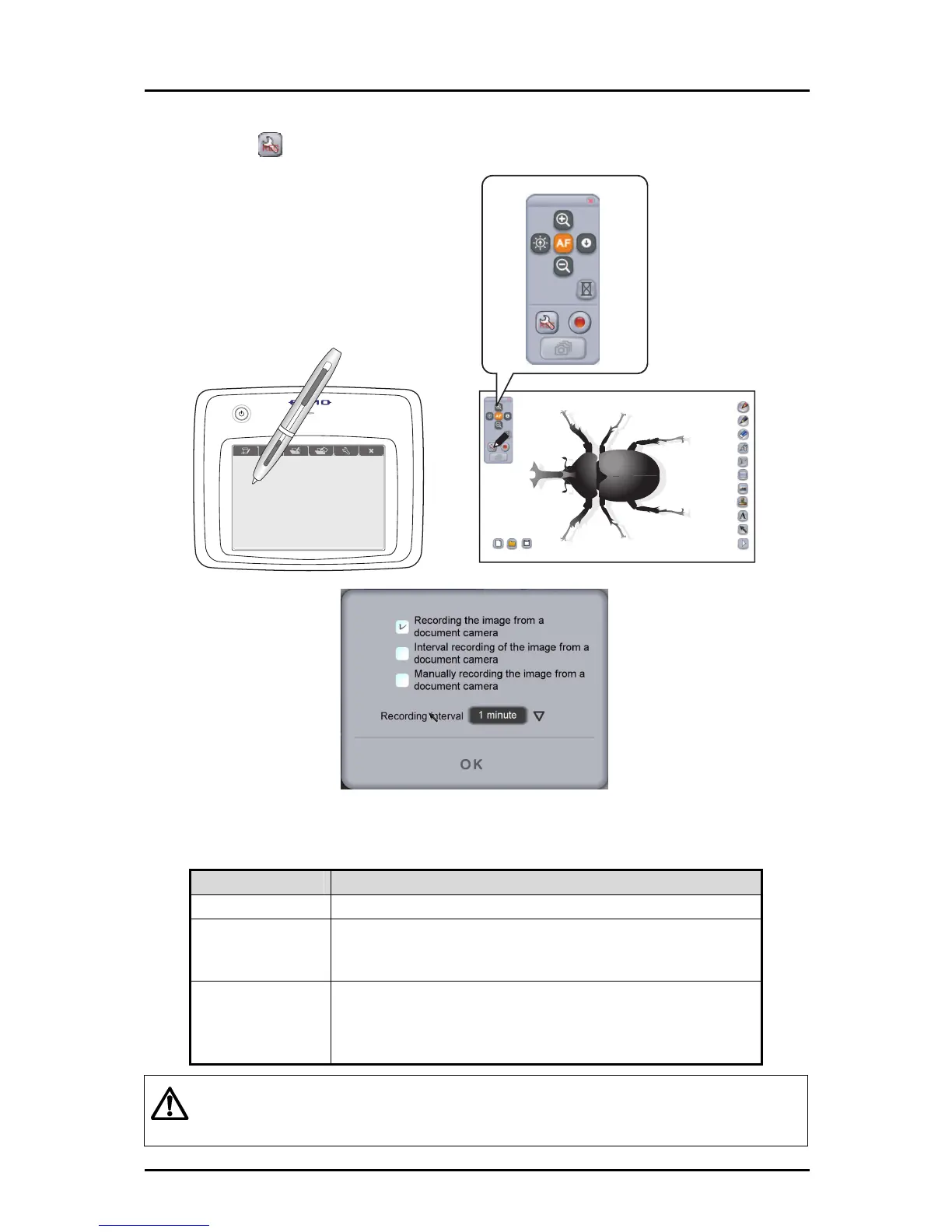
■ Creating a teaching material with videos
➊
Touch
and configure the record settings.
The following types of recording are available for creating a Document Camera video.
The details of the recording differ depending on the mode or application, so select a
type that is suitable for your objective.
Name Description
Normal recording
To record the image of the Document Camera in normal video.
Intermittent recording
To record the image of the Document Camera at the interval set
in "Intermittent recording time". This is suitable for recording the
image of a subject that changes over a long period of time.
Frame recording
To record the image of the Document Camera each time the
frame recording button is touched. By recording a series of
images of a subject which was moved slightly between frames,
you can make a video that is similar to animation.
Caution
Unlike the other modes,
when recording in the teaching material creation mode, only
the image of the Document Camera is recorded in video.
Elements such as the drawn lines, buttons, cursor and audio are not recorded.
55



 To Next Page