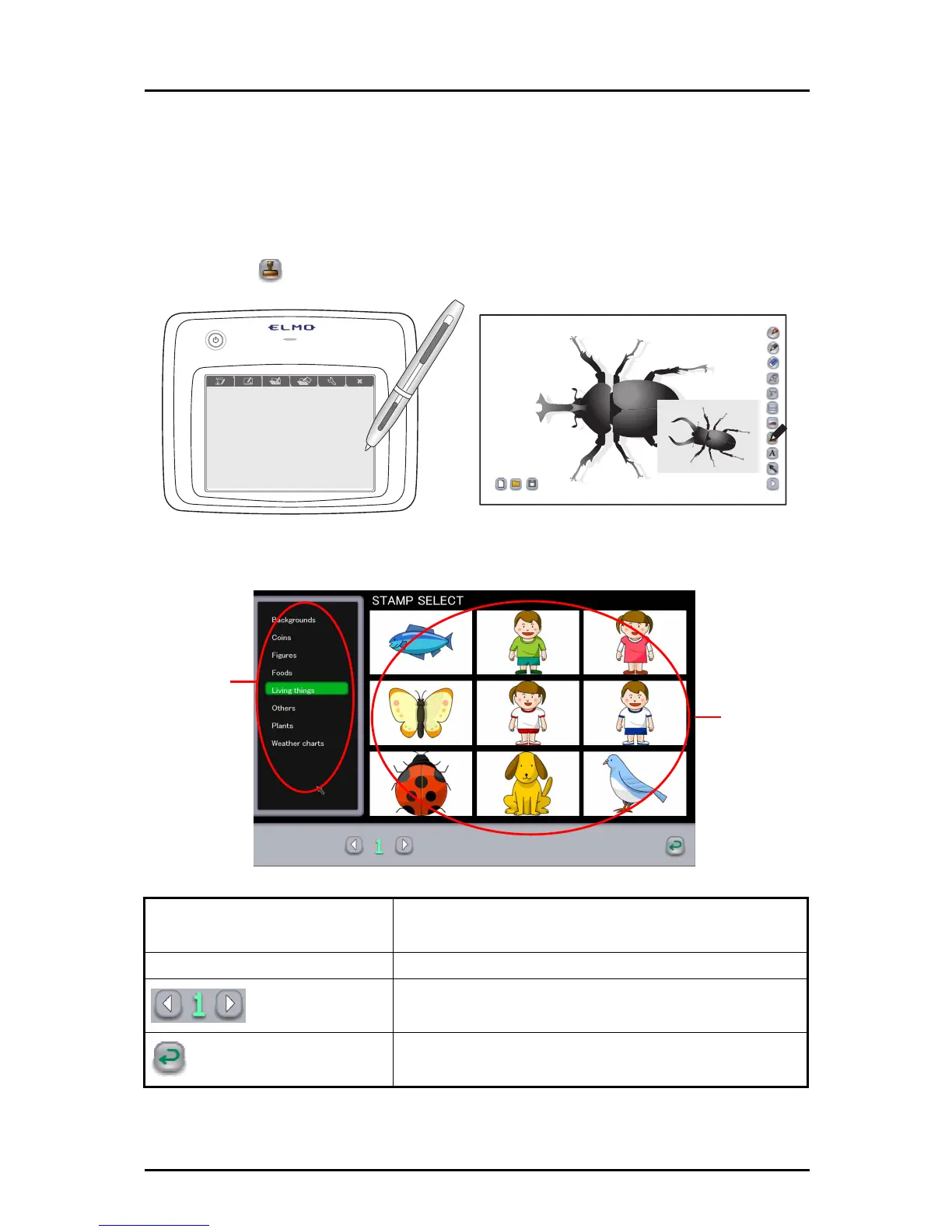
■ Using the stamp function
The stamp is a function that enables you to insert a pre-prepared illustration when creating a
teaching material.
For example, to explain basketball strategy or positions, you can easily create a teaching
material by using a basketball court stamp.
➊
Touch
on the right of the screen.
➋
In the STAMP SELECT screen, select a stamp to use.
①
②
① Group list
A list of the groups in which stamps are saved.
② STAMP SELECT screen
Thumbnails of the stamps in the group.
Page
If all stamps cannot be displayed on a single screen,
they will be displayed in the next page(s).
Cancel
To cancel the stamp selection and return to the previous
mode.
63



 To Next Page