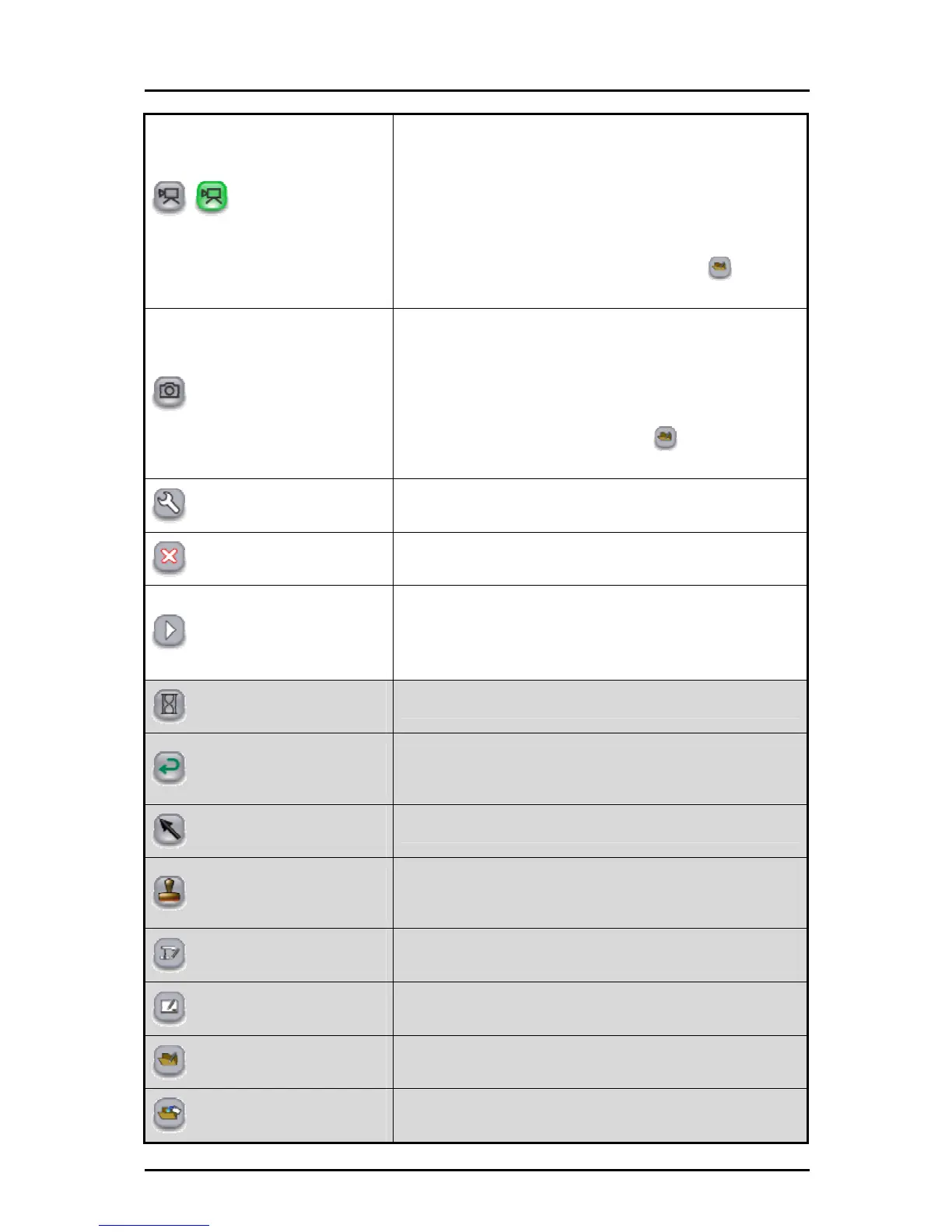
Start/stop lesson recording
To save the currently displayed contents and the audio that is
input to the computer as a video.
Elements such as the Document Camera image that is
displayed on the background, the background image and the
drawn lines are recorded, but elements such as the buttons
and cursor are not recorded.
The saved videos can be played back in "
Teaching
material import mode".
Capture
To save the currently displayed contents as a picture.
Elements such as the Document Camera image that is
displayed on the background, the background image and the
drawn lines are recorded, but elements such as the buttons
and cursor are not recorded.
The pictures can be displayed in "
Teaching material
import mode".
Settings
To configure the Pen and Tablet.
Quit
To quit the Tablet software (Image Mate Accent).
Next menu
Displayed when the whole menu cannot be displayed on one
screen. Use this button to go to the next menu.
When the final menu is displayed, touch this button to return
to the first menu.
Stop screen
To pause or unpause the Document Camera image.
Undo
To redo the last editing operation (such as drawing with the
pen or deleting with the eraser). There is a limit on the number
of operations that can be undone.
Select
To select a drawn line to move it or change its size.
Stamp
To insert stamps.
You can also add stamps.
See "Adding a Stamp" for more details.
Document Camera mode
To go to Document Camera mode.
Whiteboard mode
To go to whiteboard mode.
Teaching material import mode
To go to teaching material import mode.
Teaching material creation mode
To go to teaching material creation mode.
45



 To Next Page