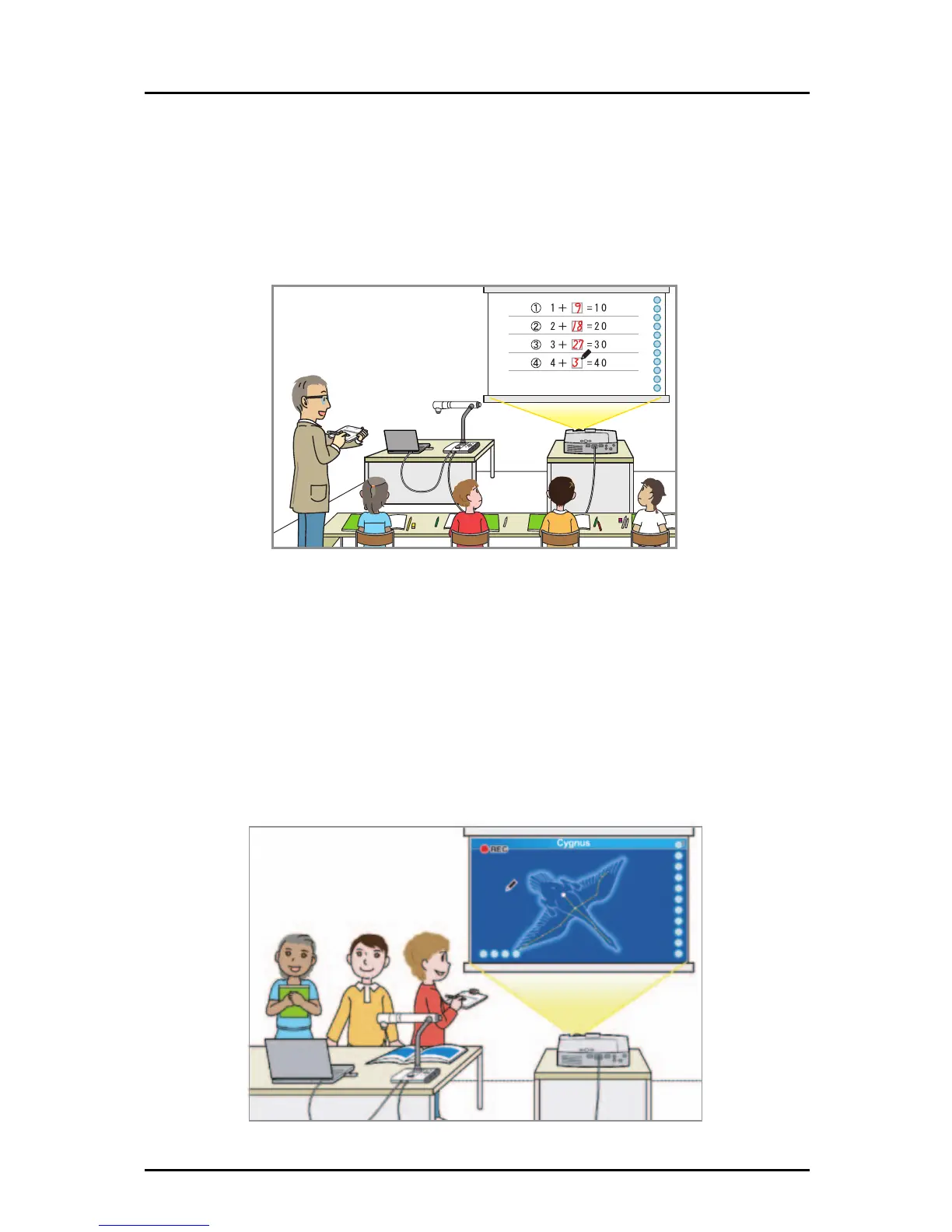
■ Using as a whiteboard
You can select an image to use as the background in your lesson, such as graph paper or
musical score.
You can draw graphs or press an item stamp to position illustrations such as human figures or
fruit, helping you to create teaching materials.
It is simple to retrieve created teaching materials to use in class.
■ Recording a lesson
Several recording methods are available for different objectives.
Lesson recording : Record both the text written on the Document Camera
image and audio.
Intermittent recording : Records changes over a long time at constant intervals.
Frame recording : Records only the scenes that you select for recording.
Easy, one-touch playback can be performed on recorded images. In lesson recording, both
the examples that you want to show to the students and any written text are recorded
together, so you can show them to the students again to help with their learning.
8



 To Next Page