The clock setting will be reset automatically
after a long period of non-operation. Then
you will need to perform the clock setting
again.
When the output resolution is HDMI, actual output resolution might be different
from the resolution set by the Setting menu depending on the connected monitor.
Setting Date/Time(Clock Set)
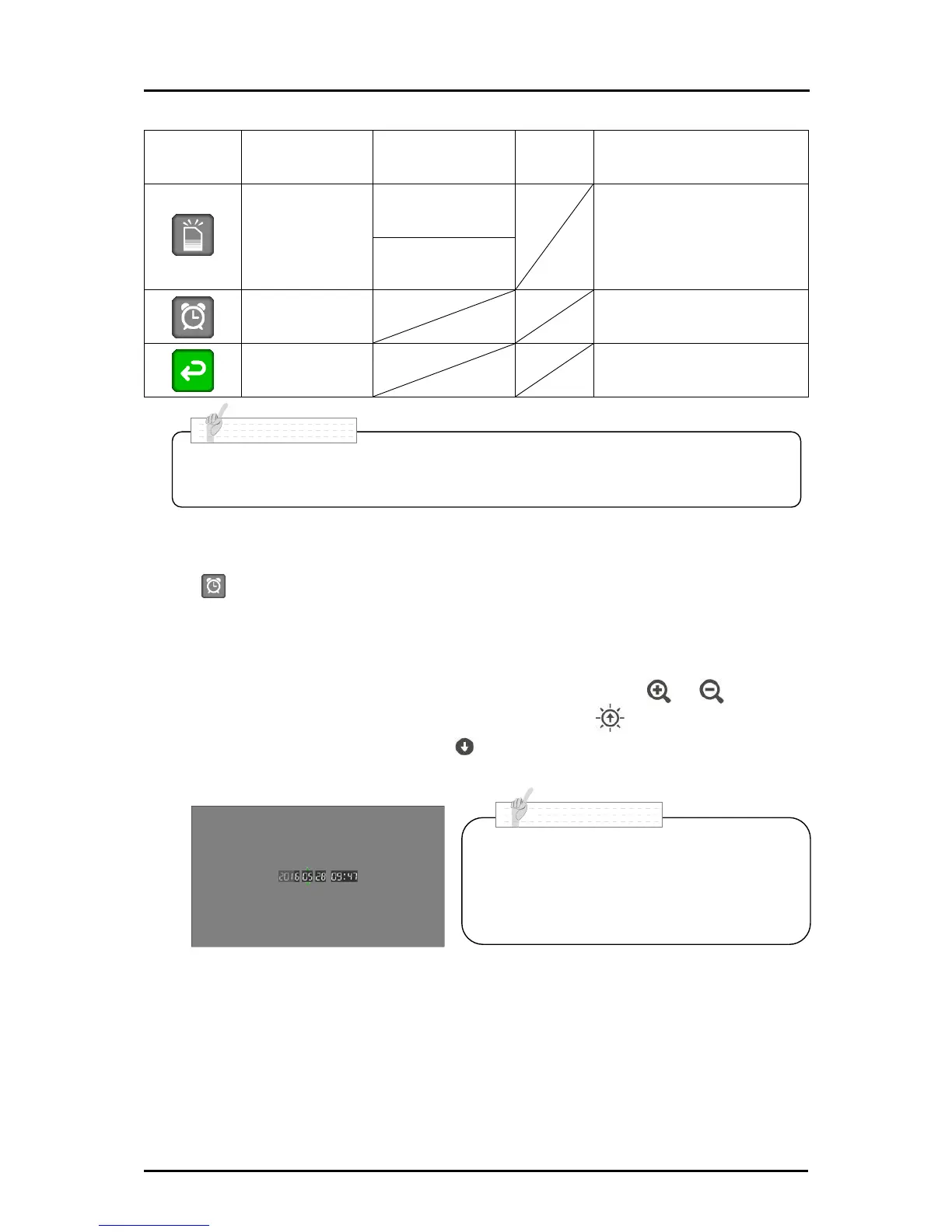
Press [ ] in the Setting menu (Second layer) to display the following screen. You can
set the time.
Numbers displayed indicate Year (4 digits)/ Month (2 digits)/ Day (2 digits)
/ Hour (2 digits)/ :/ Minute (2 digits).
The number indicated by green arrows can be changed with the [ ]/ [ ] buttons.
The green arrows move to the left each time when the [ ] button is pressed and
move to the right each time when the [ ] button is pressed.
Press the AF button to save the set time.



 To Next Page