・ Files larger than 5MB cannot be displayed.
・ We do not guarantee the proper operation when you use the image taken by this
product with any third party product or when you use the image taken by any
third party product with this product or when you use the modified image with
this product.
・Images with more than 4000 horizontal pixels or 3000 vertical pixels cannot be
displayed.
・
Saving images
① Press the [ ] button on the operating panel for 1 second or more while the
menu is not displayed on the screen.
② Saving begins when [ ] appears on the screen.
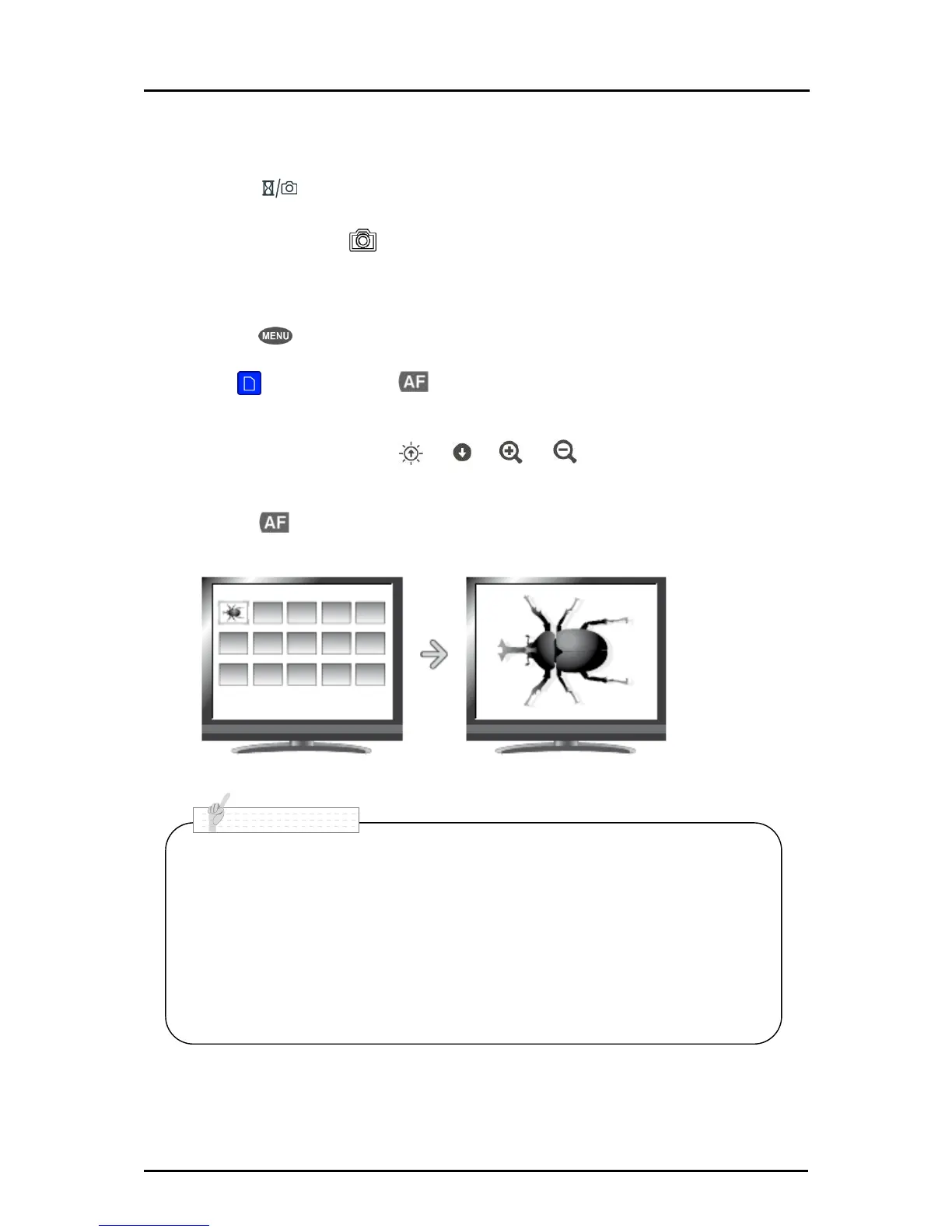
Displaying the saved data
① Press the [ ] button on the operating panel to display the menu.
② Select [ ] and press the [ ] button on the operating panel to display
thumbnails (list of pictures).
③ Move the cursor using the [ ]・[ ]・[ ]・[ ] button on the operating
panel.
④ Press the [ ] button to display the selected picture full-screen.



 To Next Page