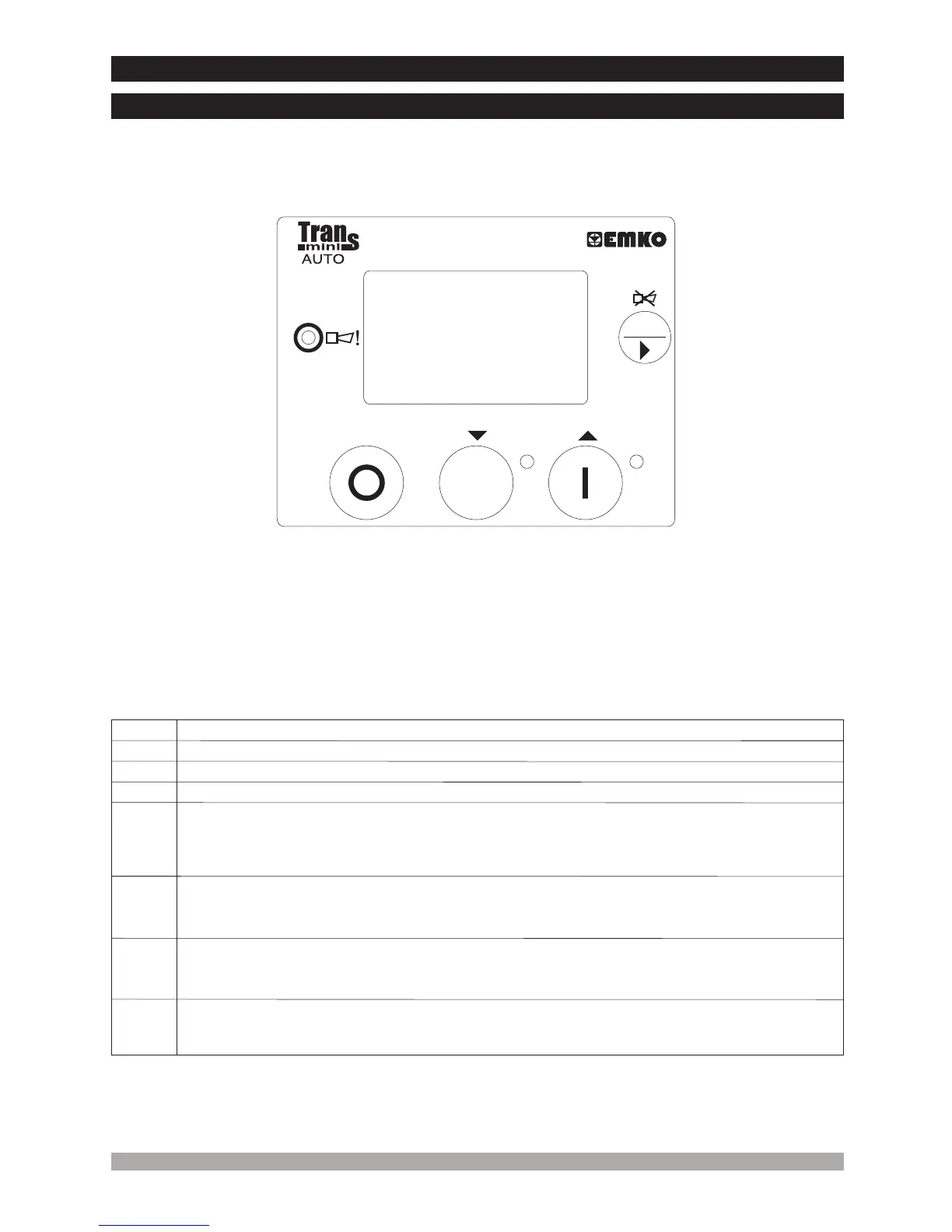
This LED indicates that any alarm was detected.
1
2
5
Number
Comment
1
2 3
4
5 6
7
3.FrontPanelDescription And AccessingToTheParameters
3.1FrontPanelDescription
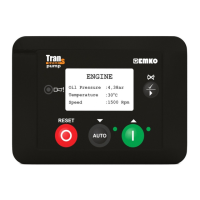
This LED shows that the unit is in theAUTO mode.
In the Manual and Auto modes, this LED indicates that the engine is starting up or is running.
3
The RESET button will reset the controller after a failure has been detected
The STOP button is used for changing operating mode of the unit to the Stop Mode
.
.
The generator is stopped.
7
The START button is used for starting the engine when the unit is in the Manual Mode
In Programming mode, it operates as an Up button (changing cursor position) or Increment
button (increase parameter value)
.
.
7
4
Thisbuttonisusedforshowingnextpageinnormaloperation.InProgrammingmodeitis
usedforenteringparametereditsection,savingparametervalueandshowingnext
parametersonthecurrentlyselectedpage.Thisbuttonwillalsosilencethealarmhornaftera
failurehasbeendetected.
6
TheAUTO button is used for changing operating mode of the unit to theAuto Mode.
In Programming mode, it operates as an Down button (changing cursor position) or Decrement
button (decrease parameter value).
ü
AUTO
RESET


 To Next Page