EasyManua.ls Logo

Endress+Hauser iTEMP TMT82 - User Manual

Endress+Hauser iTEMP TMT82
114 pages
Print Icon
To Next Page IconTo Next Page
Loading...
Products Solutions Services
Operating Instructions
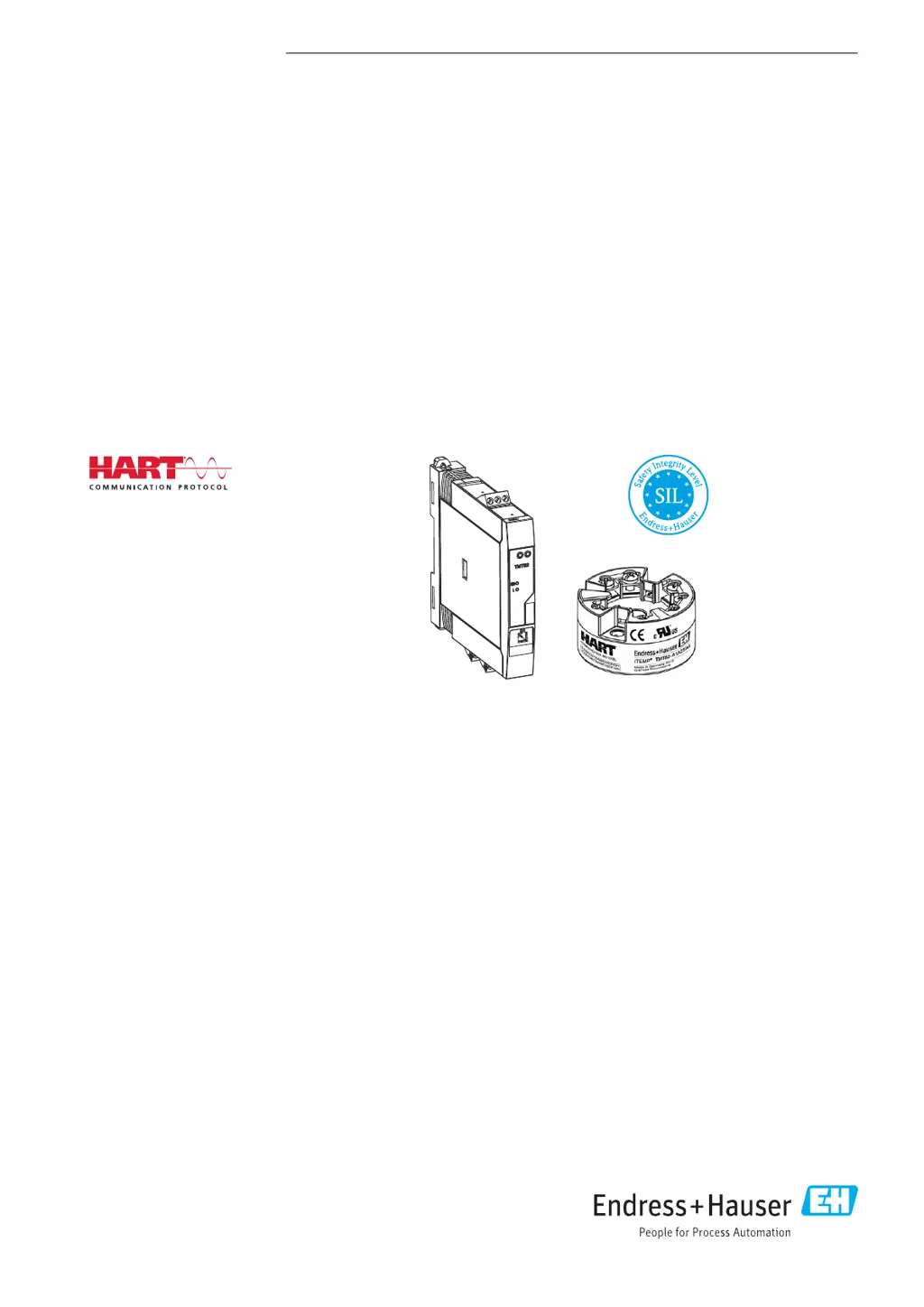
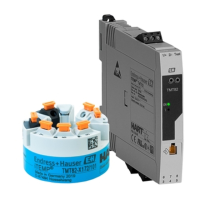
iTEMP TMT82
Dual-input temperature transmitter
BA01028T/09/EN/17.17
71355027
Valid as of version
01.01 (device version)

Table of Contents

Other manuals for Endress+Hauser iTEMP TMT82

Questions and Answers

  • L
    Lisa AcostaSep 9, 2025
    What causes failure current on Endress+Hauser iTEMP TMT82?
    • G
      Gina ReynoldsSep 9, 2025
      A failure current on your Endress+Hauser Transmitter can be caused by: * A faulty sensor. Check the sensor. * The sensor connected incorrectly. Connect the connecting cables correctly (terminal diagram). * Incorrect programming. Set the correct sensor type in the Sensor type device function.
  • T
    Timothy GarciaAug 23, 2025
    What does it mean if the Status LED is lit or flashing red on my Endress+Hauser iTEMP TMT82 Transmitter?
    • D
      David FitzgeraldAug 23, 2025
      If the Status LED on your Endress+Hauser DIN rail transmitter is lit or flashing red, it indicates diagnostics events as per NAMUR NE107. A lit LED means diagnostic display, category F, while a flashing LED indicates diagnostic display of categories C, S, or M. Check diagnostics events.
  • W
    walterslisaAug 25, 2025
    How to fix failure current on Endress+Hauser iTEMP TMT82?
    • B
      brian42Aug 25, 2025
      To address a failure current issue (? 3.6 mA or ? 21 mA) with your Endress+Hauser Transmitter: * Check the sensor for faults. * Ensure the connecting cables are correctly connected, referring to the terminal diagram. * Verify that the sensor type is correctly set in the Sensor type device function.
  • W
    Walter MitchellAug 27, 2025
    Why is my Endress+Hauser iTEMP TMT82 Transmitter not responding?
    • C
      Christy AndersonAug 27, 2025
      The Endress+Hauser Transmitter might not be responding because the supply voltage doesn't match what's specified on the nameplate. Make sure you apply the correct voltage. Also, check if the connecting cables are properly connected to the terminals and correct if necessary.
  • M
    Megan JacksonAug 27, 2025
    What to do if no display visible on Endress+Hauser iTEMP TMT82 Transmitter?
    • T
      Troy WilliamsAug 28, 2025
      If there is no display visible on your Endress+Hauser Transmitter, check the supply voltage at the head transmitter terminals + and -. Ensure that the display module holders are correctly seated and that the display module is properly connected to the head transmitter. If possible, test the display module with other suitable head transmitters e.g. Endress+Hauser head transmitter. If the issue persists, the display module or the electronics of the head transmitter may be defective, consider replacing the module or the head transmitter.
  • J
    Julia ThompsonAug 29, 2025
    Why is the Power LED not lit green on my Endress+Hauser iTEMP TMT82?
    • J
      Jimmy JohnstonAug 29, 2025
      If the Power LED on your Endress+Hauser DIN rail transmitter is not lit green, it could indicate a power failure or insufficient supply voltage. Check the supply voltage and ensure the wiring is correct.
  • M
    Mark MorrisSep 18, 2025
    What does it mean if the power LED is not lit green on my Endress+Hauser iTEMP TMT82 Transmitter?
    • A
      Ashley KennedySep 18, 2025
      If the power LED is not lit green on your Endress+Hauser Transmitter (DIN rail transmitter only), it indicates a power failure or insufficient supply voltage. Check the supply voltage and ensure the wiring is correct.
  • K
    Krystal HowardSep 19, 2025
    Why is the status LED lit or flashing red on my Endress+Hauser iTEMP TMT82 Transmitter?
    • N
      Nathaniel ClaytonSep 22, 2025
      If the status LED on your Endress+Hauser Transmitter (DIN rail transmitter only) is lit or flashing red, it indicates diagnostics events as per NAMUR NE107. Check diagnostics events: * LED is lit: diagnostic display, category F. * LED flashing: diagnostic display of categories C, S or M.
  • N
    Nicole EllisSep 7, 2025
    How to fix HART communication not working on Endress+Hauser iTEMP TMT82 Transmitter?
    • A
      amybergSep 7, 2025
      If HART communication is not working on your Endress+Hauser Transmitter, consider the following: * A communication resistor might be missing or incorrectly installed. Install the communication resistor (250 W) correctly. * The Commubox might not be properly connected. Connect the Commubox correctly. * The Commubox might not be set to "HART". Set the Commubox selector switch to "HART."
  • W
    William SanchezSep 4, 2025
    Why is the measured value incorrect on my Endress+Hauser iTEMP TMT82?
    • P
      Paula ArellanoSep 4, 2025
      An incorrect measured value on your Endress+Hauser Transmitter can occur due to several reasons: * The sensor might be incorrectly installed, so ensure correct sensor orientation. * Heat might be conducted by the sensor, so observe the face-to-face length of the sensor. * The device programming might be incorrect (scaling), so change scaling. * The thermocouple type (TC) might be configured incorrectly, so change the Sensor type device function. * The comparison measuring point might be set incorrectly, so set the correct comparison measuring point. * There might be interference via the thermocouple wire welded in the thermowell (interference voltage coupling), so use a sensor where the thermocouple wire is not welded. * The offset might be set incorrectly, so check offset.

Summary

Basic Safety Instructions

Requirements for the Personnel

Specifies qualifications and authorization needed for personnel handling the device.

Designated Use

Defines the intended application and configuration of the temperature transmitter.

Operational Safety

Outlines crucial safety measures and considerations for safe device operation.

Installation

Installation

Details the step-by-step procedures for mounting and installing the device.

Wiring

Quick Wiring Guide

Provides a concise overview of the terminal assignments for head transmitter wiring.

Connecting the Sensor Cables

Explains how to connect sensor cables, including compatibility and isolation considerations.

Connecting the Power Supply and Signal Cables

Details the procedures for connecting power supply and signal cables to the device.

Shielding and Grounding

Describes the correct methods for shielding and grounding signal cables for optimal performance.

Post-connection Check

Lists the checks to perform after wiring to verify connections and device condition.

Operating Options

Structure and Function of the Operating Menu

Explains the hierarchical structure and functionality of the device's operating menu.

Access to the Operating Menu via the Operating Tool

Details how to access and control the device using external software tools.

Integrating the Transmitter via the HART Protocol

Commissioning

Post-installation Check

Ensures all checks are completed before initiating the commissioning process.

Switching on the Transmitter

Describes the sequence of operations and display messages during device power-up.

Diagnostics and Troubleshooting

Troubleshooting

Provides systematic steps and remedies for diagnosing and resolving common device problems.

Technical Data

Operating Menu and Parameter Description

Endress+Hauser iTEMP TMT82 Specifications

General IconGeneral
BrandEndress+Hauser
ModeliTEMP TMT82
CategoryTransmitter
LanguageEnglish

Related product manuals