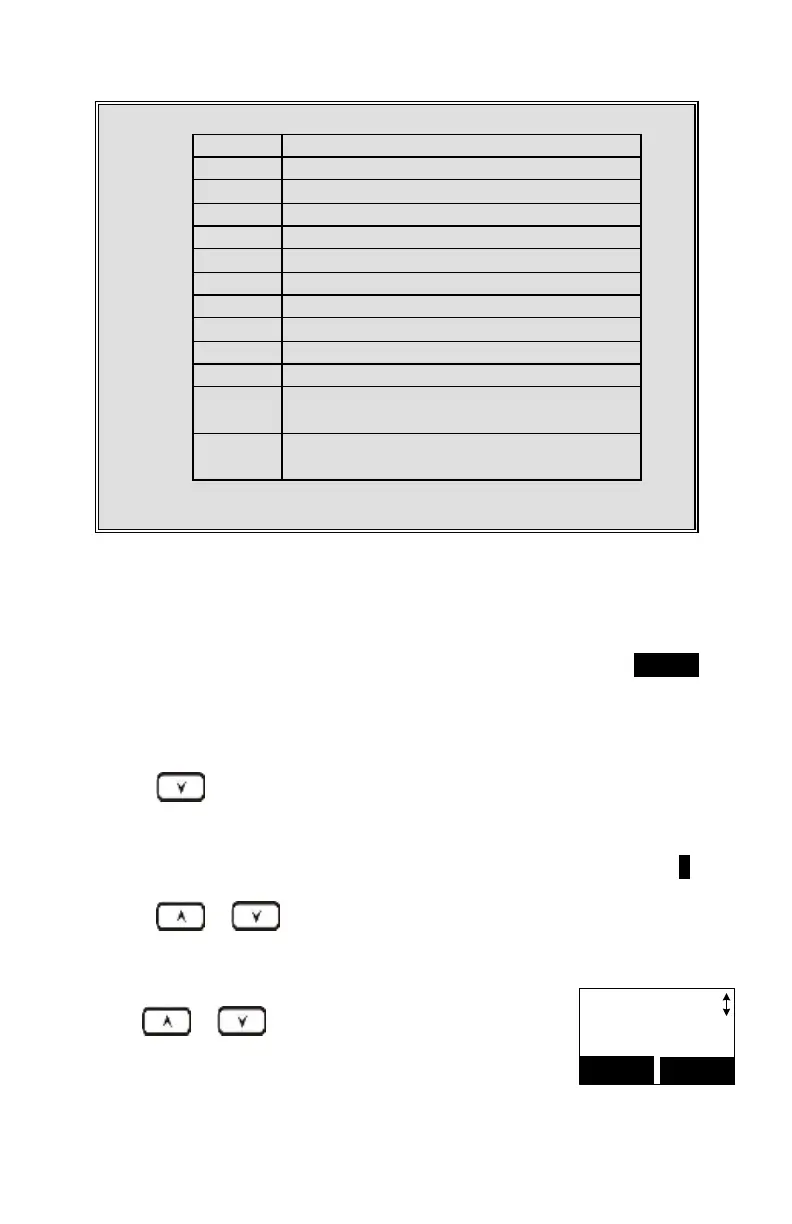
Caps – when in character editing.
*– when in number editing.
Space & # – when in character editing.
# & P (Pause) – when in number editing.
The entries are alphabetically sorted and stored as a list in an ascending order
(A to Z) from the top of the list.
The first line of the LCD display shows the name and the 2
nd
line shows the
phone number. If the phone number is longer than 16-digits, press OPTION
(Right) soft key and select Option 3 “View Number” to view the complete
number.
Use scrolling key to enter the Phone Book mode.
Press a key that corresponds to the first character of the name you are
looking for.
For example, you are looking for “EnGenius,” then press the number 3
twice.
Use or scrolling key to locate the exact record you are
looking for.
Use or scrolling key or the alphabetical
search method to locate the record to be erased or
edited.



 To Next Page