11b/g Wireless Long Range Multi-function 7+1 AP Version 1.1
50
6.3 System
Click on the System link on the navigation
drop-down menu. You will then see
System Properties setting, which is
described below.
6.3.1 System Properties
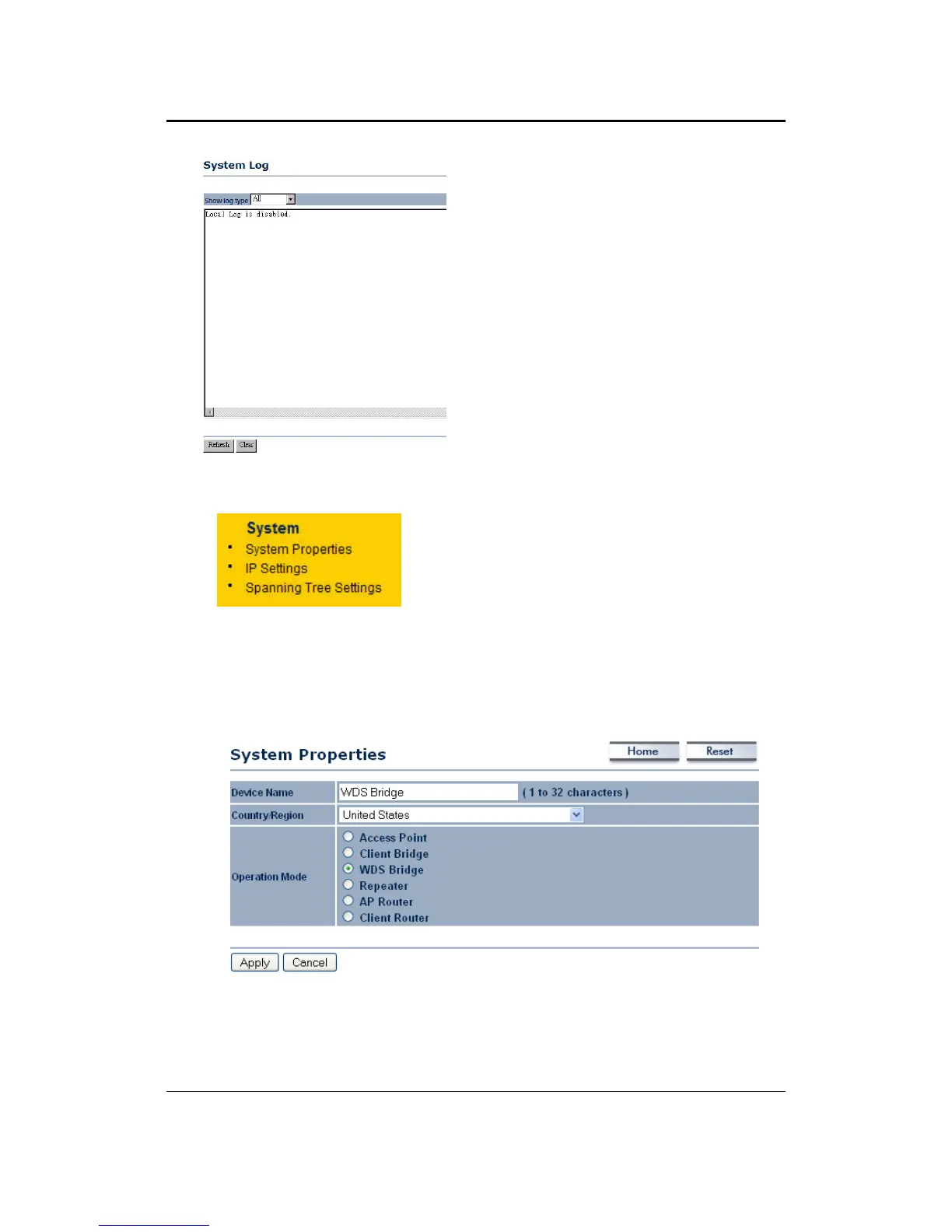
Click on the System Properties link under the System drop-down menu. This page
allows you to switch the operating mode of the device, as well as specify a name and
select the operating region.
Device Name: Specify a name for the device (this is not the SSID),
Country/Region: Select a country from the drop-down list.
Operating Mode: Select and operating mode. Configuration for each operating
mode is described in their respective chapters.



 To Next Page