11b/g Wireless Long Range Multi-function 7+1 AP Version 1.1
74
8 AP Router Operating Mode
8.1 Logging In
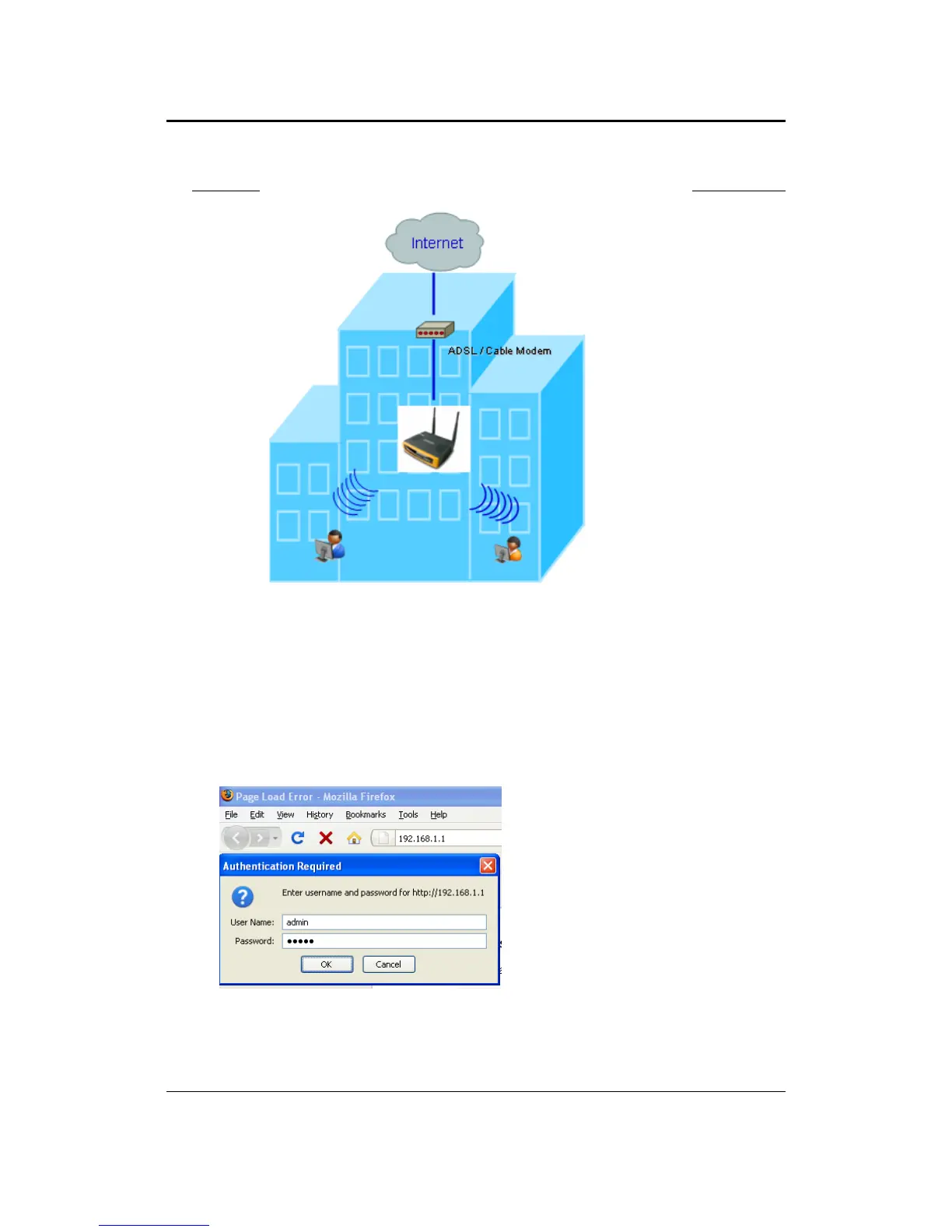
To configure the device through the web-browser, enter the IP address of the device
(default: 192.168.1.1) into the address bar of the web-browser and press Enter.
Make sure that the device and your computers are configured on the same subnet.
Refer to Chapter 2 in order to configure the IP address of your computer.
After connecting to the IP address, the web-browser will display the login page.
Specify admin for both the user name and password.
After logging in you will graphical user interface (GUI) of the device. The navigation
drop-down menu on left is divided into four sections:
1. Status: Displays the overall status, wireless client list, DHCP client table, and event
log.



 To Next Page