11b/g Wireless Long Range Multi-function 7+1 AP Version 1.1
54
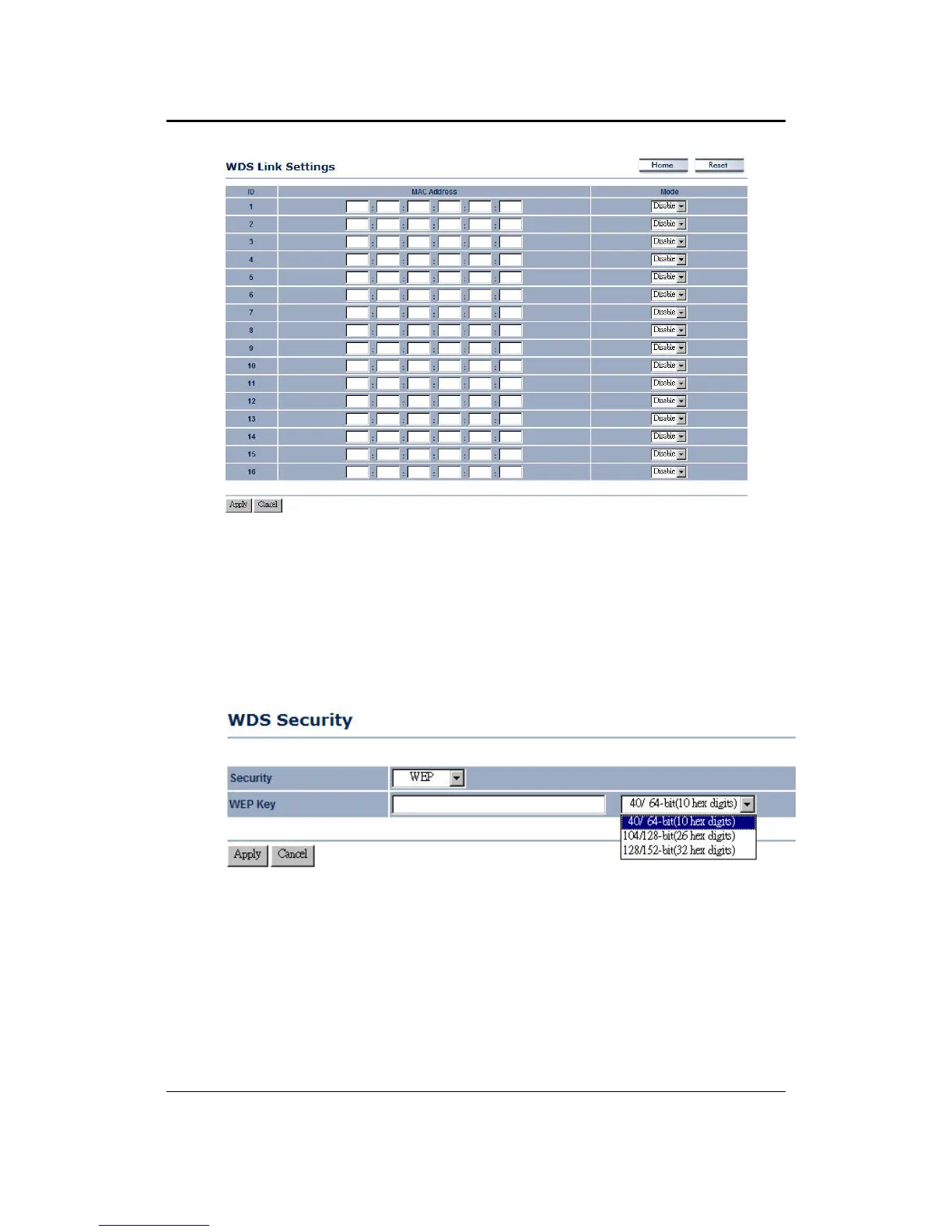
WDS MAC Address: Specify the MAC address of the Access Points that will join the
WDS network and then select Enable or Disable from the drop-down list.
Click on the Apply button to save the changes.
6.4.3 WDS Security - WEP
Click on the WDS Security link. On this page you can configure the settings for the
WEP key.
Security: Select WEP from the drop-down list if your wireless network uses WEP
encryption. WEP is an acronym for Wired Equivalent Privacy, and is a security
protocol that provides the same level of security for wireless networks as for a wired
network.
WEP Key: Select an encryption type from the drop-down list and then specify the
WEP key.
Click on the Apply button to save the changes.



 To Next Page