17
GB
Initial unit switch-on
After you have checked all of the connections
once again, connect the unit to the mains by
switching on all fuses or the main switch.
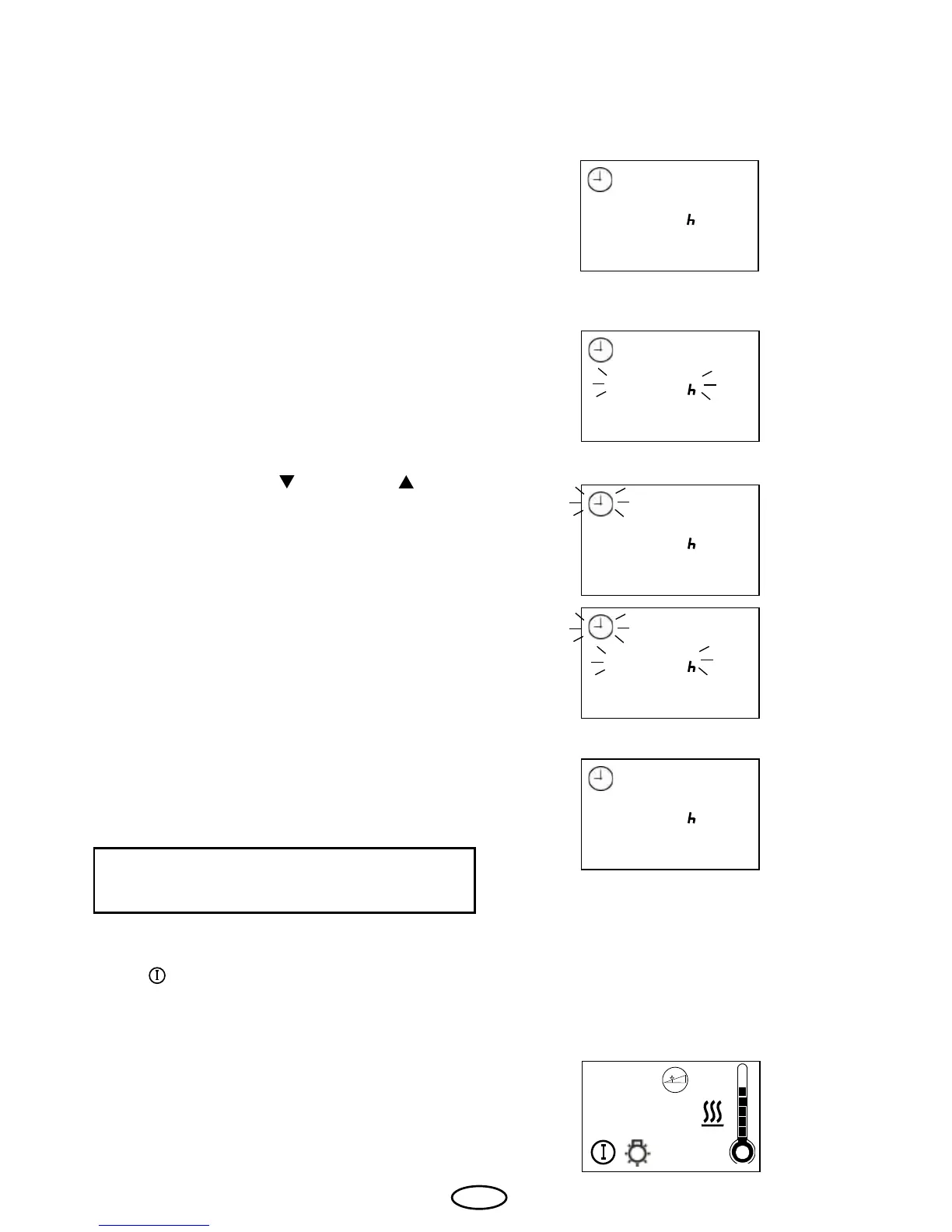
The time appears on the display.
If the display ashes, proceed as follows:
With the buttons "Ab
" and "Auf" „, you
can set the required values.
The display shows "F1" shortly afterwards.
Afterwards, the current time is shown on the
display and the unit is ready for use.
To change the time refer to chapter "F1" of
this operating manual.
The unit is switched on using the left "An/
Aus
" button. The cabin lighting and the
background display illumination are switched
on at the same time.
Shown on the display:
Conrm with the “Funktion/Mode” button.
12:03
20:03
20:03
20:03
06:00
20:03



 To Next Page