35
GB
This programming option gives you the option of automatically setting the length of time each
collour is on. The fefault is one minute.
You can set on-time to between 1 and maximum 10 minutes..
P9 Setting the time interval for the coloured light
P 9
00:02
00:05
00:05
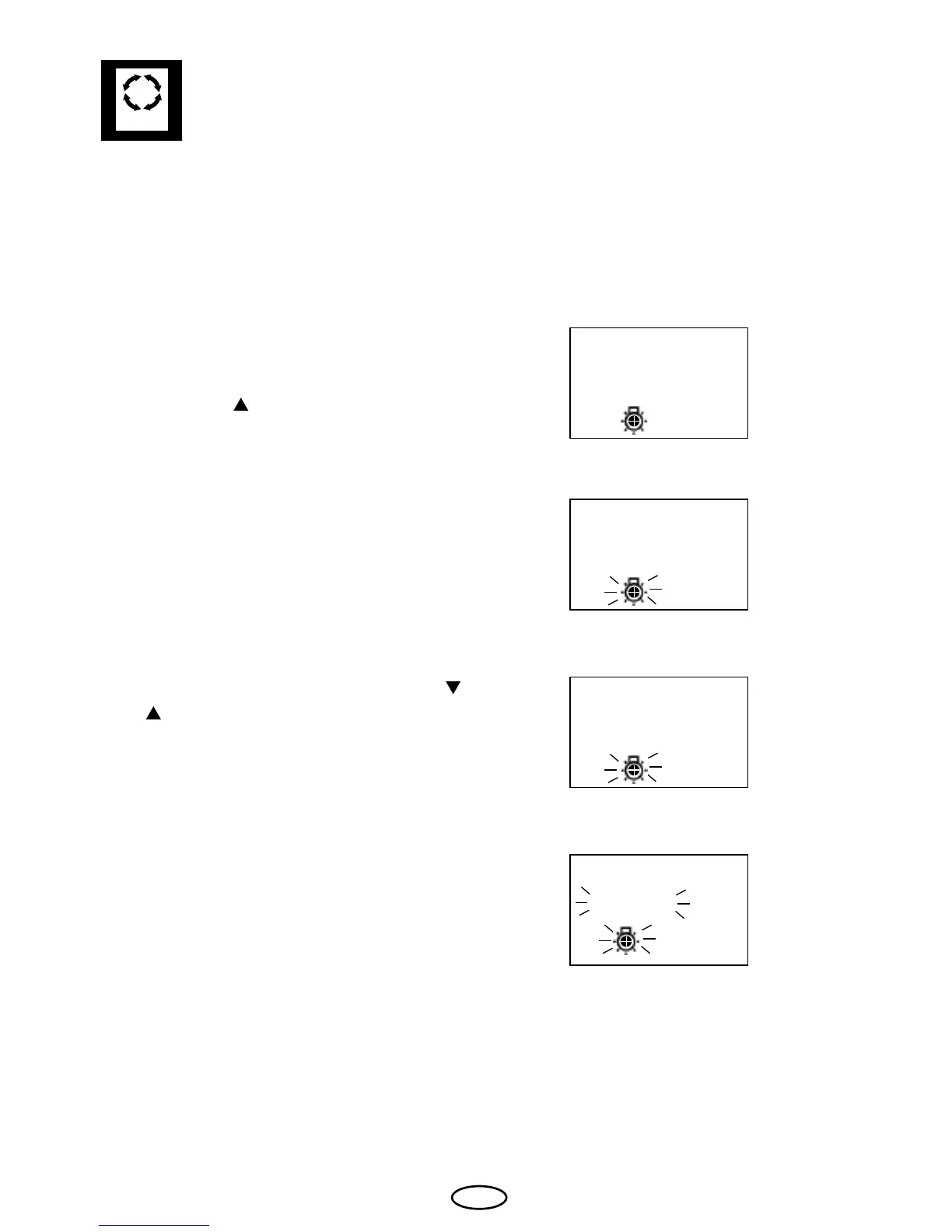
For shining period adjustment please press
„Mode“ button.
Afterwards the „
„ button until in the display
the colour light symbol and „P9“ appears.
Please conrm with the „Mode“ button.
Please chose the wished value with the „
„
and „ „ buttons.
Please confirm with a long press on the
„Mode“ button until the new value is ashing
on the display.
Afterwards the displays shows „P6“ for short
time. Shining period is now fixed with the
new value.
s e t x



 To Next Page