33
GB
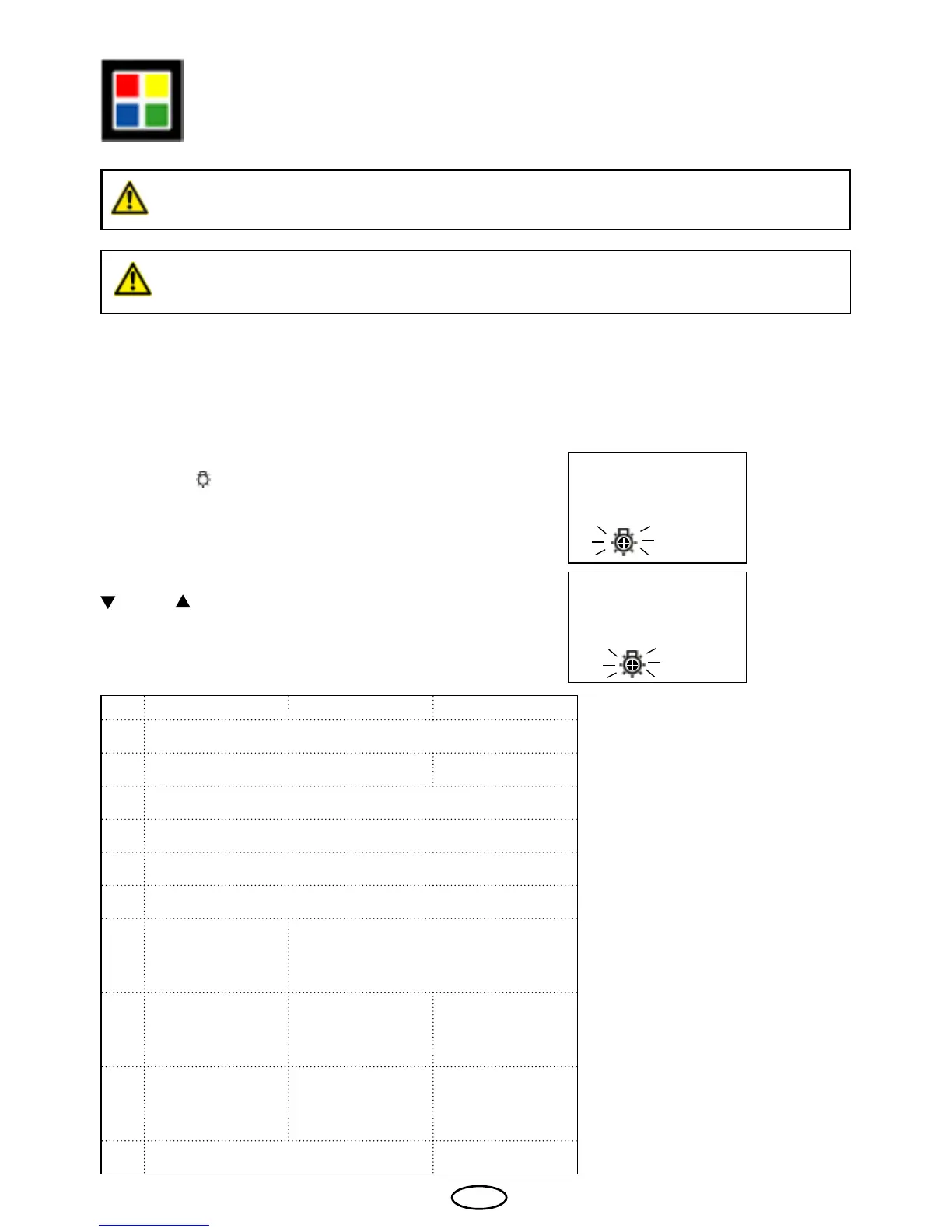
Press the „ „ button for approx. 5 seconds.
The ashing coloured light symbol and the
number 0 appear on the display.
This programming option is only available if the coloured light module (item
number 942761 / 944286 / 944834) has been installed.
Coloured light (optional)
Before installing the coloured light module the control unit must be completely
switched off the power supply.
Switching on the coloured light
0
You have the option of operating a coloured light device in your sauna using the HCS 9003
control unit. Each coloured light may not exceed the maximum power of 100 W.
1
Please select the desired setting with the „
“ and „ “ buttons.
The meaning of settings:
Item: 94.2761 item: 94.4286 Item: 94.4834
0 off
1 automatic mode continuous withe
2 continuous red
3 continuous yellow
4 continuous green
5 continuous blue
6
continuous
red yellow green blue
automatic mode 1.min
7
continuous
yellow green blue
automatic mode
2 min per colour
automatic mode
4 min per colour
8
continuous
red green blue
automatic mode
5 min per colour
automatic mode
9 Sunrise mode



 To Next Page