22
GB
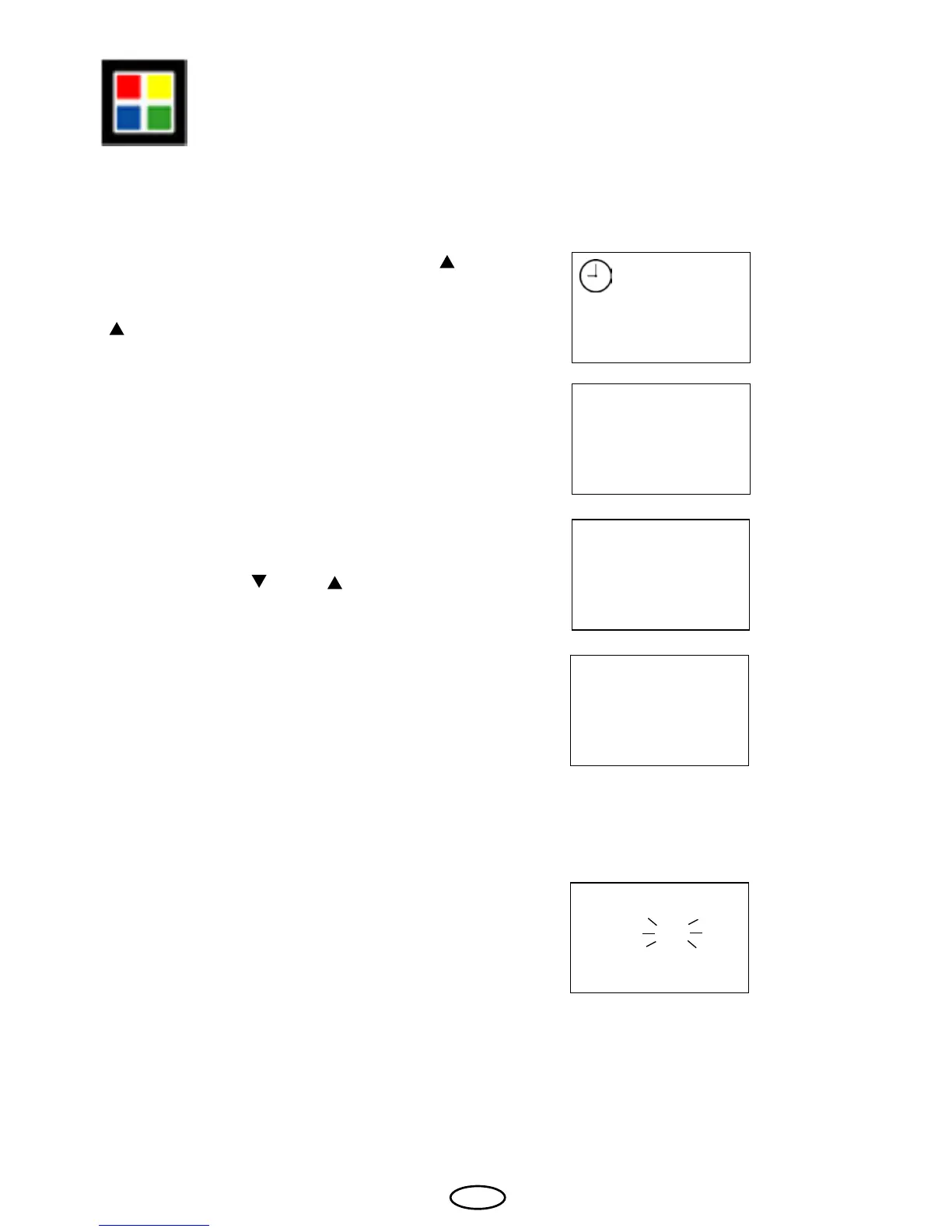
In order to link the colour light functions with
the heater, press the "Mode" and the "
"
button at the same time ("F1" and the clock
symbol appear on the display) and then the
" " button until "F5" appears on the display.
Conrm with the "Mode" button.
With the buttons "
" and " " you can now
set the required value.
Conrm the entry by continuously pressing
the "Mode" button until the newly set value
ashes on the display.
Afterwards the "F5" is briey shown until the
display returns to the basic state.
F5 Link colour light with the sauna heater
F 1
F 5
1
0
0
0 = The colour light function is
linked with the heater function.
i.e. the colour light automatically
turns on if the heater is switched on.
1 = The color light function is not linked
with the heater function and has to
be switched manually.
You can make the colour light system
switch on simultaneously with the heater.



 To Next Page