24
GB
F 1
F 10
5
8
8
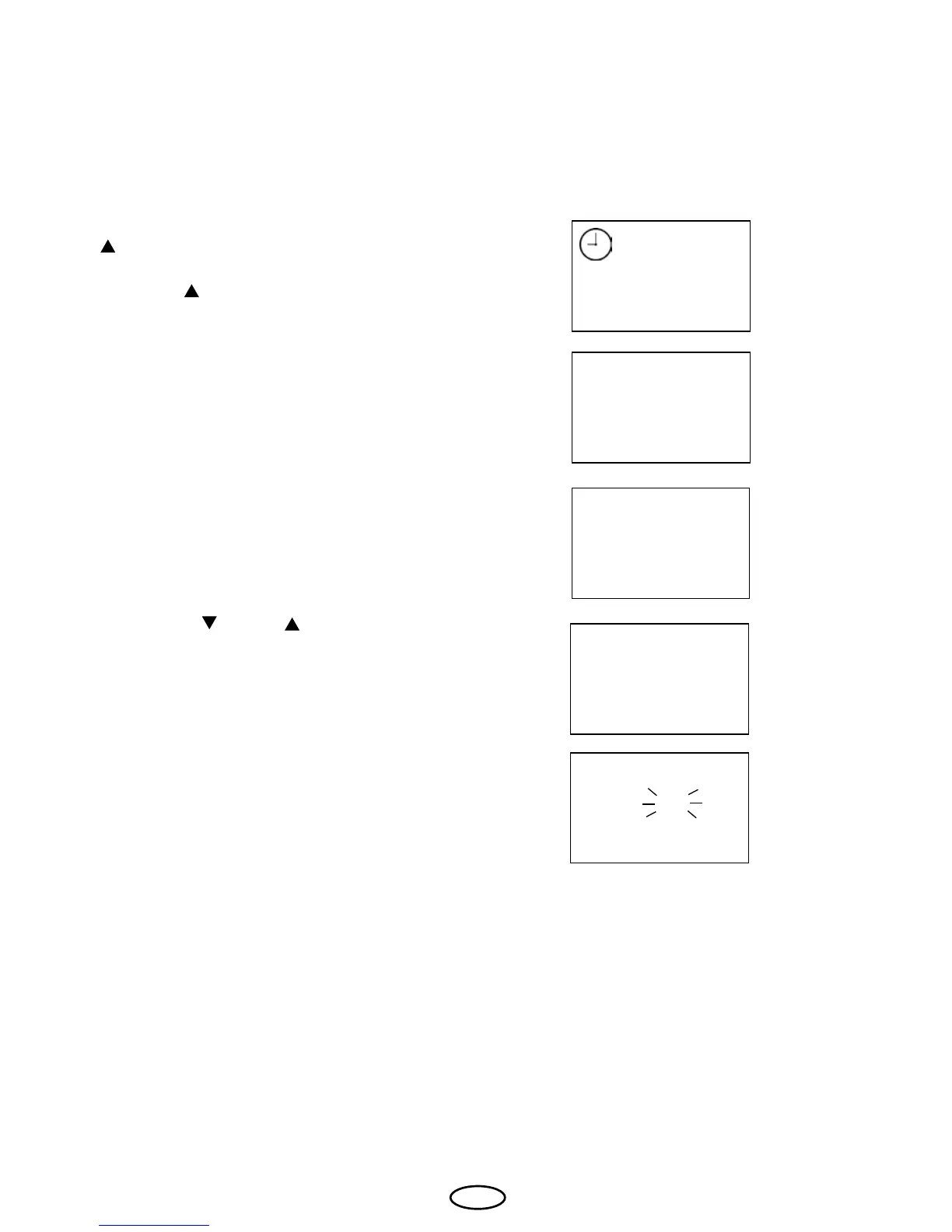
To set the reset time on submenus (the time
after which the display automatically returns
to the basic state), press the "Mode" and "
" buttons at the same time ("F1" and the
clock symbol appear on the display) and
then the " " button until "F10" appears on
the display.
Conrm with the "Mode" button.
Using the "
" and " " buttons, you can
now set the required value.
5 = 5 seconds
8 = 8 seconds
12 = 12 seconds
Conrm the entry by continuously pressing
the "Mode" button until the newly set value
ashes on the display.
Afterwards, the "F10" is briey shown and
the display returns to the basic state. The
new value is now stored.
F10 Reset time from the submenus



 To Next Page