27
GB
P0 Week timer
This program step will only appear if the device has been set for the "week
timer" mode during installation.
You can program up to 4 switching times (slots) for each day of the week in the
week timer menu.
The heating time for each slot can be between 30 minutes and 12 hours. After 12
hours heating a pause of 6 hours will be automatically added (legal requirement).
Manual switching of the sauna system is possible at any time. The week timer
will be disabled in this case. After the heating time limitation (e.g. 6 h) or the user
switches the heater off the weekl timer becomes enabled again (but not active).
Upon commissioning or after a longer period disconnected from the mains (time
setting is lost) the weekl timer is disabled.
Activation of the week timer
Setting the current day of the week
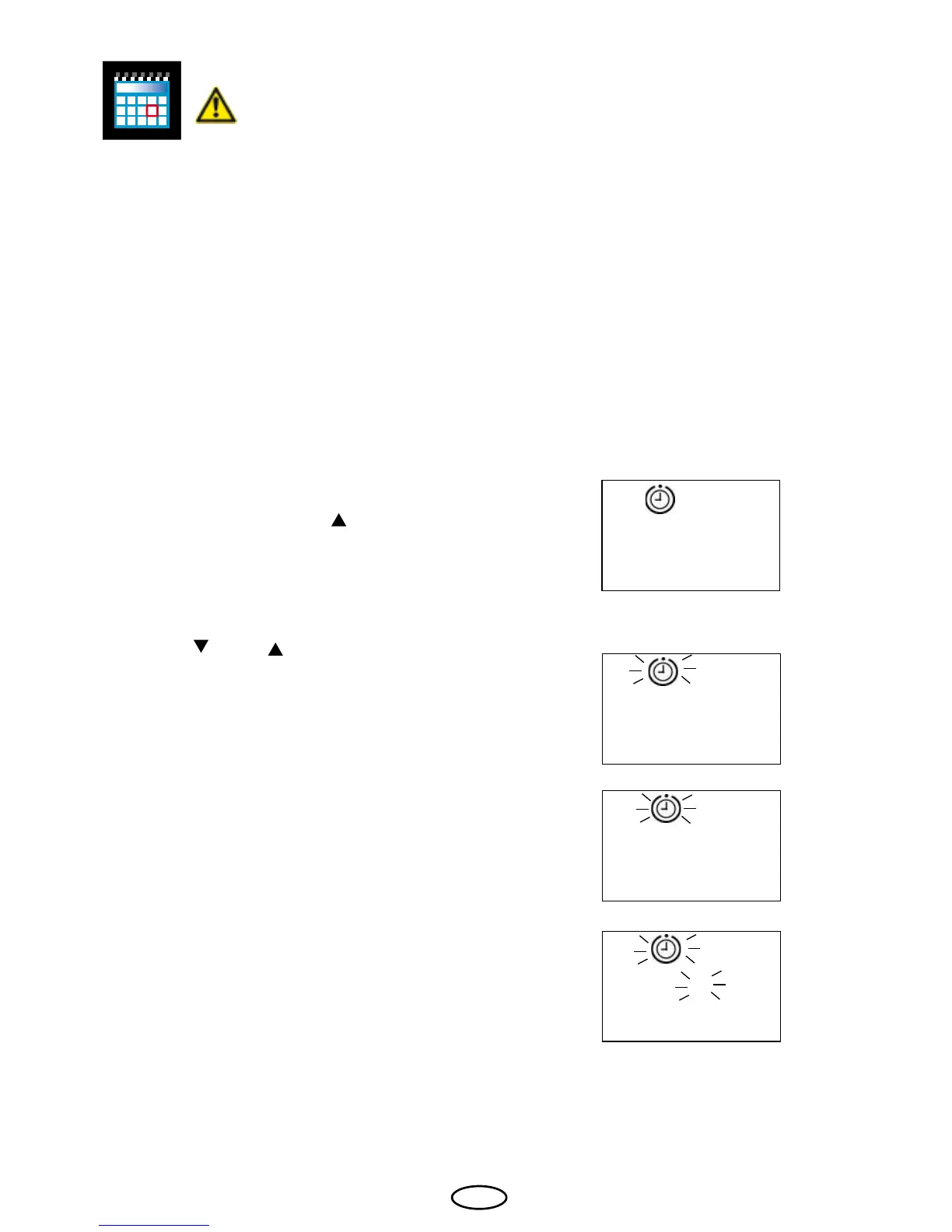
In order to activate the week timer, press the
"Mode" key and then the "
" key until the
time preselection symbol and "P0" appear
on the display.
Conrm with the "Mode" key.
Using the " " and " " keys, select the cur-
rent day of the week.
0 = Weekly timer deactivated
1 = Monday
2 = Tuesday
3 = Wednesday
4 = Thursday
5 = Friday
6 = Saturday
7 = Sunday
Conrm the entry by permanently pressing the
"Mode" key until the newly set value ashes
on the display.
Afterwards the "P0" is briefly shown until
the display returns to the original state. The
weekly timer is now activated and the current
day of the week is set.
0
1
1
P 0



 To Next Page