34
GB
20:03
If coloured light mode is to be switched off
use the previous instructions and set the
value to „0“.
It goes without saying that the sauna cabin
light can also be switched on and off in
coloured light mode. To do so press the
light switch as usual.
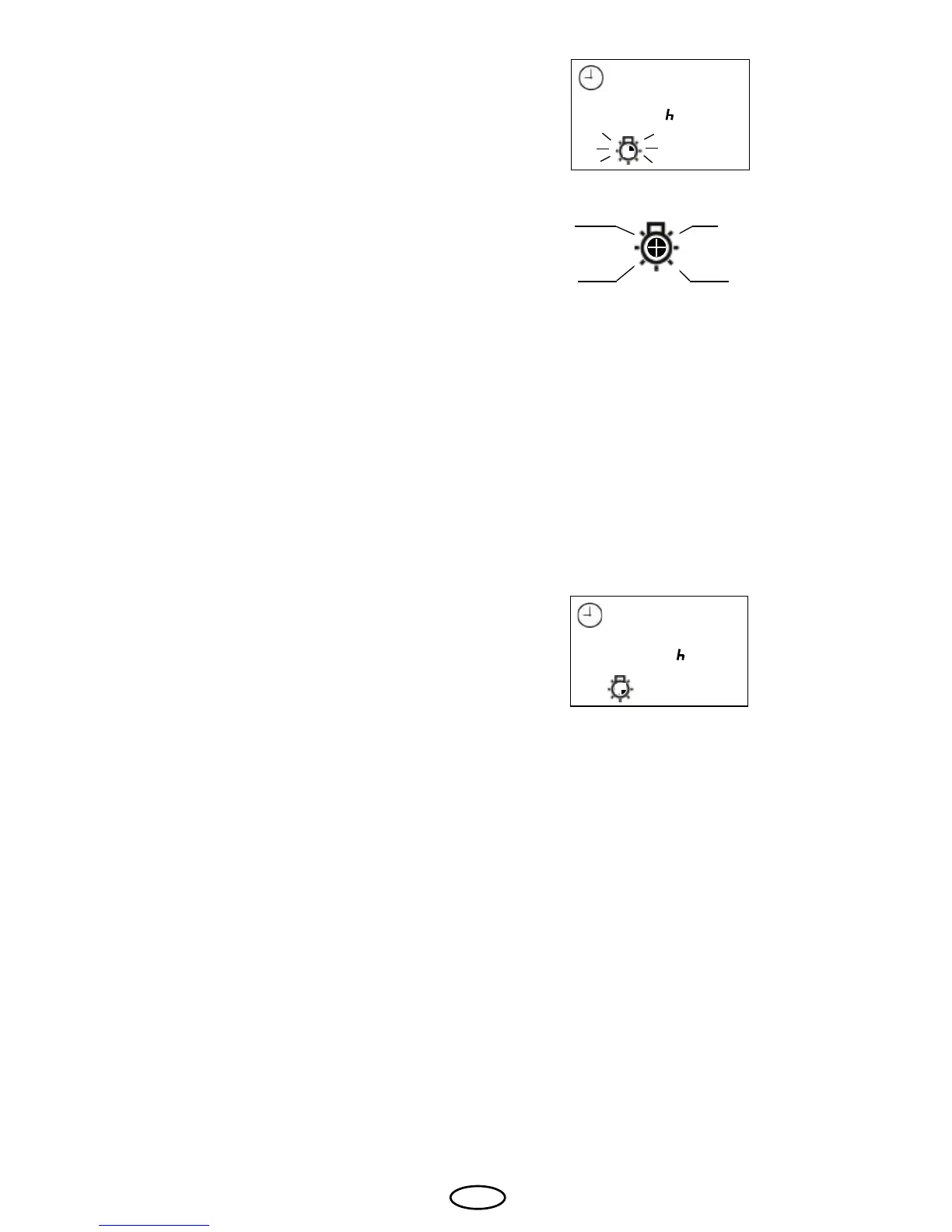
If the sauna light is on the coloured light icon
does not ash but is displayed constantly.
20:03
red
yellow
green
blue
When the coloured light is switched on the
control unit screen also displays the ashing
coloured light icon.
The coloured light icon indicates the segment
for the colour that is currently lit.
The colours are assigned as follows.



 To Next Page