Operation
Centrifuge 5702/5702 R/5702 RH
English (EN)
34
5.8.4 Setting a soft ramp
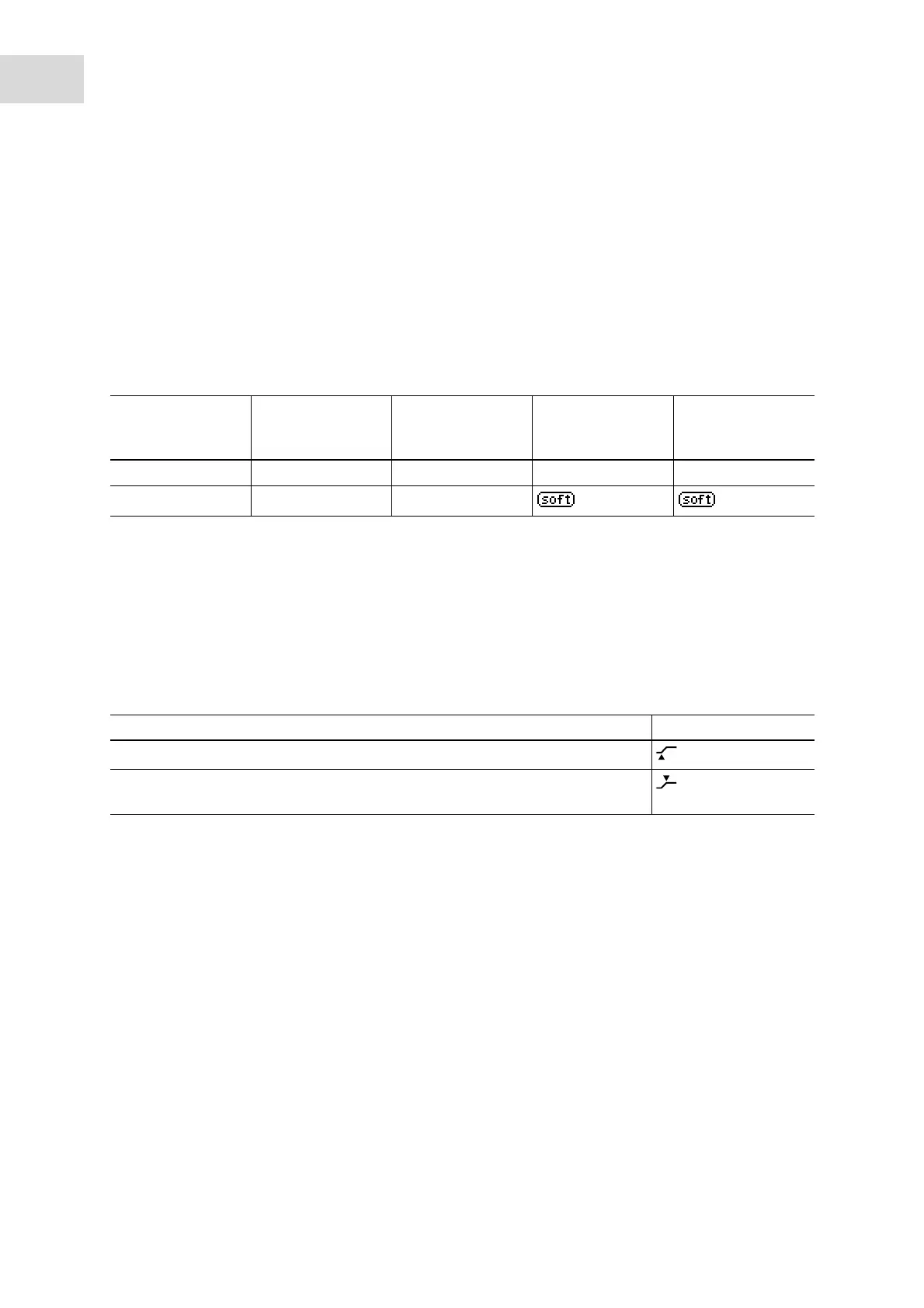
There are 2 settings for soft ramps available for the Centrifuge 5702/5702 R/5702 RH. Use the slow soft
ramps for sensitive applications.
Prerequisites
• The centrifuge lid is open.
1. To check which soft ramps are set, briefly press the short key several times.
The display shows the soft ramps that have been set.
2. Press the short key for > 5 s.
The setting for the soft ramps is modified. The display shows the current status.
3. To modify the setting for the soft ramps again, press the short key for > 5 s.
5.8.5 Setting the beginning of time counting (At set rpm function)
You can specify when time counting should start.
1. Press rotary knob time > 2 s.
The start of time counting is changed. The display shows the current status.
2. To change the start of time counting again, press rotary knob time > 2 s.
Soft ramps Centrifuge 5702 Centrifuge 5702 R
Serial number
< 03556
Centrifuge 5702 R
Serial number
> 03556
Centrifuge
5702 RH
Fast br on br on No symbol No symbol
Slow br OF br OF
Beginning of time counting Display
Time counting starts immediately (delivery condition)
Time counting starts when 95 % of the g-force and/or rotational speed has been
reached.



 To Next Page