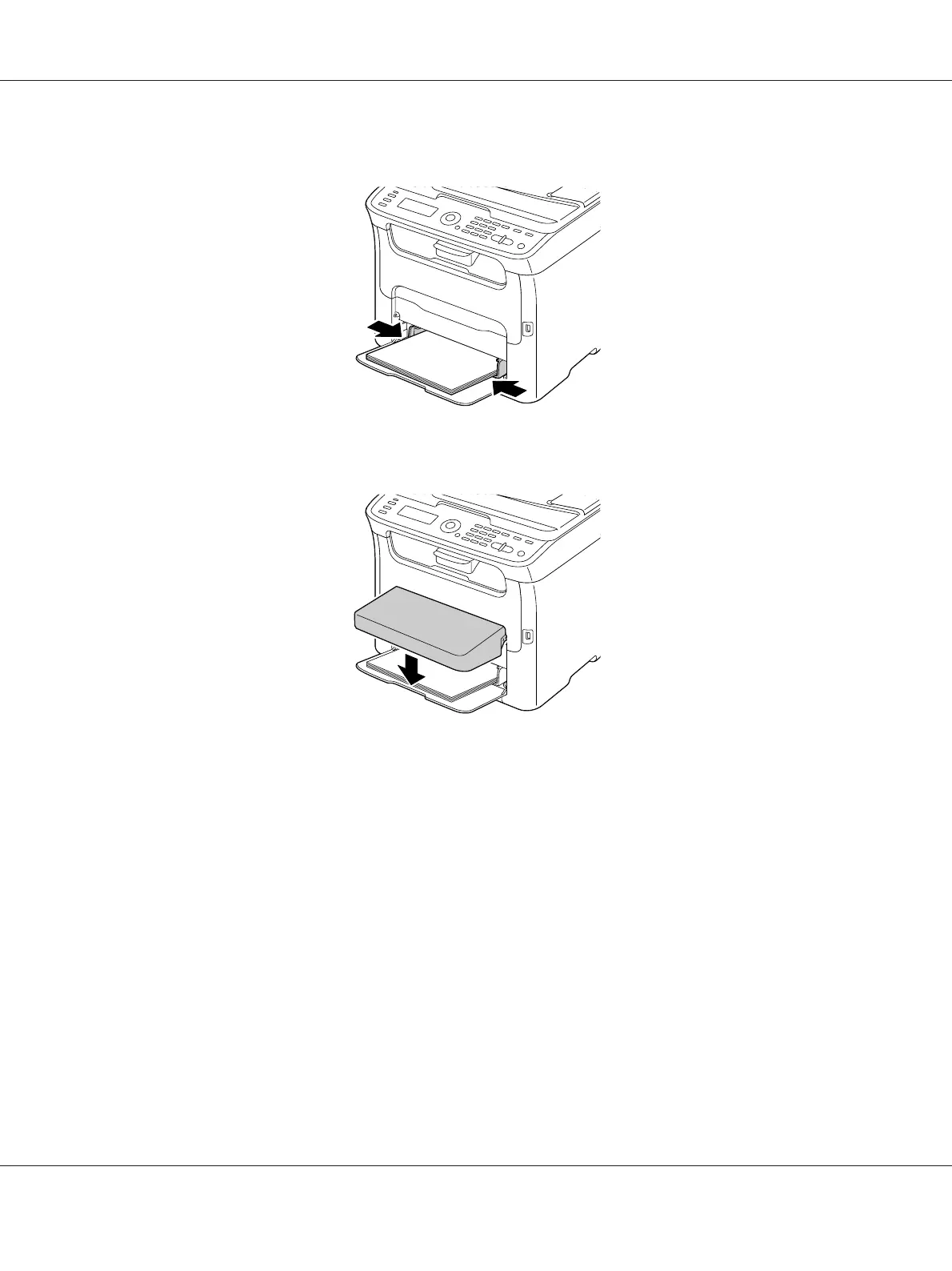
4. Slide the media guides against the edges of the paper.
5. Install the dust cover.
6. Select TRAY1 PAPER SETUP in the UTILITY menu, and then select the settings for the size and
type of paper that is loaded. See also “Print Media” on page 49.
Tray 2
Note:
Only A4 plain paper can be loaded in Tray 2.
AcuLaser CX16 Series Printer / Copier / Scanner User’s Guide
Media Handling 62



 To Next Page
 Loading...








