Image Shape
58
a
You can also open the Geometry Correction screen using the
[Keystone] button on the remote control (EB‑L255F/EB‑L250F).
Press the [Keystone] button and go to step 5.
c
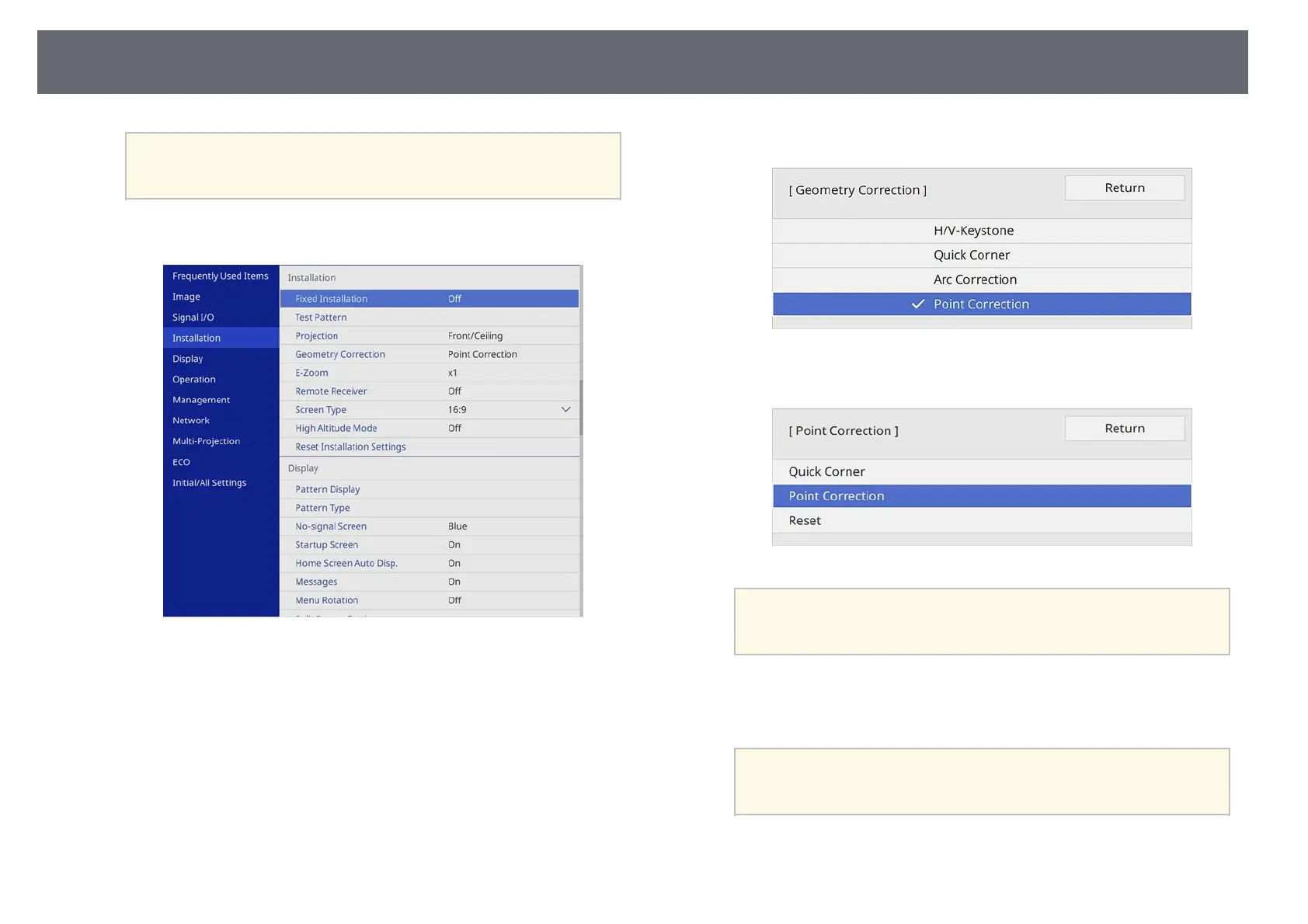
Select the Installation menu and press [Enter].
d
Select Geometry Correction and press [Enter].
e
Select Point Correction and press [Enter].
f
Select Point Correction and press [Enter].
a
For fine tuning, select Quick Corner to correct the shape and
size of an image roughly, and then select Point Correction to
adjust them precisely.
g
Select the point number and press [Enter].
You see the grid on the projected image.
a
If you want to change the grid color for visibility, press [Esc],
then select a different Pattern Color setting in the Point
Correction menu.











 To Next Page