Image Shape
59
h
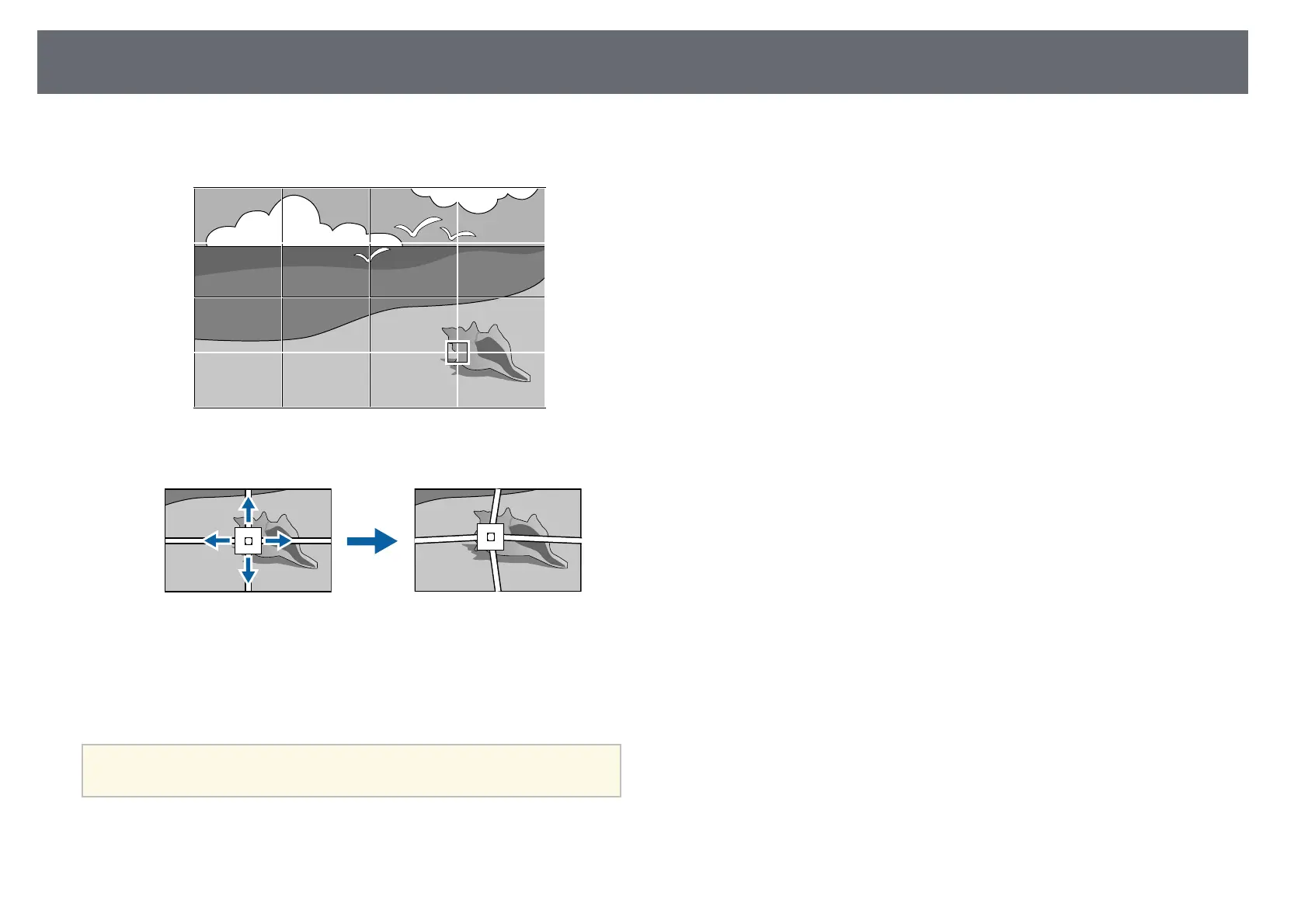
Use the arrow buttons to move to the point you want to correct, then
press [Enter].
i
Use the arrow buttons to correct distortion as necessary.
j
To correct any remaining points, press [Esc] to return to the previous
screen, then repeat steps 8 and 9.
k
When you are finished, press [Esc].
a
• To reset the Point Correction settings to their original positions,
select Reset on the Point Correction screen.
gg Related Links
• "Correcting the Image Shape with Quick Corner" p.53











 To Next Page