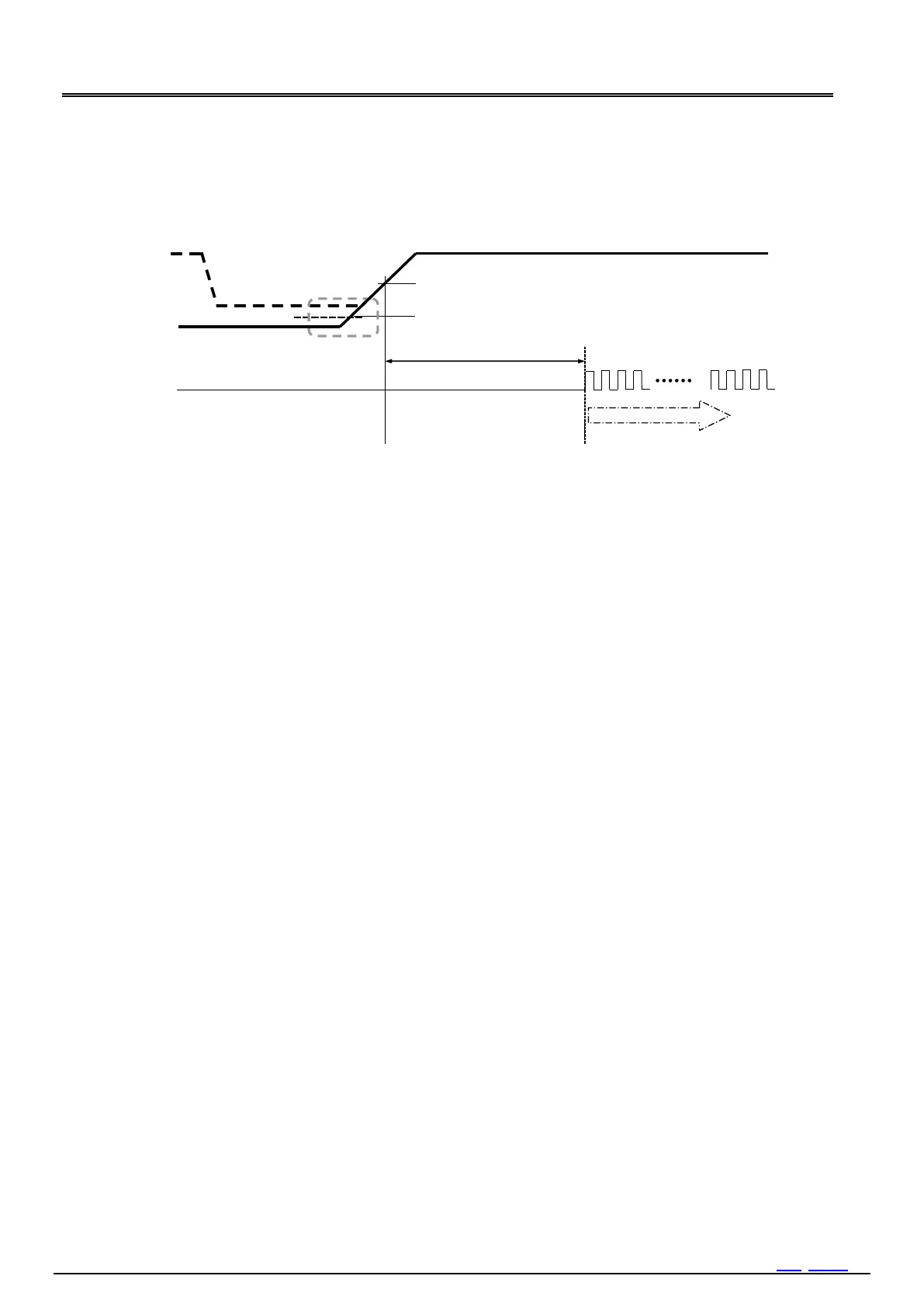
Figure 17 Recovery from Backup
10.3. Reset by Software
Software sequence for generating Power-on-reset
1) Power ON
2) Wait more than 40 ms. *1
3) Dummy readout *2
4) Confirm VLF-bit = 1.
5) Write 00h Address: Bank3 - 2h INIEN = 0b
6) Write 80h Address: Bank3 - Fh TEST = 1 *3
7) Write 6Ch Address: Bank5 - 0h
8) Write 03h Address: Bank5 - 1h
9) Write 10h Address: Bank5 - 2h
10) Write 20h Address: Bank5 - 3h
11) Wait more than 2 ms. TEST-bit is reset automatically. *4
*1 *1 When 40 ms waiting time is so long time in your system, an another method.
Jump to step3 from step1.
At step4, when VLF is 1, write 0 to VLF. While VLF is 1, repeat reset to VLF and verify VLF is 0.
If VLF is cleared to 0, jump to step5. In this method, it have possibility this sequence is short than 40 ms.
After 40 ms, when VLF doesn't reset to 0, go to step5.
*2 *2 Dummy reading. Any address is acceptable.
*3 *3 Should be execute this command even if VLF is 0. Even if VLF is 1, it available after step5.
*4 *4 2ms wait is needed for RESET completion.
Note: Except using this RESET sequence, never write 1 to a TEST- bit.



 To Next Page