RX4111CE Jump to Top / Bottom
ETM62E-02 Seiko Epson Corporation 37
14.5. Status Monitoring Function
It is a flag bit that detects the state of this product and holds the result. 3 kinds of status changes.
- Power ON Reset
- VLF bit is set
- XST bit is set.
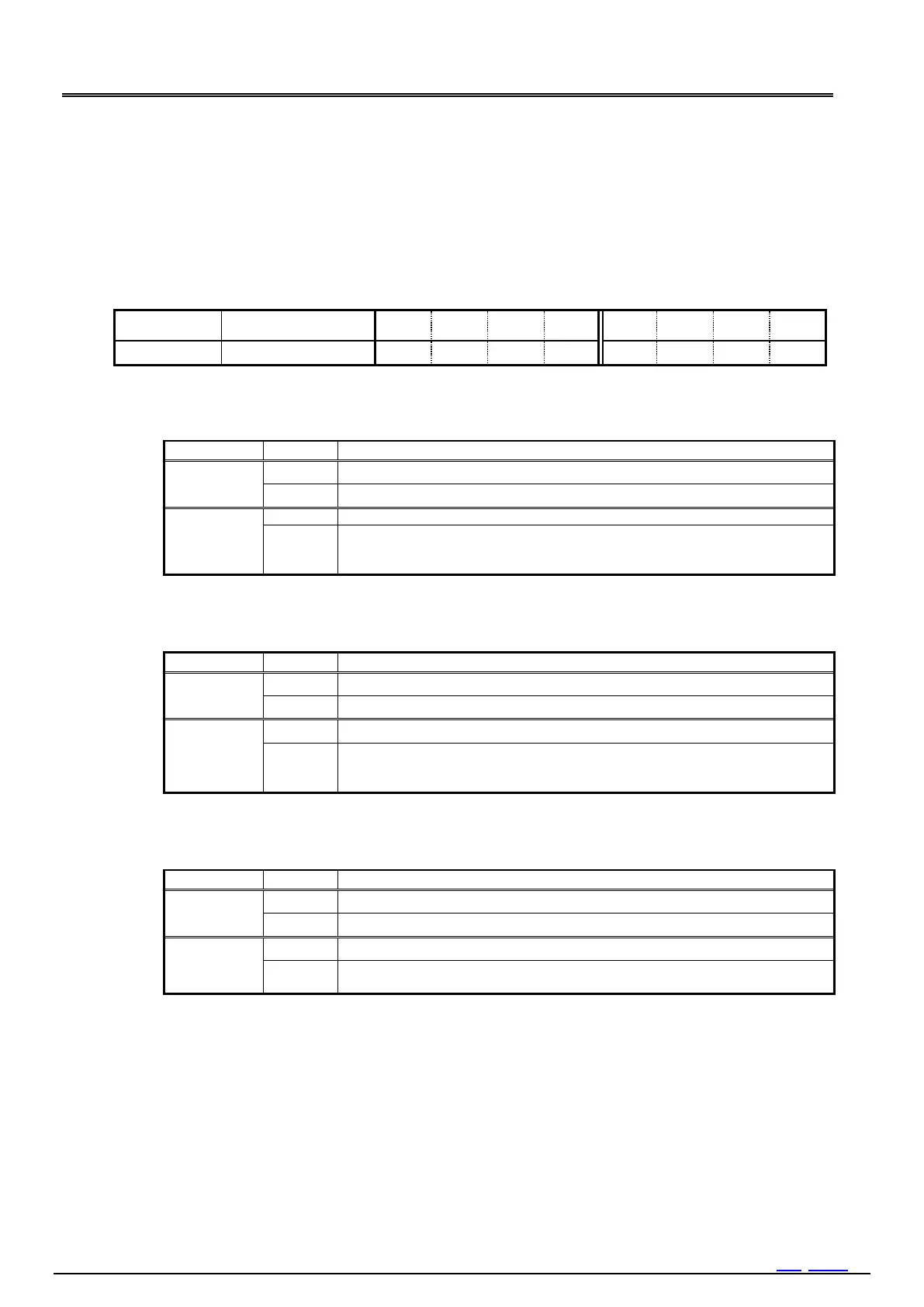
14.5.1. Related Registers For Status Monitoring.
Table 38 RTC Status Monitor Register
1) POR bit
Detects Power-on Reset (POR) occurred.
Table 39 POR bit (Power ON Reset)
Clear for next detection.
POR was detected.
(The result is retained until this bit is cleared to zero.)
The default value of the register is set by power-on reset.
2) VLF bit
VLF are set from POR or XST.
Table 40 VLF bit (Voltage Low Flag)
Clear for the next detection.
POR or XST was detected.
(The result is retained until this bit is cleared to zero.)
It is used for judgment of initialization of an RTC.
3) XST bit
When an oscillation of crystal is stopped, it is set.
Table 41 XST bit (Crystal Oscillation Stop)
Clear for the next detection.
Crystal oscillation stop was detected.
(The result is retained until this bit is cleared to zero.)



 To Next Page