SC-F9200 Series Revision C
ADJUSTMENT ADJUSTMENTS (Individual) 289
SE Group Confidential (Related Staff Only)
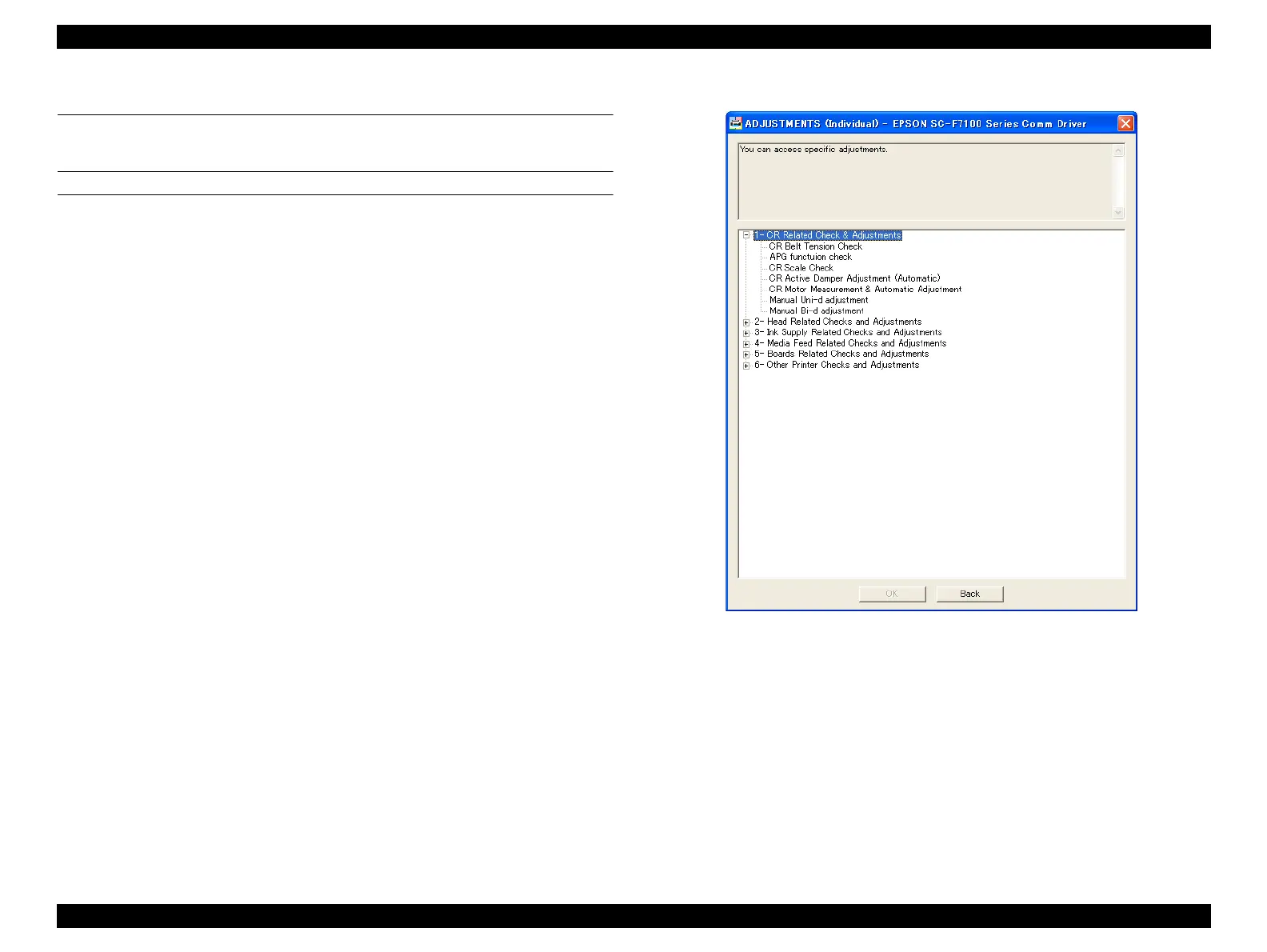
4.3 ADJUSTMENTS (Individual)
This mode executes the adjustment required for the repair individually.
PROCEDURE
1. Click [ADJUSTMENTS (Individual)] from the main menu.
2. Select the adjustment item that you want to execute and click [OK].
3. Follow the instructions on the screen to execute the adjustment.
4. Click [Back] to return to the main menu.
Figure 4-7. ADJUSTMENTS (Individual)



 To Next Page
 Loading...












