SC-F9200 Series Revision C
ADJUSTMENT Image & Test Print 292
SE Group Confidential (Related Staff Only)
4.6 Image & Test Print
The following functions are provided.
1. Prints an image file (.PRN file)
2. Transfers the .PRN file
PROCEDURE
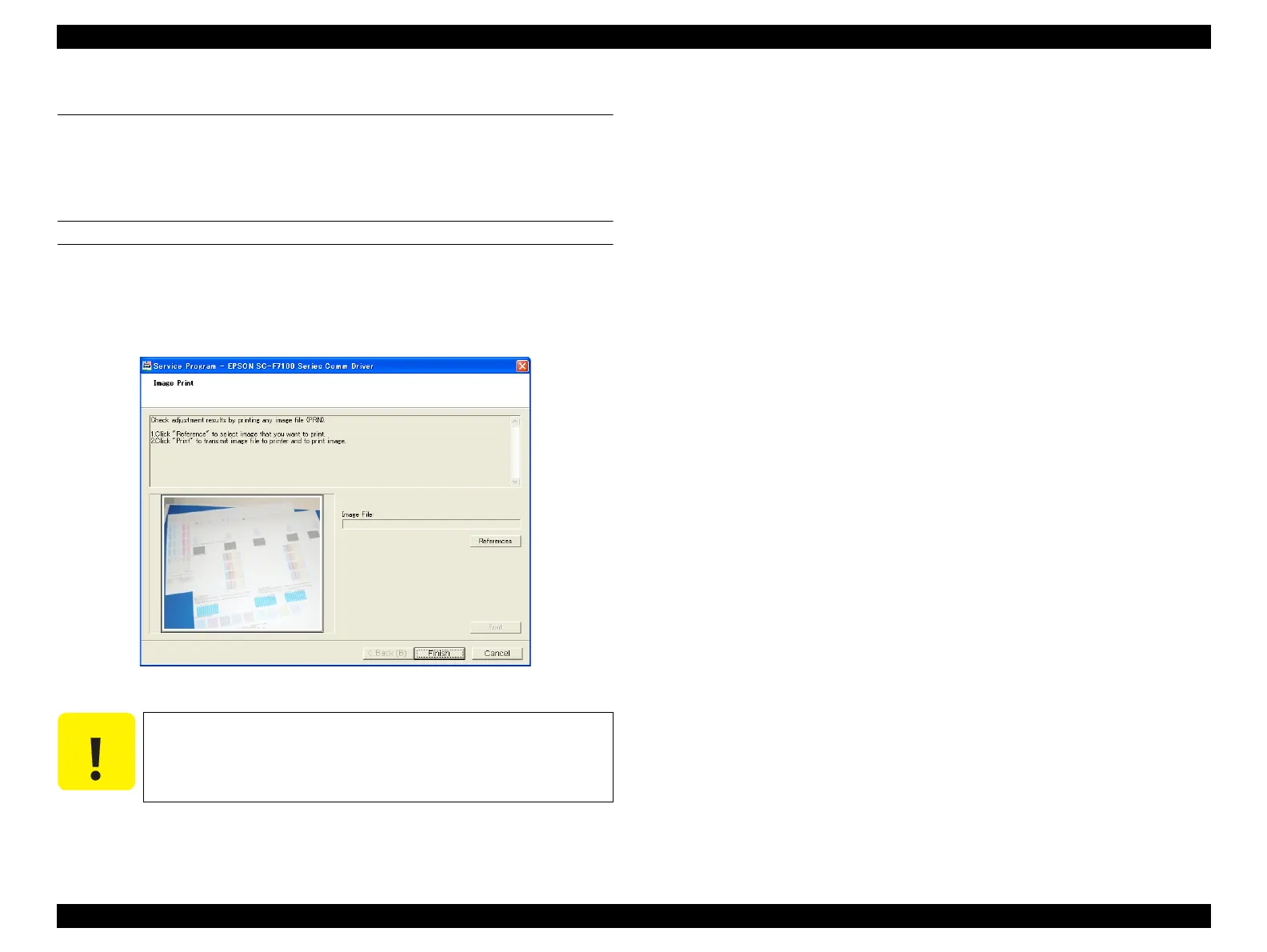
1. Click [IMAGE PRINT] from the main menu.
2. Click [Reference] to specify a file to print.
3. Click [Print].
Figure 4-10. [IMAGE PRINT] Screen
Be sure to write the file name of image file within 80 characters.



 To Next Page
 Loading...












