SC-F9200 Series Revision C
ADJUSTMENT Head Related Checks and Adjustments 308
SE Group Confidential (Related Staff Only)
4.11 Head Related Checks and Adjustments
4.11.1 Tube Inner Pressure Reduction
EXECUTION MODE
Normal Mode
PROCEDURE
1. Turn the printer ON.
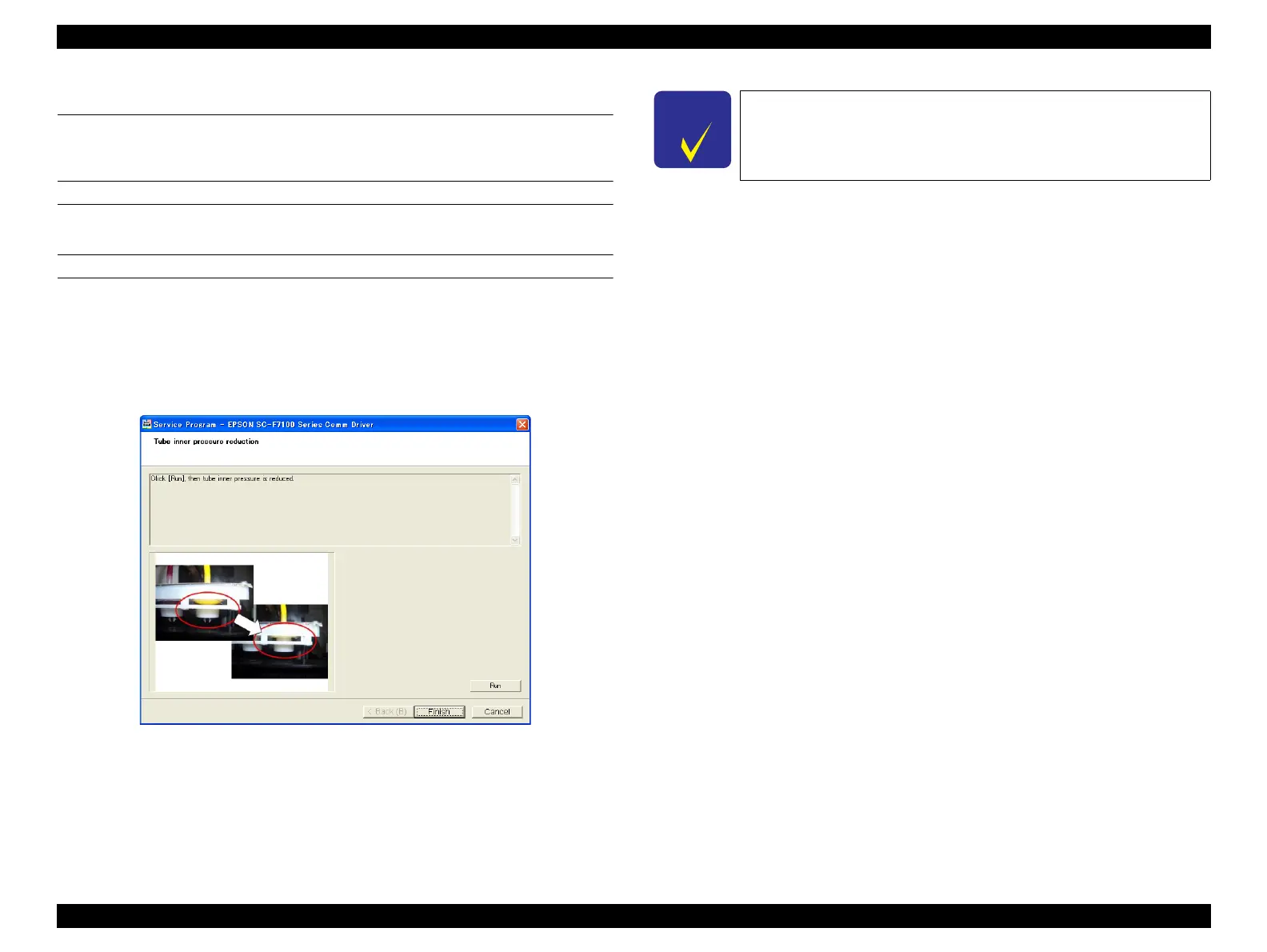
2. Start the Service Program and select Tube inner pressure reduction.
3. Click [Run].
The pressure inside the ink flow paths will be reduced.
Figure 4-29. [Tube inner pressure reduction] Screen
4. Click [Finish].
5. Turn the printer OFF to finish the adjustment.
After the printer is recovered from the depressurized state, perform
CL3 a few times.



 To Next Page
 Loading...












