18
1 Enter the name of the group. You can enter up to 64 characters.
2 Select the icon.
3 Select a parent group if you want to register a group to it. (You must create the parent group
before you can add groups to it.)
3. Click Register.
You see the registered group in the Epson Projector Management main screen.
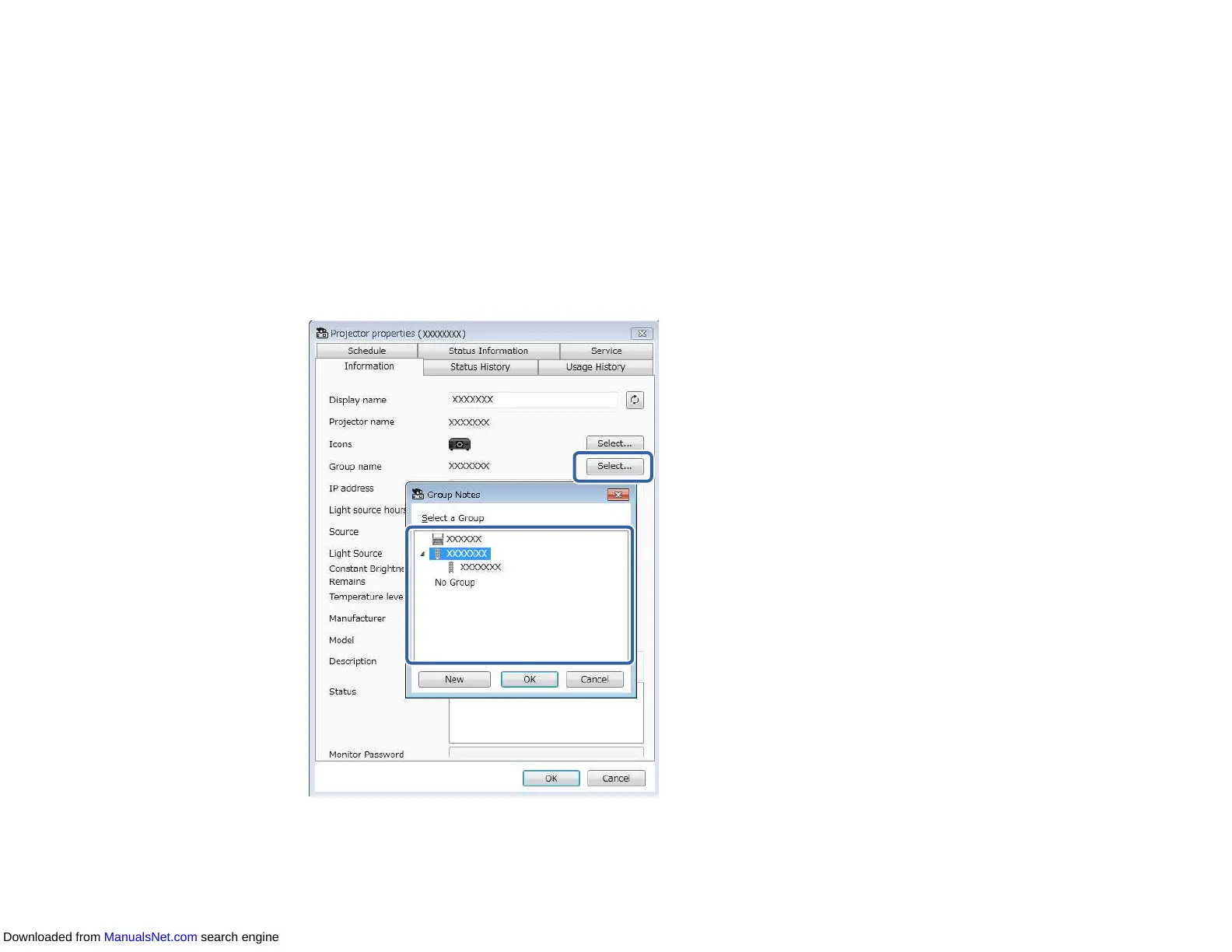
4. Double-click the projector icon that you want to register to the group.
5. Select the group in which you want to register the projector, and then click OK.
Downloaded from ManualsNet.com search engine



 To Next Page